The scene, the world, the intensity
Menu, exploration, combat, boss, or cutscene. Fantasy, sci-fi, horror, cozy, or retro. Low, medium, or high. A video game music generator writes that cue.


One cue for one scene: menu, exploration, combat, a boss, or a cutscene. The next scene is another generate.
One instrumental cue for a menu, an exploration scene, a fight, a boss, or a cutscene. The next scene is another track. It does not switch itself, and it does not export a seamless loop.
Menu, exploration, combat, boss, or cutscene. Fantasy, sci-fi, horror, cozy, or retro. Low, medium, or high. A video game music generator writes that cue.
Leave Instrumental only on so the cue is not singing over the line. You still mix it with the dialogue and the sound effects in the game.
Generate the fight separately and name the same instruments if you want them related. This page does not switch cues, reuse a motif on purpose, or export a seamless loop.
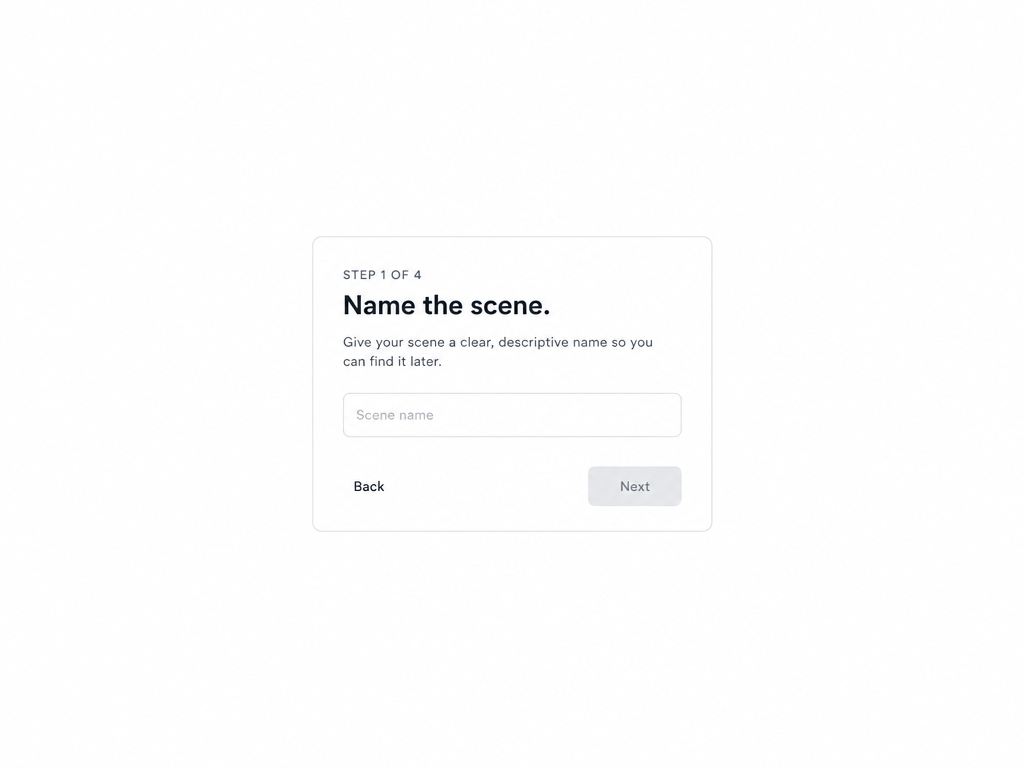
Name the scene, the world, and the intensity, set the length of this cue, then generate the next scene separately.
Indie developers, game jam teams, RPG prototype makers, and streamers who need music under commentary.
 Indie developersPeople building a game without a composer yet. They need one cue for the scene they are in, instrumental, so dialogue can sit with it.
 Game jam teamsSmall teams with a deadline. They need a menu cue and a fight cue as two generates, before the build is due.
 RPG prototype makersPeople blocking out a field and a battle. They need those as separate tracks, and they can name the same instruments if the two should feel related.
 StreamersPeople talking over gameplay. They need instrumental music under the commentary, at the length of that segment, not a full score.
A quieter exploration cue, a harder battle cue, and a menu cue you can try to loop. The join is not made seamless here.

AI music for game exploration scenes. Name the world and ask for lower intensity.

Generate battle music for a video game as its own track, with higher intensity.

A cue you can try to loop. The file still starts and ends. The join is not processed here.
“I wrote “exploration, fantasy, low intensity, room for dialogue” and set the length of the cue.”
“The fight was a second generate. I named the same instruments.”
“I did not get a seamless loop. I got a cue I could place.”
Continuez — ces outils vont bien avec ce que vous venez de lire.