Name what it is for
A video, a presentation, an ad, or a livestream. A background music generator starts from that job, not from a genre label.

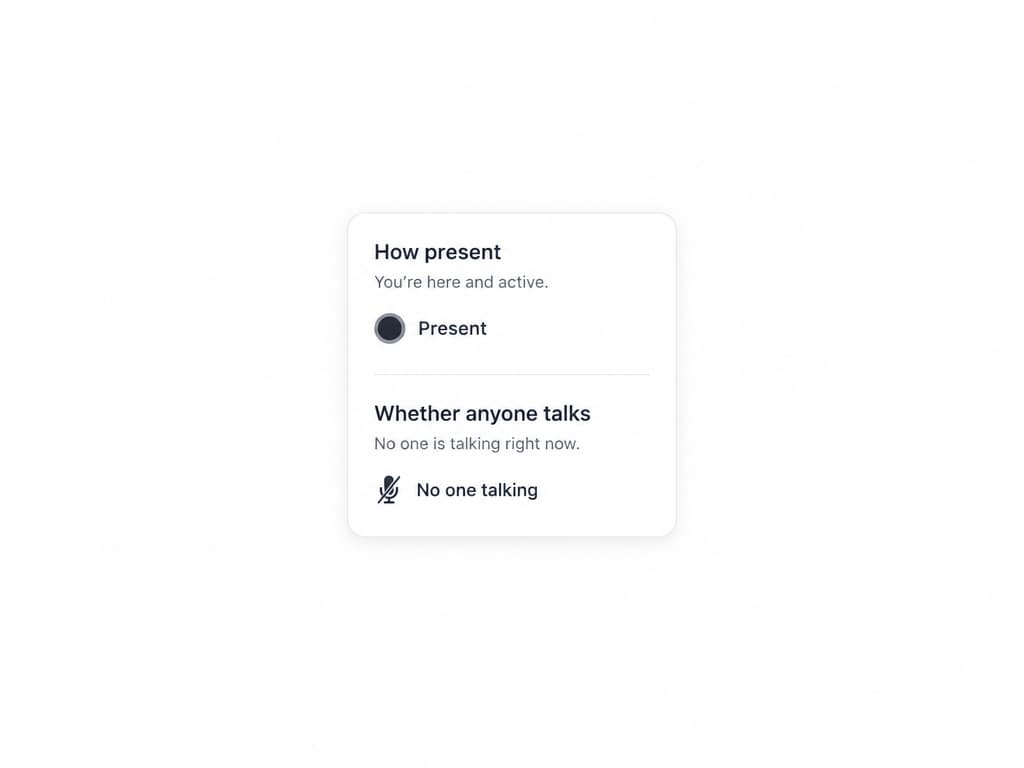
Music for the thing in front: a video, a presentation, an ad, or a livestream. You say how present it should be.
Music for a video, a deck, an ad, or a livestream. You say if someone is talking and how present the music should be, then set the level in the edit.
A video, a presentation, an ad, or a livestream. A background music generator starts from that job, not from a genre label.
Say if someone is speaking, and whether the music should stay back, sit in the middle, or come forward. That is a writing direction. It does not duck, set a loudness number, or mix the voice for you.
Instrumental only starts on. Describe the mood: calm, warm, upbeat, inspiring, or suspenseful, and set the length to the piece.

Name the piece, say if someone talks, set the length to that section, and place the file yourself.
Video editors, presenters, ad producers, and livestreamers who need music behind the main thing.
 Video editorsPeople scoring a scene under picture. They need a track at the length of that scene, written to stay back if someone is talking.
 PresentersPeople giving a talk or a deck. They need calm music under their voice, and they still set the volume in the slides.
 Ad producersPeople finishing a commercial. They need music for the length of the spot, and a commercial license they can send with the delivery.
 LivestreamersPeople who keep a stream running. They need an instrumental track for the broadcast, at the length they set for this file.
Under a voiceover, in a commercial, or through a deck section. Singing stays off when someone is talking. Volume and fades stay in your edit.

Create instrumental music for voiceover. Leave singing off and say the voice is there.

Commercial background music for the spot. Set the length to the ad.
Set the length to the section. You fade it in the presentation.
“I wrote “presentation, calm, someone talking, music stays back” and set the length to the section.”
“No one was talking in the product film, so I asked the music to come forward.”
“I still set the volume in the edit. The track was written as background, which is what I needed.”
Continue criando — essas ferramentas combinam bem com o que você acabou de ver.