

Rainy Window Study
Lo-fi beats for studying, 75 BPM.
2:00
An AI music maker turns a mood into a finished instrumental. Describe the vibe, set the length and get background music in minutes, with zero music skills required.
By Nora Ellis · Updated
Each came from one short Style line in the AI music maker.
Lo-fi beats for studying, 75 BPM.

A cinematic score for travel videos.

Bright ukulele pop for a vlog.
Give music maker AI these five details for a track that fits.
| Detail | Example | What it changes |
|---|---|---|
| Mood | Calm, hopeful, playful | Chords and energy |
| Genre | Lo-fi, cinematic, acoustic pop | Drums and groove |
| Instruments | Piano, strings, ukulele | The main sound |
| Tempo | 75 BPM | Speed of the beat |
| Length | 2 minutes | Sections and ending |
Start with a vibe, then switch off the vocals.
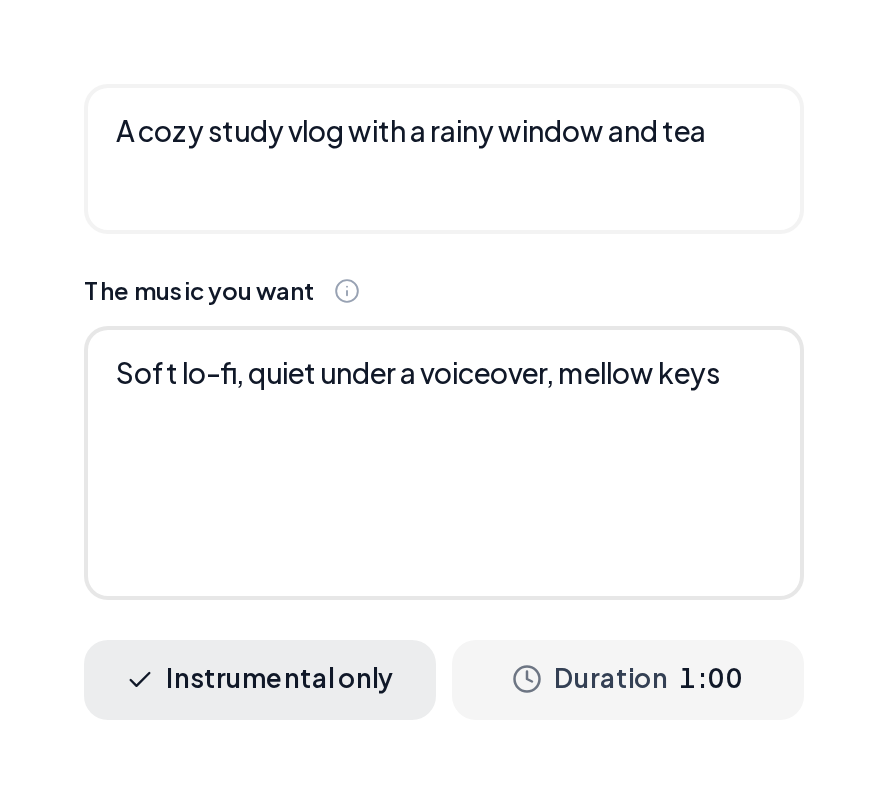
Open Background Music, say what the track plays under and describe the music you want.
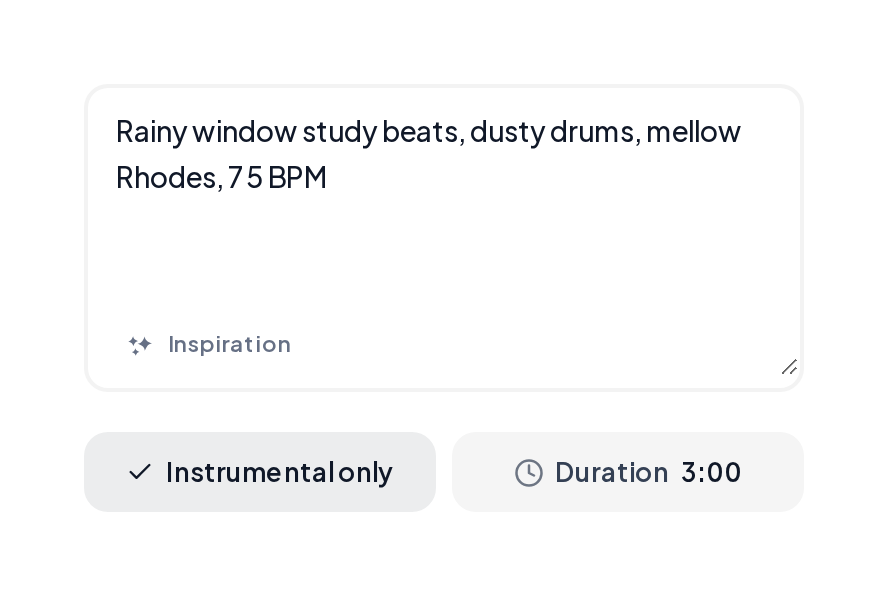
In a style tool such as the Lo-fi Generator, describe the beat, turn on Instrumental only and pick a length from 15 seconds to 6 minutes.

Background music sized to your edit.
A short theme for every episode.
Steady tracks for levels and menus.
Long calm tracks for focus.
Yes. You can try the AI music maker free in your browser. Each run returns two complete instrumentals to compare.
Yes. Tracks come with commercial licensing and a downloadable certificate for videos, podcasts and streams.
Add a BPM to Style, such as 75 BPM for study beats or 120 BPM for an upbeat vlog.
Yes. Ask for a steady groove and an even ending, then trim the loop in your editor. The Video Game Music Generator sets it up for you.
Yes. Switch Instrumental only off and add lyrics in Custom to turn the same idea into a song.
Use 15 to 30 seconds for intros, 1 to 2 minutes for short videos and 3 minutes or more for study and focus sessions.
Pick a mood in the AI music maker and hear two instrumentals in minutes.