

1. Language
An AI song vocal generator improves when you name English, Spanish or others.
Best for: bilingual demos
An AI song generator with vocals sounds clearer when you name language, vocal color and genre before you hit generate.
By Nora Ellis · Updated

Small style-line details, big vocal differences.
An AI song vocal generator improves when you name English, Spanish or others.
Best for: bilingual demos

Low, bright, airy, raspy and similar cues.
Best for: character vocals

Pop, R&B, folk and more set phrasing.
Best for: style fit
Style line first, then pick the clearer singer.
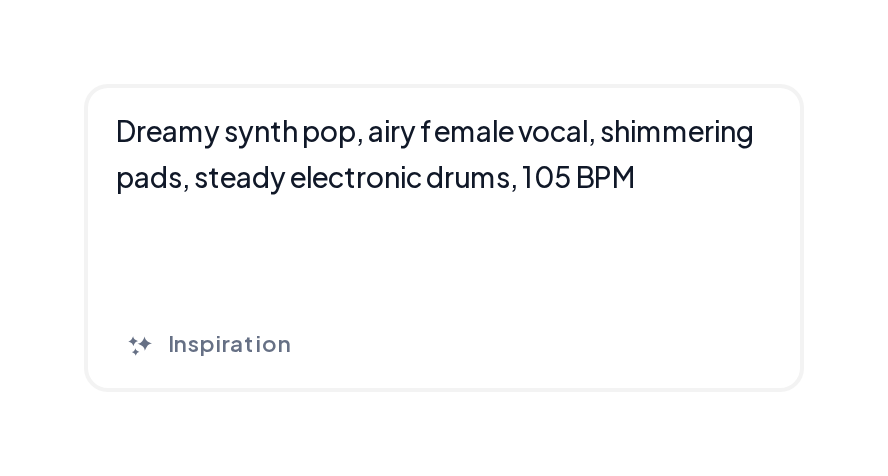
Open the Music Generator, write a style line with genre, mood, language and male or female vocal notes.
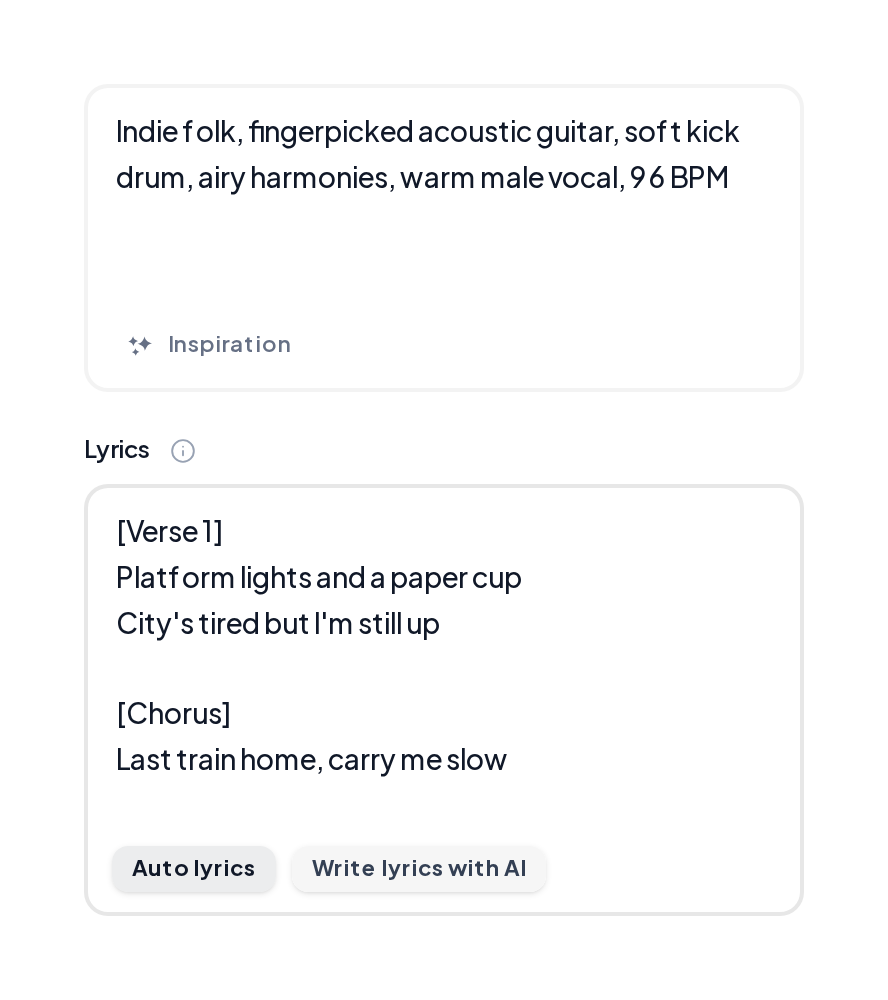
Listen to both versions, then export the take with the cleaner phrasing.
Sung MusiCraft results with clear leads.
Indie pop vocal
Bright female lead on a night-drive hook.
Country vocal
Warm story-led singing.
Soft vocal
Gentle acoustic color.
Copy, then swap the adjectives.
| Goal | Style seed | Listen for |
|---|---|---|
| Bright pop | indie pop bright female clear diction | Hook consonants |
| Warm story | country warm male storytelling | Verse clarity |
| R&B glide | rnb airy female smooth runs | Legato lines |
| Bilingual | spanish pop bright female | Language lock |
Keep the sung take usable:
AI song generator vocals improve when color and language beat vague adjectives.
Open Music GeneratorA/B both takes before you export.
Export once diction and tone fit the song.
MusiCraft sings the lines for you from lyrics or Auto lyrics.
Name the language in the style line when you want a specific one.
Add words like low baritone or bright soprano in the style line.
Two full versions each generate.
Shorten dense lines and regenerate.
Write a style line with vocal color, then hear two sung takes.