

1. Video underscore
Soft beds under voiceover.
Best for: content beds
An AI instrumental generator turns style chips into two pure beds for video, games and study loops.
By Nora Ellis · Updated

Pick the bed by job and length.
Soft beds under voiceover.
Best for: content beds

Steady loops at short lengths.
Best for: loops

Drum-first instrumental.
Best for: beat beds
Instrumental on, length set, compare both beds.
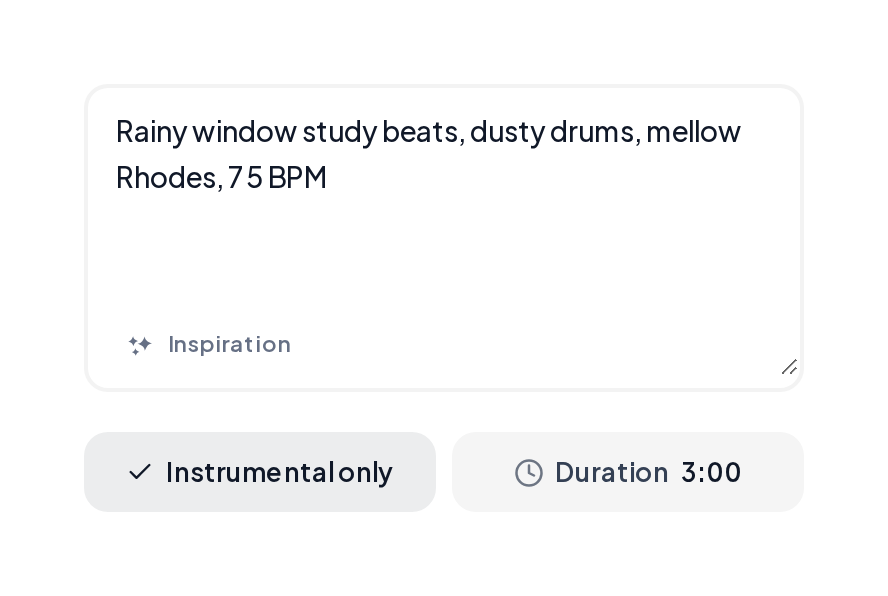
Open the Music Generator, enable Instrumental, write genre, mood and instruments.
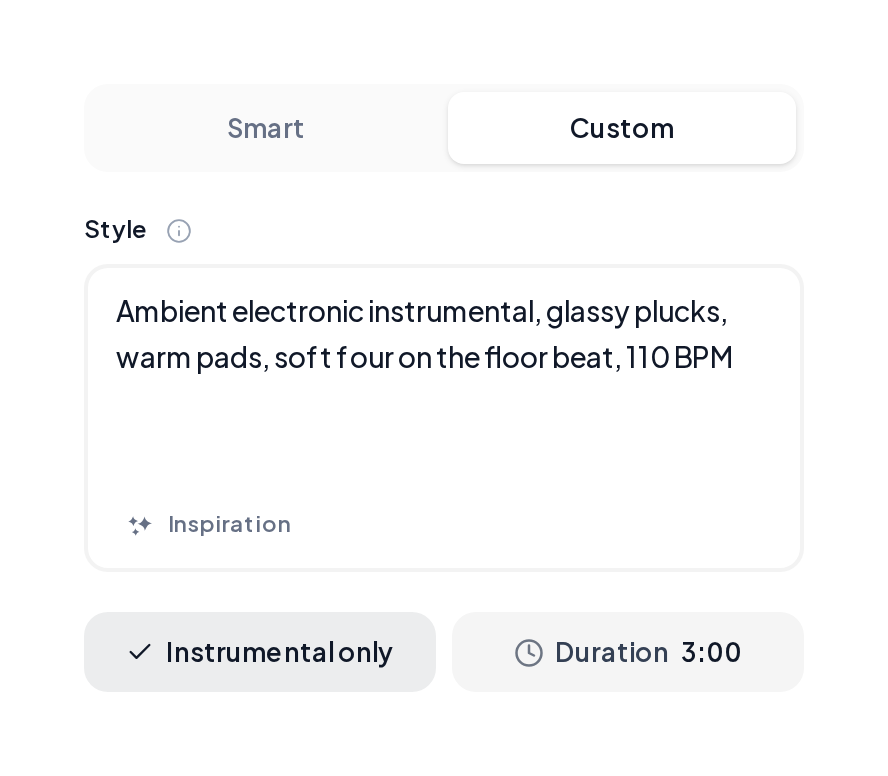
Use 15 to 120 seconds for loops or longer for scenes, keep the cleaner bed.
Three beds from an AI instrumental generator.
Lo-fi study bed
Dusty drums under soft keys.
Travel underscore
Strings and soft pulse for footage.
Game loop
Steady chip-leaning bed for levels.
Keep Instrumental on, swap the scene.
| Goal | Prompt seed | Listen for |
|---|---|---|
| Study bed | Lo-fi instrumental 75 BPM dusty drums Rhodes vinyl soft | Calm loop |
| Travel bed | Cinematic instrumental piano strings soft drums 100 BPM | Soft swell |
| Game loop | Chiptune-leaning instrumental 110 BPM steady arpeggio drums | Clean loop |
Keep the bed write tight with an AI instrumental maker:
Yes. Start in the browser and preview beds before export.
Open Background Music when the bed sits under voice or video.
Use the AI Beat Maker for drum-led loops; keep Music Generator for fuller beds.
Two full takes each generate.
MusiCraft offers commercial licensing and a downloadable certificate.
Turn Instrumental on and hear two beds in Music Generator.