

1. The beat
Kick, snare, hats and bass set the pocket you write on.
Best for: groove first
Hip-hop production brings drums, bass, samples or synths, bars and arrangement into one track. Here is how the craft works and how AI helps you move faster.
By Nora Ellis · Updated

Build the pocket, the bars and the arrangement.
Kick, snare, hats and bass set the pocket you write on.
Best for: groove first

Rhymes and flow ride the pocket with clear stress on the beat.
Best for: writers and MCs

Intros, hooks and outros turn a loop into a song.
Best for: full sketches
Two steps from groove sketch to a fuller song idea.
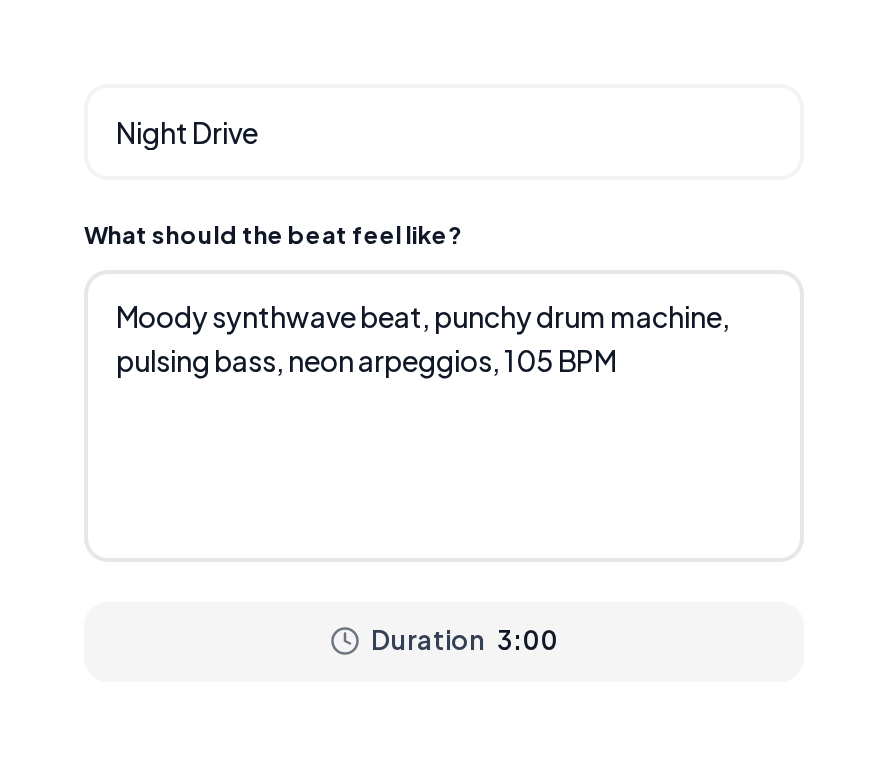
Open the Beat Maker, describe drums, tempo feel and mood, then generate two instrumental takes.
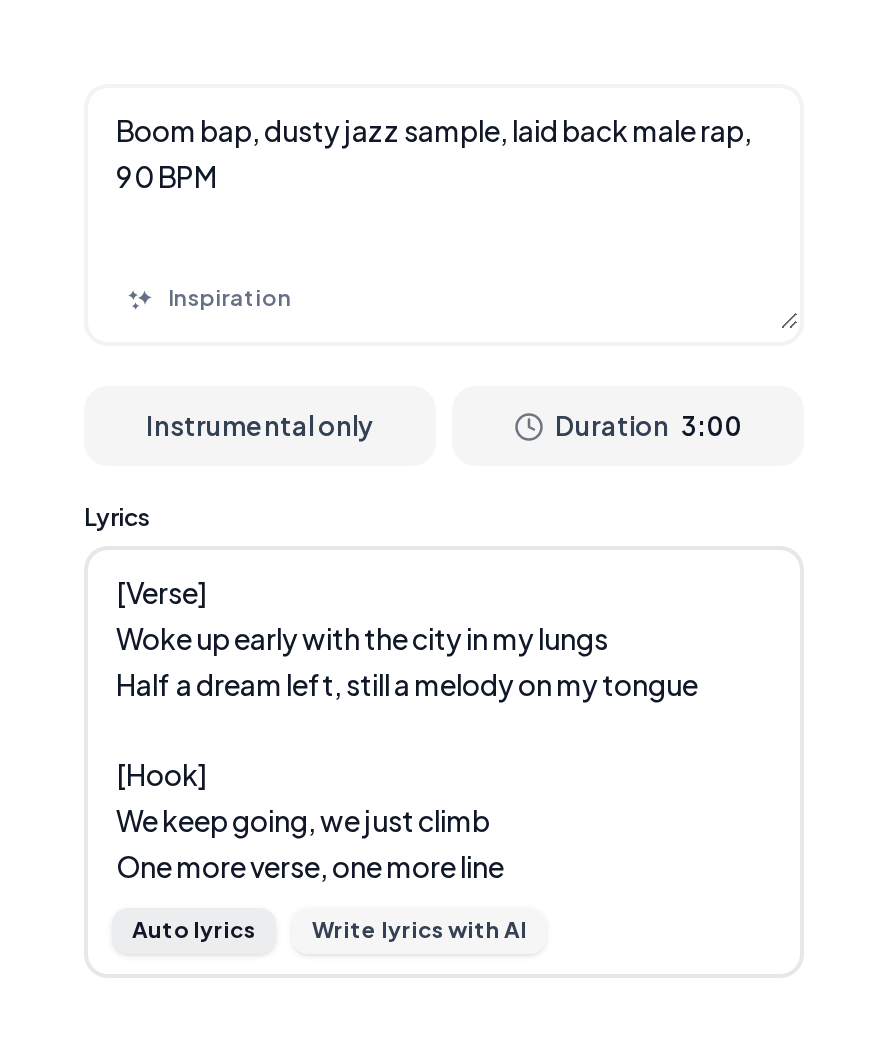
Carry the pocket into the Hip-Hop Generator for melody, arrangement and room for vocals.
Three MusiCraft results: a boom-bap pocket plus two rap-ready arrangements.
Boom-bap, Beat Maker
A dusty instrumental pocket for writing bars.
Boom-bap song
A fuller sketch with room for an MC.
Trap arrangement
A modern trap bed with melodic space.
Pick the tool that fits the next part of the track.
| Your goal | Start with | You get |
|---|---|---|
| A pocket today | AI Beat Maker | Two instrumental takes |
| A fuller sketch | Hip-Hop Generator | Beat with melodic room |
| Locked tempo | BPM and Key Finder | Numbers for the next part |
| Drums alone | Stem Splitter | Separated drum stem |
Stay in one browser stack from sketch to stems.
It is building the beat, writing bars, arranging sections and shaping the mix into a finished track.
Start with a groove in Beat Maker, then expand with Hip-Hop Generator so the pocket stays consistent.
You can begin in the browser, then move stems into a DAW when you want deeper edits.
Write bars that match the pocket, or draft with Rap Lyrics Generator, then sing or rap over the instrumental.
Yes. Beat Maker, Hip-Hop Generator, BPM and Key Finder and Stem Splitter cover sketch, expand, lock tempo and split parts.
Open Hip-Hop Generator and build a pocket-to-song sketch in minutes.