

1. Scene from a photo
Upload, then hear two moods.
Best for: social posts
Image to music reads a photo's scene and light, then returns two original song takes you can compare in the browser.
By Nora Ellis · Updated

Image to music paths by job.
Upload, then hear two moods.
Best for: social posts

Describe the picture in Style.
Best for: quick drafts

Instrumental for a timeline.
Best for: reels
Image to music flow: upload a clear photo, hear two takes.
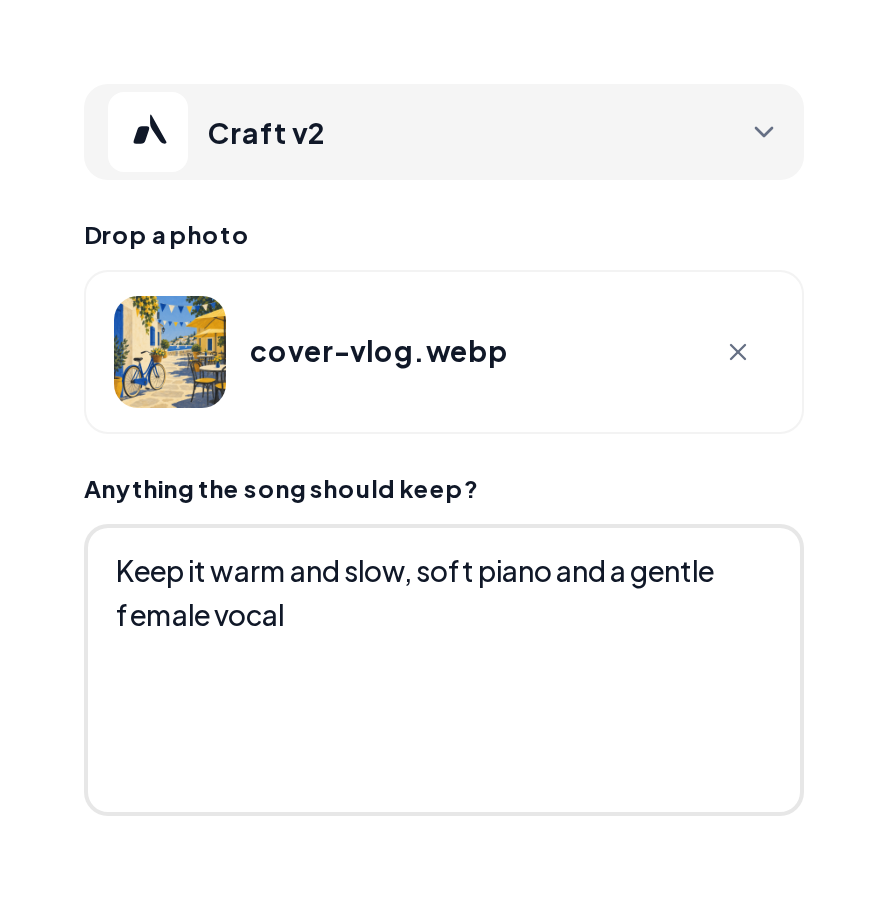
Open the Photo Generator, drop a scene with readable light and subject.
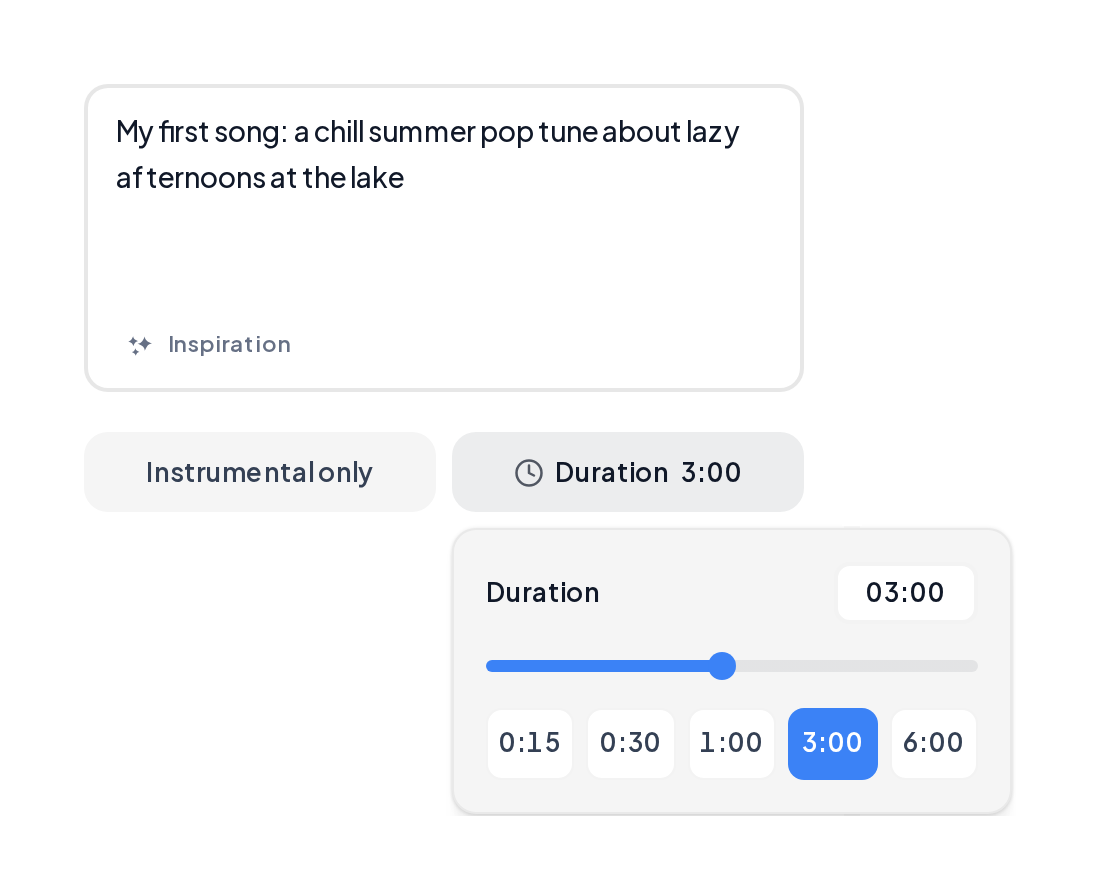
Compare both versions, keep the take that matches the mood.
Three image to music takes inspired by photo moods.
Sunset glow
Warm pads from golden light.
City night
Pulse from neon streets.
Forest calm
Soft acoustic from green shade.
Use when you describe a picture in Style.
| Goal | Prompt seed | Listen for |
|---|---|---|
| Sunset glow | Warm sunset cinematic soft pads 85 BPM instrumental golden | Warm pads |
| City night | Neon city night pulse 118 BPM dark synth short | Night pulse |
| Forest calm | Forest calm acoustic soft 90 BPM gentle instrumental | Soft acoustic |
Turn photo into song tips that keep moods clear:
Open the Music Generator and describe the photo in Style.
Two full takes each generate.
A clear subject and lighting steer mood better than busy collages.
Use Instrumental when you want beds under video.
MusiCraft offers commercial licensing and a downloadable certificate.