

1. Theme first
One sentence for who, where and the feeling.
Best for: story-led writers
A simple path to write your own song: lock the theme, map sections, draft lyrics, then hear a melody you can revise.
By Nora Ellis · Updated

Pick the starting door that fits today.
One sentence for who, where and the feeling.
Best for: story-led writers

Block verse and chorus before lines.
Best for: planners
A short chorus title, then fill verses.
Best for: pop writers
A write a song online loop from outline to playable demo.
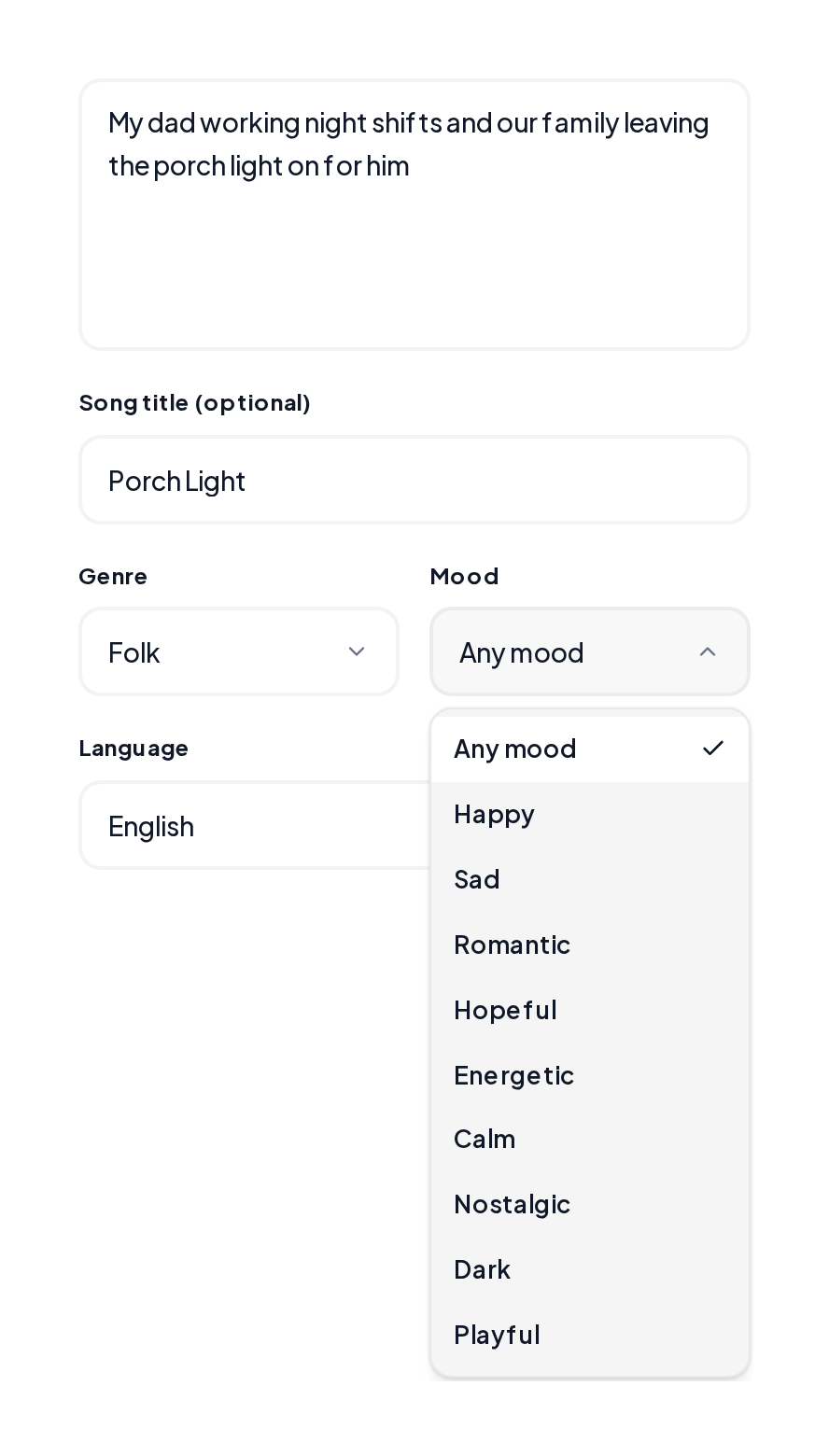
Write one sentence for the story, then mark [Verse], [Chorus] and optional [Bridge] so the song has a shape.
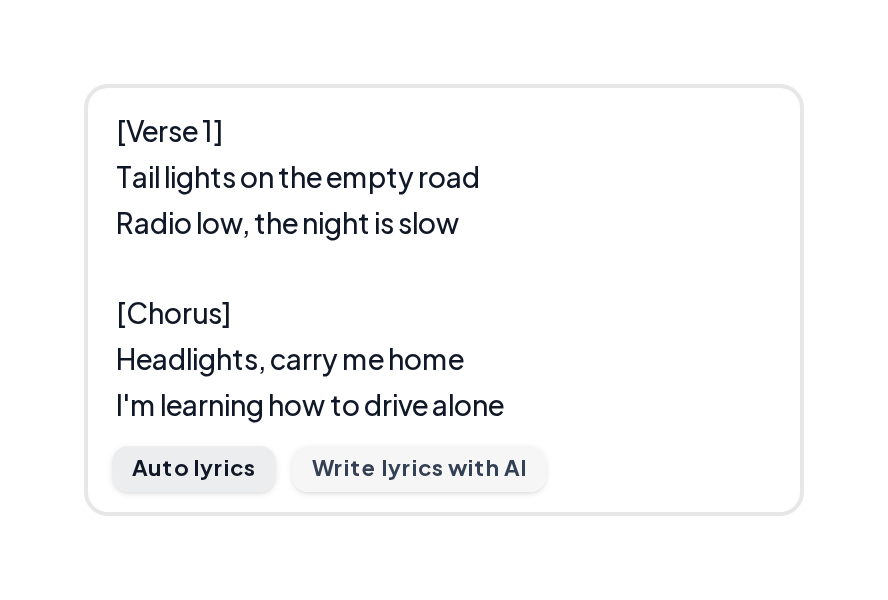
Open the AI Lyrics Generator or paste lines into the Music Producer, generate two takes, and keep the clearer one.
Three demo directions after you write my song.
Indie pop sketch
Bright chorus energy for a new theme.
Country story
Narrative verse with a warm hook.
Co-write porch light
Gentle acoustic color for a soft idea.
Use both when it helps.
| Stage | On paper | In MusiCraft |
|---|---|---|
| Theme | Notebook line | Style + title fields |
| Lyrics | Longhand verses | AI Lyrics Generator |
| Melody | Hum into phone | Music Producer takes |
| Decide | Circle keepers | Pick of two versions |
When you write song drafts and write songs online, keep the loop small:
Ship a small version before you polish forever.

Export the clearer of the two versions.
Yes. Start with your theme, draft lines, then generate so the tool can write me a song style demo you can edit.
Yes. You can write a song online free in the browser and hear takes before you export.
Yes. You can write my own song online: lyrics first, then melody and vocal in Music Producer.
One verse and a chorus is enough to test the idea.
Tighten the style line and generate again for two new versions.
Bring a theme and let MusiCraft help write a song for me style demos you still control.