Loading…
How to Pick Music Transcription Software That Fits Your Music
Good music transcription software turns a recording into notes you can read, play and teach. Use these five checks to choose a tool that matches your instrument and your goal.
By Elise Moreau · Updated


Five things great transcribe music software gets right
Test each one with the same short clip of music transcription software output.
Pitch accuracy
The melody notes match what you hear.
Rhythm and bars
Note lengths, bar lines and time signature line up with the beat.
Chord symbols
Changes land on the right beat with sensible names.
Instrument fit
The output suits your part, from a sung line to a full band.
Workflow
Upload, check with playback and keep the result in minutes.
Match the tool to your instrument
Pick the output style first, then the tool.
| You play | Output to look for | Good starting point |
|---|---|---|
| Voice | One clean melody line with tempo | Lead sheet, Melody only view |
| Band or songwriter | Melody plus chord symbols | Lead sheet, Melody + chords view |
| Guitar | Chords over the tune for strumming | Lead sheet with chord symbols |
| Piano | Both hands on a grand staff | Dedicated piano transcription software |
Run a quick accuracy test
Two steps tell you more than any feature list.
1. Upload one 30 second clip everywhere
Pick a verse with a clear tune and a steady beat. Drop the same MP3, WAV, M4A or FLAC into each tool, or grab a song from My Music.
2. Score each result while it plays
Check bar lines, chord changes and note pitches against the recording. Busy mixes read cleaner after a pass through the Stem Splitter.
See a lead sheet style result
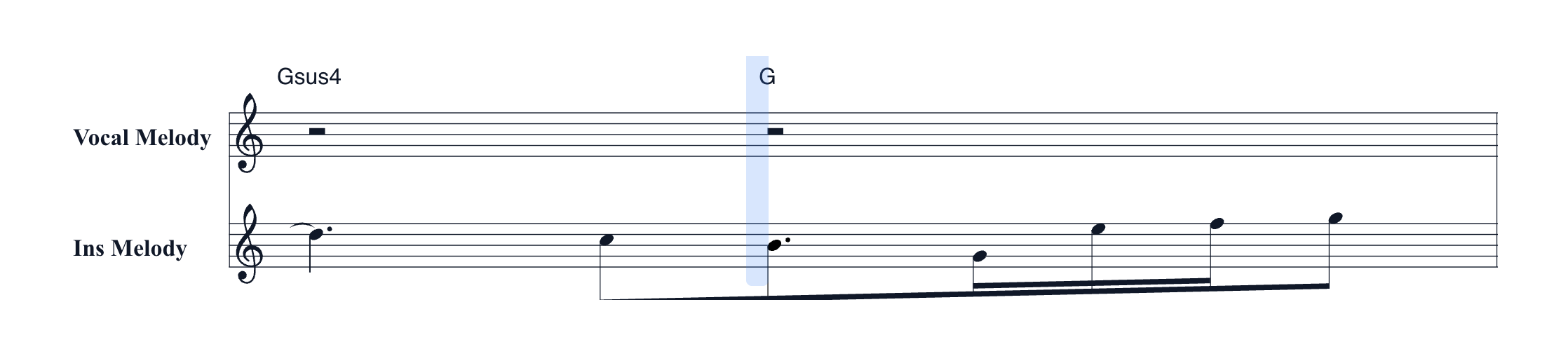
Upload a song and MusiCraft writes the tune and the harmony onto one page.
Two melody staves
The vocal melody and the instrumental melody each get their own staff.
Chords and tempo
Chord symbols, tempo, key and time signature sit right on the page.
Two views
Switch between Melody + chords and Melody only in one click.
Click to jump
Click any note and the piano playback moves to that spot.
Build a simple transcription workflow
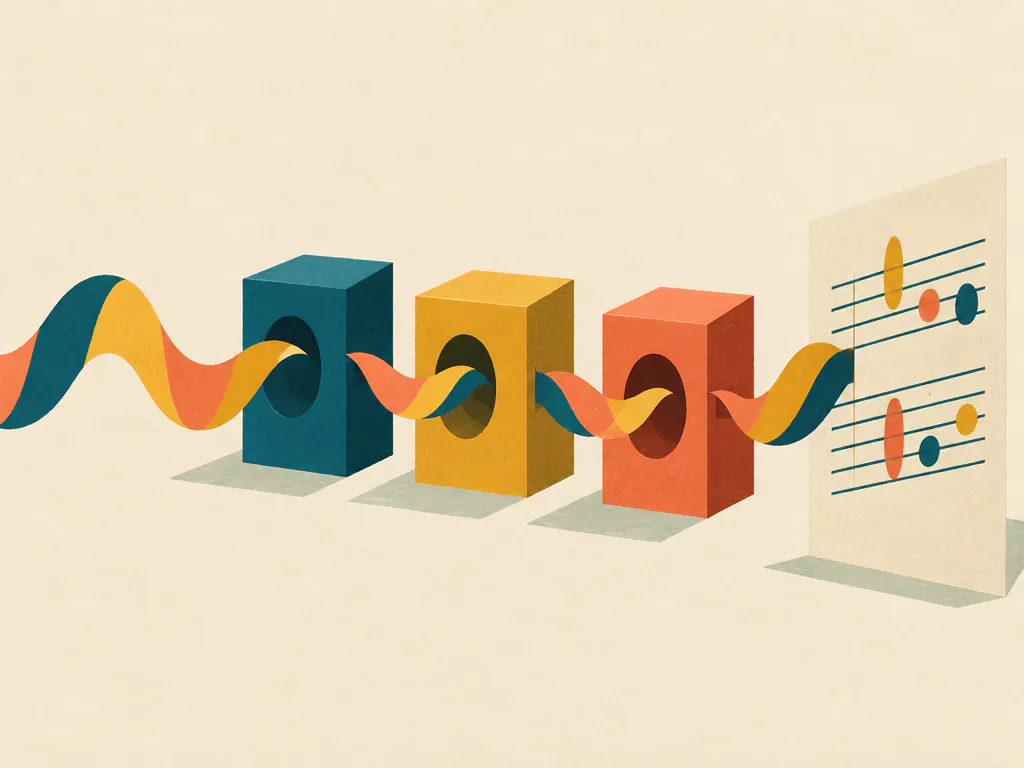
Three habits keep each session short and useful.
Clean busy mixes
Pull a lead part out first with the Stem Splitter.
Check tempo
Confirm BPM and key with the BPM and Key Finder.
Practice with playback
Click any note and the piano playback jumps there, lighting each note as the score scrolls.
Music transcription software questions
How do I trial music transcription software fairly?
Use one 30 second clip with a clear melody and a steady beat. Run it through each option and score rhythm, chords and pitch side by side.
Do I need to install anything?
MusiCraft runs in your browser on a computer or a phone. Sign in, upload a song and your sheet appears in History, usually in minutes.
Which audio files work?
MP3, WAV, M4A and FLAC up to 10 minutes. You can also pick a song you already made in My Music.
How accurate is AI transcription?
Pitch on a clear lead line is usually strong. Rhythm is the hardest part, so check bar lines with playback and clean busy mixes first.
Does the sheet include chords?
Yes. Chord symbols sit above the staff, and the Melody only view hides them when you want a clean line.
Can I keep the result?
Yes. Save the lead sheet as PDF, PNG or SVG, or grab MIDI for each melody and the chords.
Turn your next song into a lead sheet
Upload a recording and read the melody, chords and tempo in minutes.