

1. Karaoke practice
Sing over a quieter bed.
Best for: practice rooms
Keep the vocal line while the band sits back, ready for karaoke, covers and practice.
By Diego Ramos · Updated

Pick the scene, then export.
Sing over a quieter bed.
Best for: practice rooms

Hear your lines clearly.
Best for: cover takes
Replace the bed later.
Best for: video editors
Upload, preview, export the voice take.
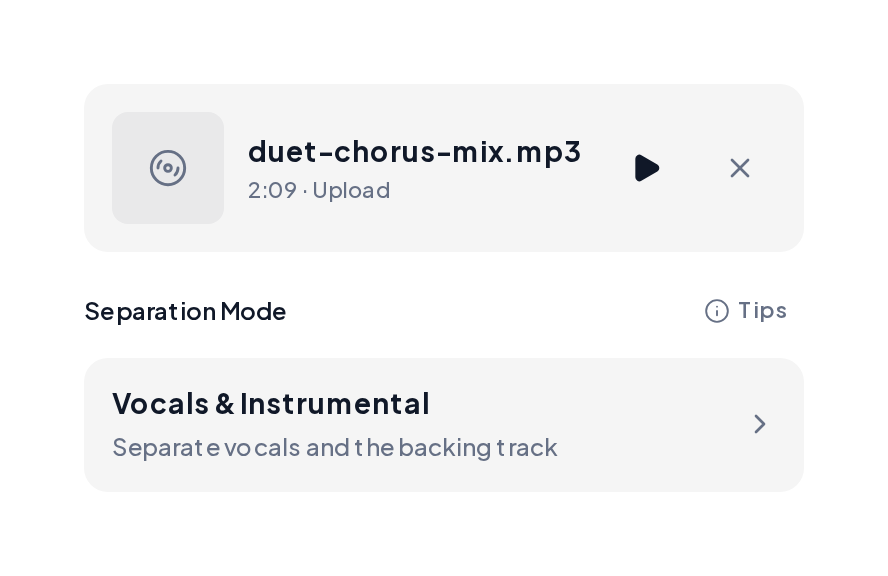
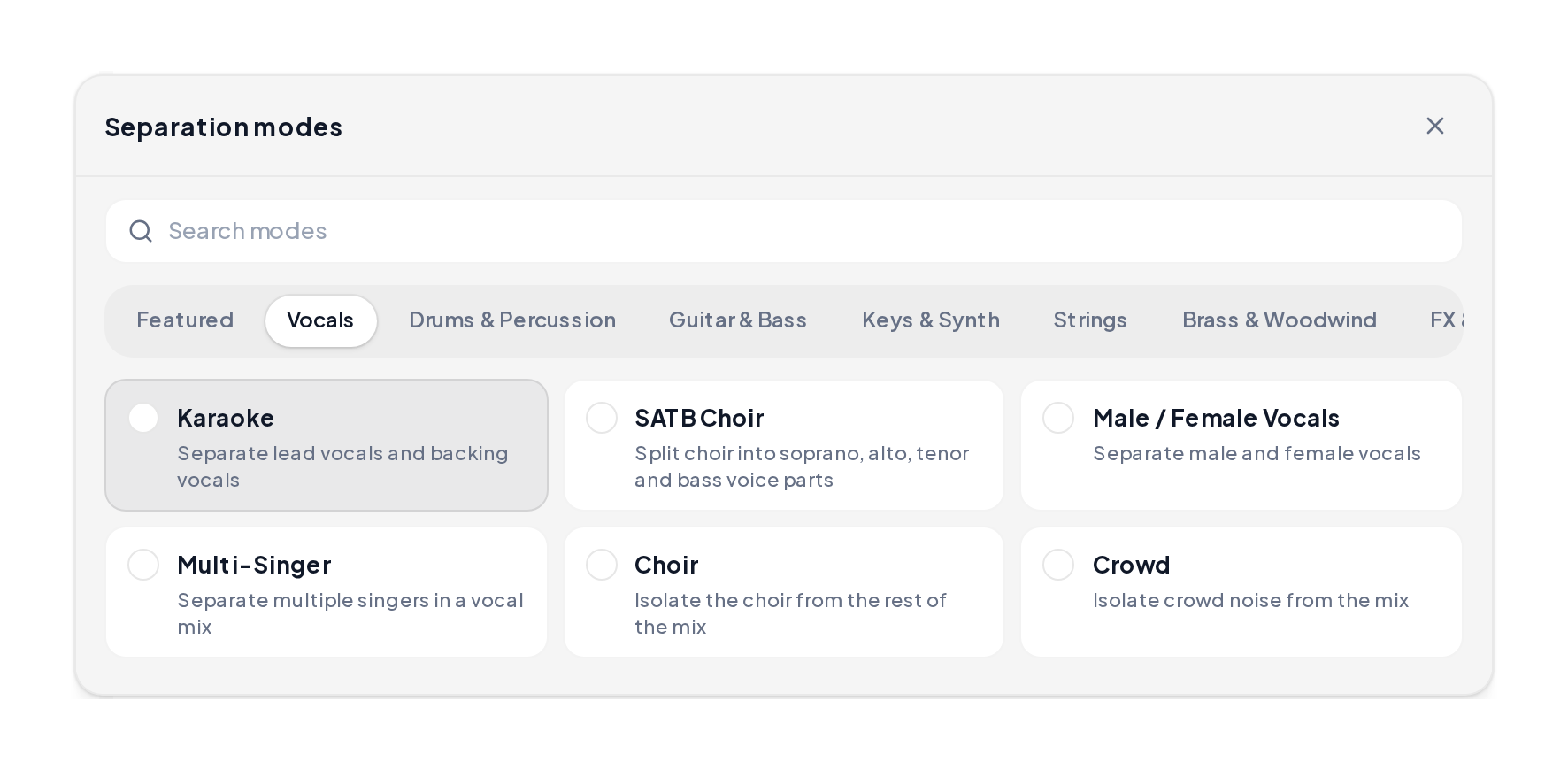
Open the Stem Splitter, drop the song, choose a voice-first mode.
A/B the full mix against the voice take, then download when words lead.
Remove instrumental from song results: mix, vocals, quieter bed.
Full mix
Original before the remover pass.
Vocals forward
Voice-first take after removal.
Bed quieter
Instrumental-minded contrast take.
Know which export you need.
| Goal | Tool angle | You keep |
|---|---|---|
| Vocals for karaoke | Remover path | Voice line |
| Bed for remix | Instrumental maker | Instruments |
| Both checks | Run two modes | Compare A/B |
| Publish voice | Export vocals | Cleaner lead |
Keep the vocal natural:
Yes. You can start free in the browser and preview before export.
It quiets the bed so vocals stay.
Browser upload is enough for karaoke practice and covers.
Remover keeps vocals; maker keeps the bed.
MP3, WAV, M4A and FLAC.
Upload a mix in Stem Splitter and keep the vocal line.