

Loading…
Most messy splits come from a handful of fixable choices. Learn the seven that matter, then remove vocals with AI and get a clean instrumental and acapella.
By Diego Ramos · Updated

The file you upload shapes every stem that comes back.
A studio WAV or FLAC keeps the detail the split relies on.
Live recordings carry crowd noise and room echo into both stems.
A shorter file is faster to preview and easier to check.
Each row pairs what you hear with the change that fixes it.
| Mistake | What you hear | Fix |
|---|---|---|
| Uploading a low bitrate file | Fizzy highs in both stems | Start from WAV or FLAC, or restore the file with Enhance first |
| Using a live recording | Crowd and room sound in the instrumental | Pick the studio release of the song |
| Choosing a two stem split for stacked harmonies | Backing vocals stay in the instrumental | Pick Karaoke or a Full Band split |
| Leaving reverb tails on the vocal | Echo trails behind each line | Remove vocal reverb with Dereverb set to Vocals only |
| Splitting a clipped master | Crackle on loud hits | Use an earlier, quieter release of the track |
| Downloading the wrong stem | An acapella when you wanted the backing track | Check the stem name before you save |
| Skipping the preview | Surprises after the download | Play every stem in the browser first |
You can remove vocals online in your browser, on a phone or a computer.
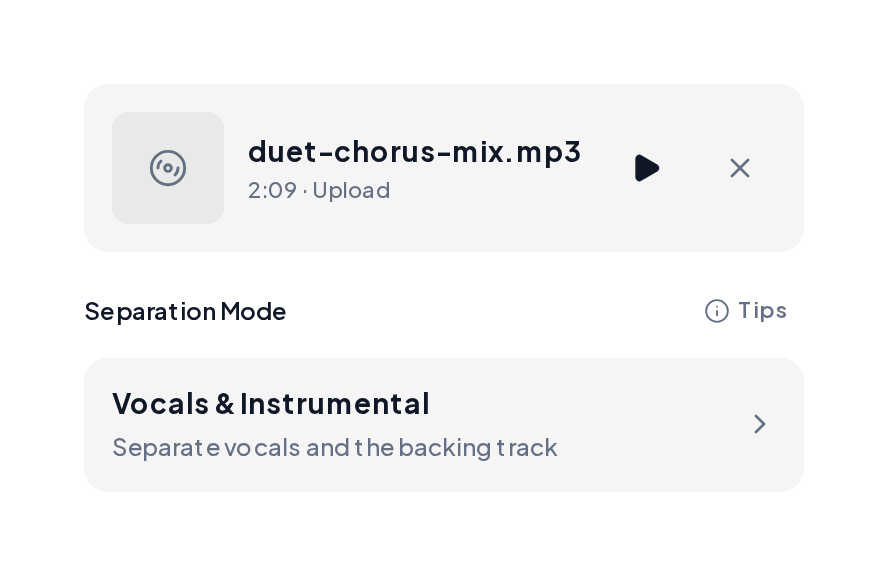
Open the Stem Splitter and upload a WAV, FLAC, MP3 or M4A file, up to 10 minutes.
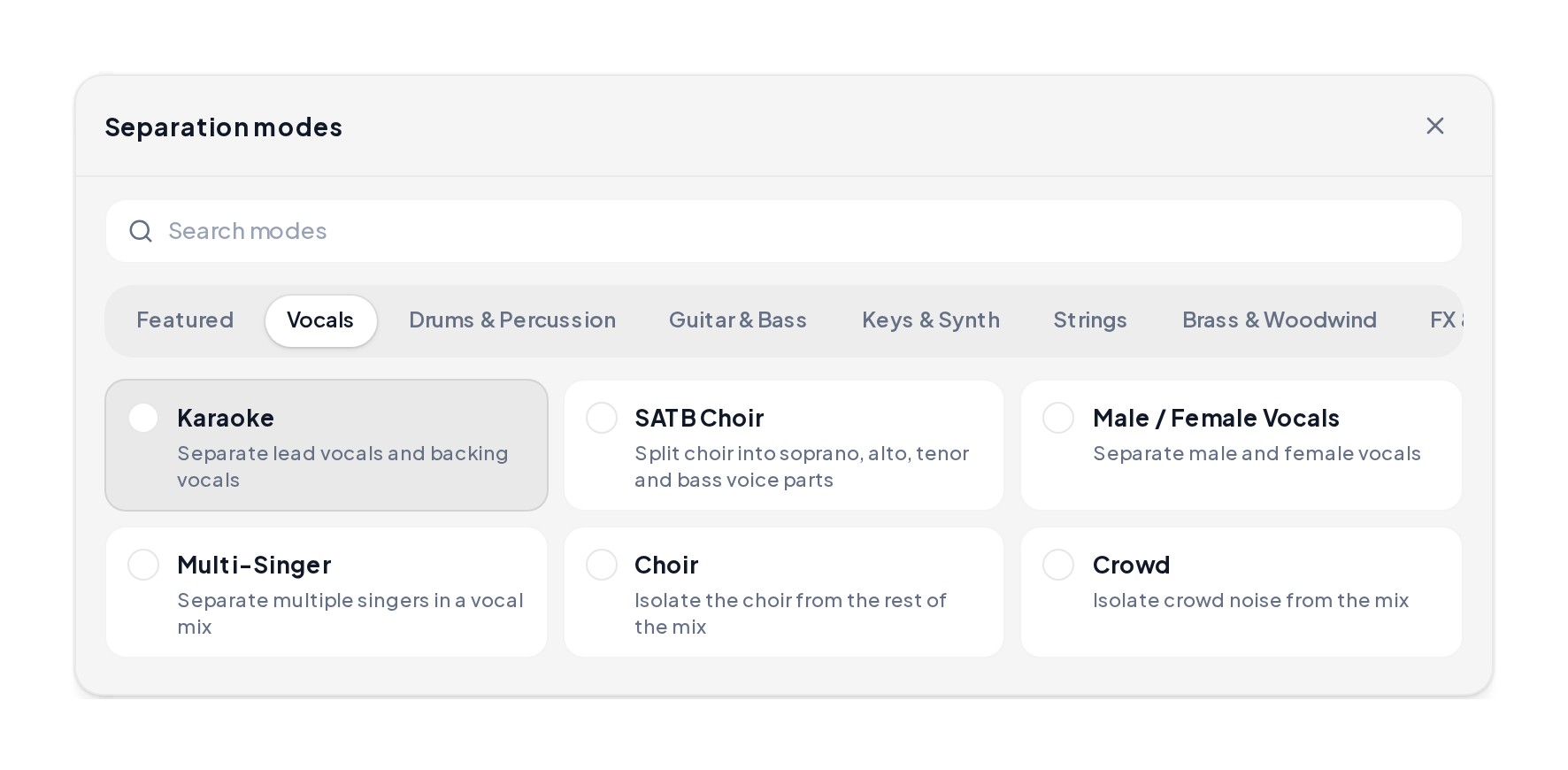
Choose Vocals & Instrumental for one singer. Choose Karaoke to keep backing vocals apart from the lead.
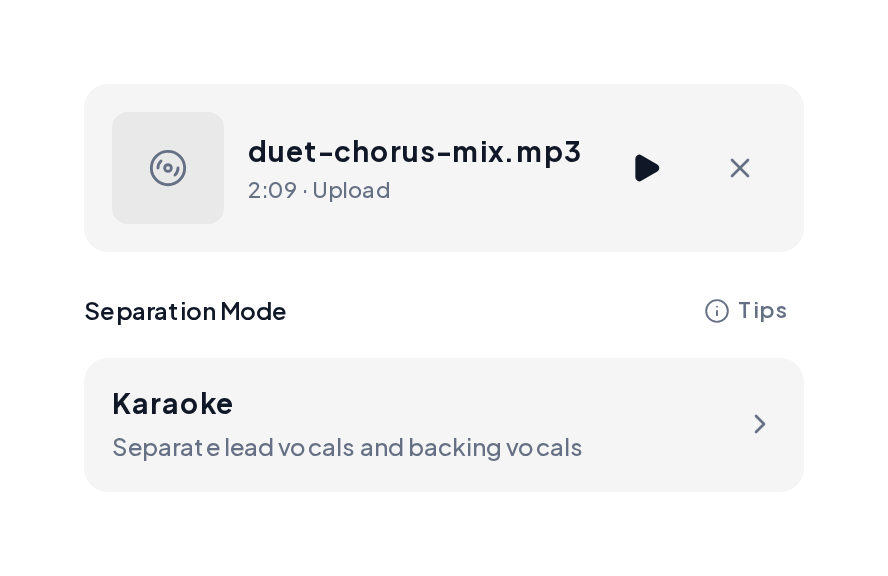
With Karaoke set, run the split and play each stem first. Download the instrumental for singing along, or the lead vocal for a remix.
Use AI to remove vocals, then keep the stem that fits the job.


Yes. You can remove vocals free in your browser on MusiCraft, preview every stem and download the result. Phones work too, so you can remove vocals online free from anywhere.
Yes, from any song you upload. Studio mixes with one lead singer give the cleanest instrumental.
Yes. Pick Karaoke to place backing harmonies on their own track, or a Full Band split to separate every part.
Room echo and stacked harmonies spread the voice across the mix. Pick Karaoke for stacked vocals, then run Dereverb on the vocal stem when echo remains.
WAV or FLAC. A high quality MP3 also works well. Low bitrate files carry compression fizz that stays in both stems.
Yes. Karaoke mode places the lead vocal on one track and the backing vocals on another, so you choose what stays.
Yes, once you hold the rights to the original song. Clear the song with its rights holders before release.
Upload one song, avoid the seven mistakes and remove vocals in about a minute and a half.