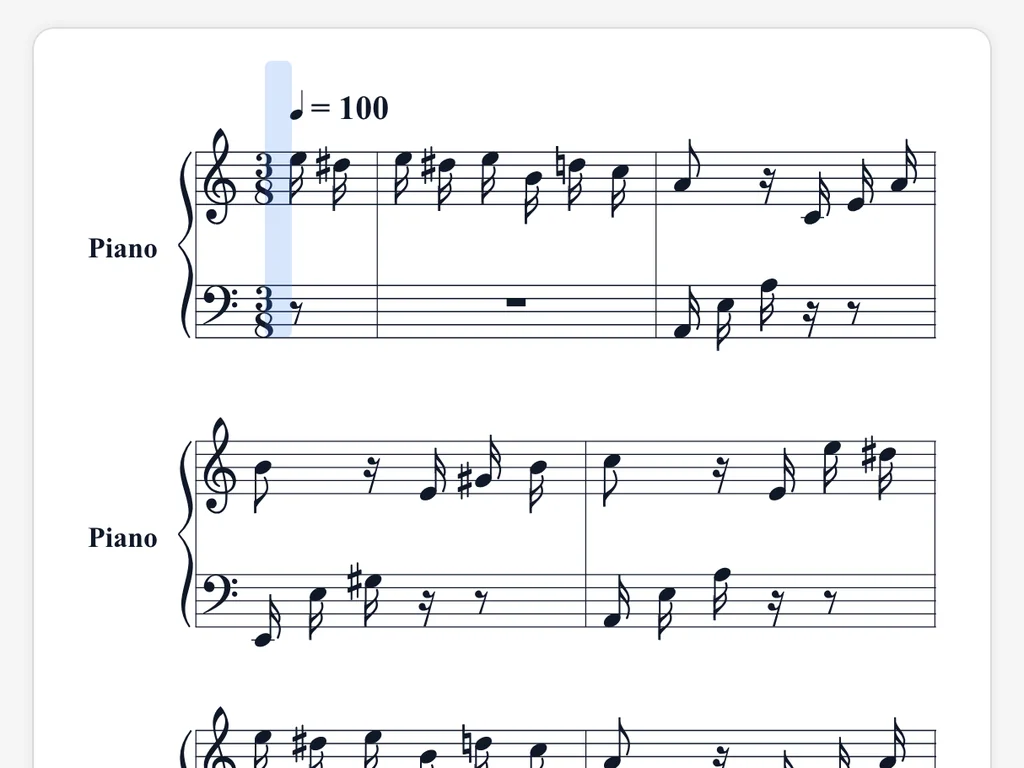
Both hands, kept apart
Treble and bass stay on their own staves, so the left hand plays under the right hand instead of tangling with it.
Snap a photo of a printed page or drop in a PDF. Hear it played back, then take it away as MIDI or MusicXML.
The first page of Für Elise, read by our sheet music scanner. Press play and the score lights up note by note.
Original page
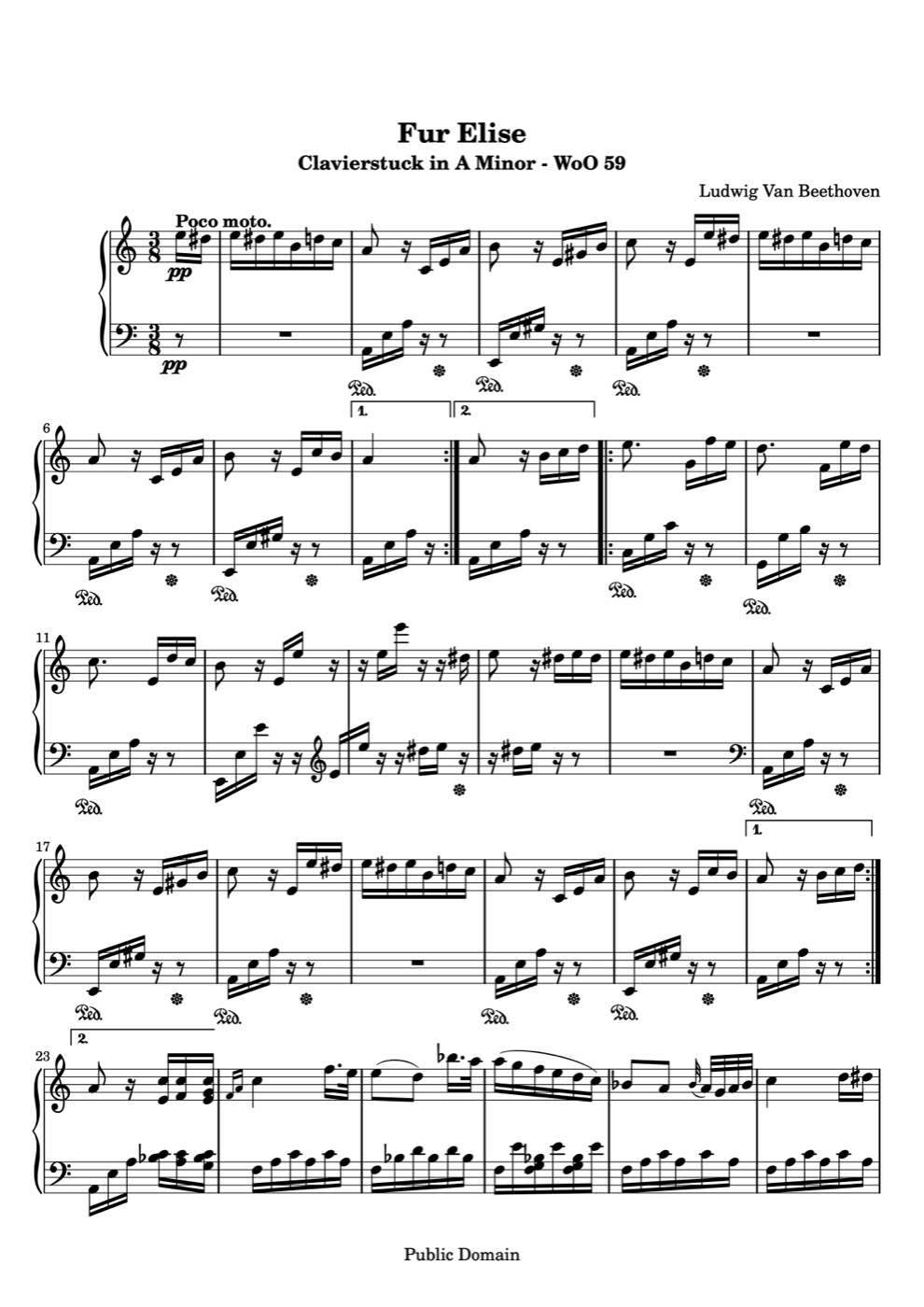
Scanned score
Loading score…
This sheet music scanner works online, in the browser on your phone or computer. Nothing to install.
Take a photo with your phone or webcam, or upload images or one PDF. A single scan reads up to 10 pages.
Optical music recognition finds the staves, clefs, notes and rests, then rebuilds the piece. Most pages take under a minute.
Open the result from your library, press play, pick a tempo, and download the formats you need.
One scan gives you a score to listen to and files that open almost anywhere.
Hear the page on piano right in the browser. The current note is highlighted, and you can set the speed from 40 to 200 BPM.
Drop the MIDI into a DAW, a practice app or a keyboard and work with every note at its pitch and length.
Open the MusicXML in MuseScore, Sibelius, Finale or Dorico to edit, transpose or reprint the piece.
Get a clean, newly engraved copy to print, share or drop into a worksheet.
Piano pages are busy: two staves, chords, lots of accidentals. These are the parts we made sure work.
Treble and bass stay on their own staves, so the left hand plays under the right hand instead of tangling with it.

Downloaded a score? Upload the PDF. Playing from a book? Photograph the page on your stand. A mirrored webcam shot can be flipped before you scan.
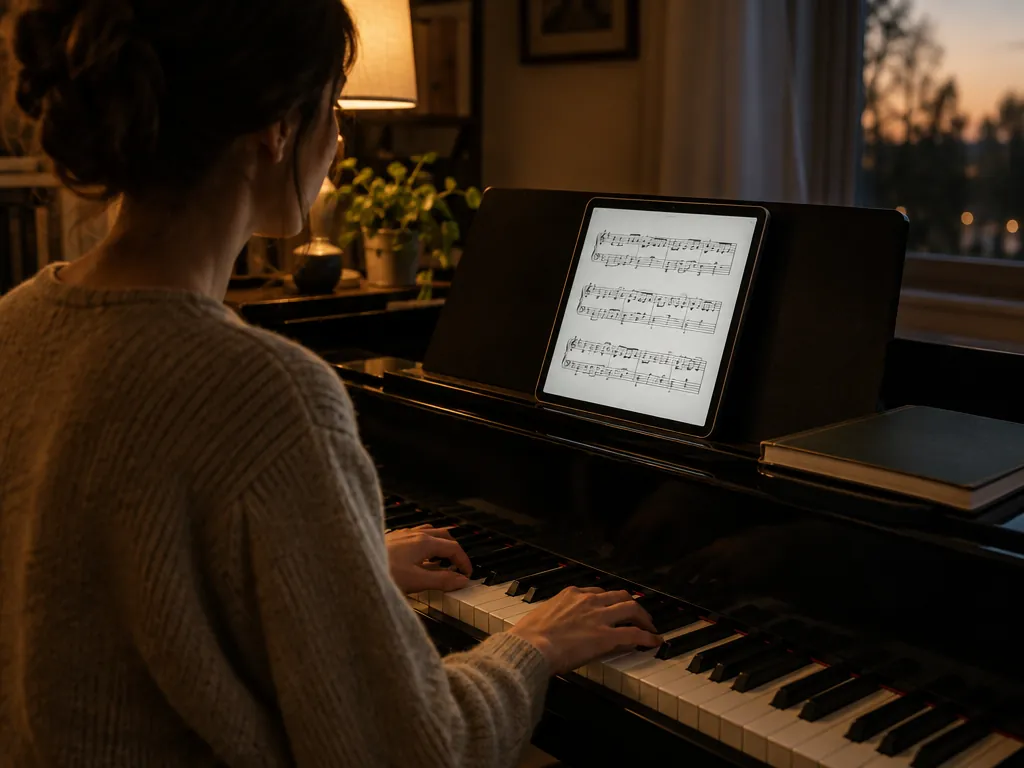
Come back to a piece next week. Play it again, change the tempo or grab another format without scanning twice.
When you scan sheet music, AI does the reading. It is best with clean printed notes, and knowing how it works helps you get a better page.
First it finds every staff line and system. Then it reads clefs, key and time signatures, notes, rests and bar lines on each one.
The result is a MusicXML score, not a picture. That is why you can play it, change its tempo and open it in other music software.
Printed music reads best. Handwriting, faded copies and tight crops may come back with wrong rhythms or accidentals, so check them against the page.
Anyone with music on paper who wants to hear it, practice it or move it into an app.
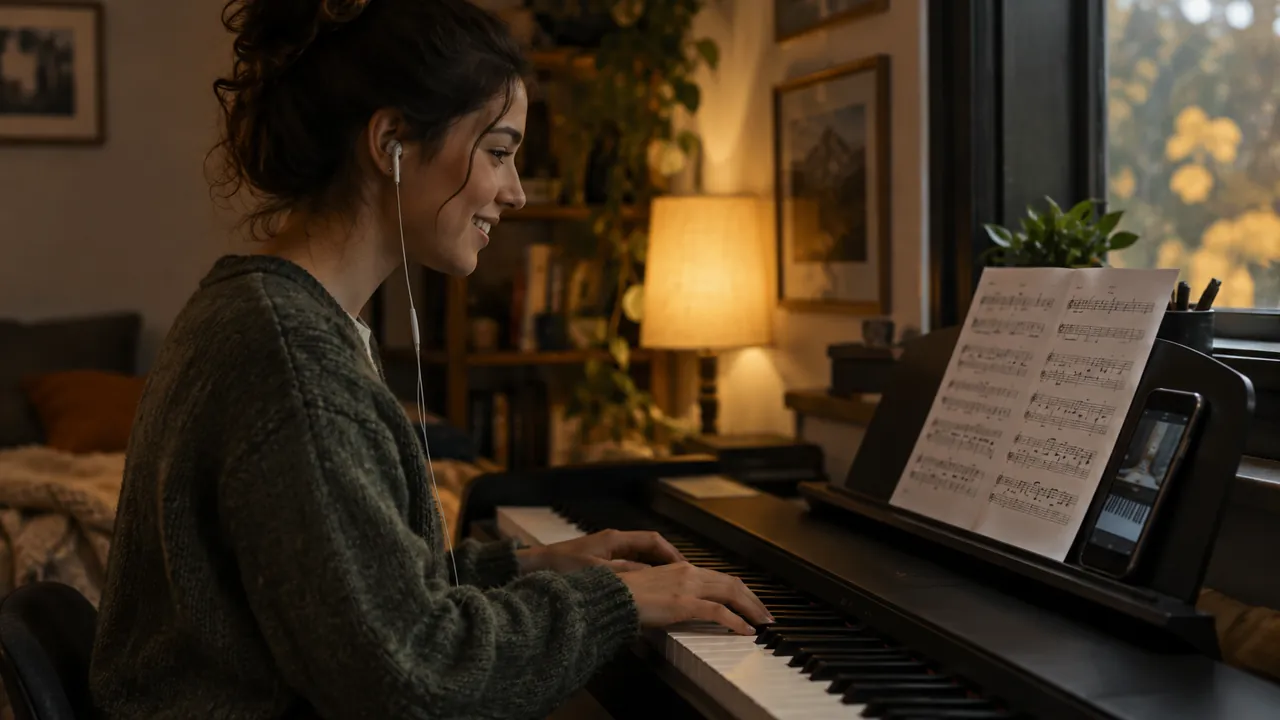
Hear how a new piece should go before you sit down, then slow it down to learn the hard bars.
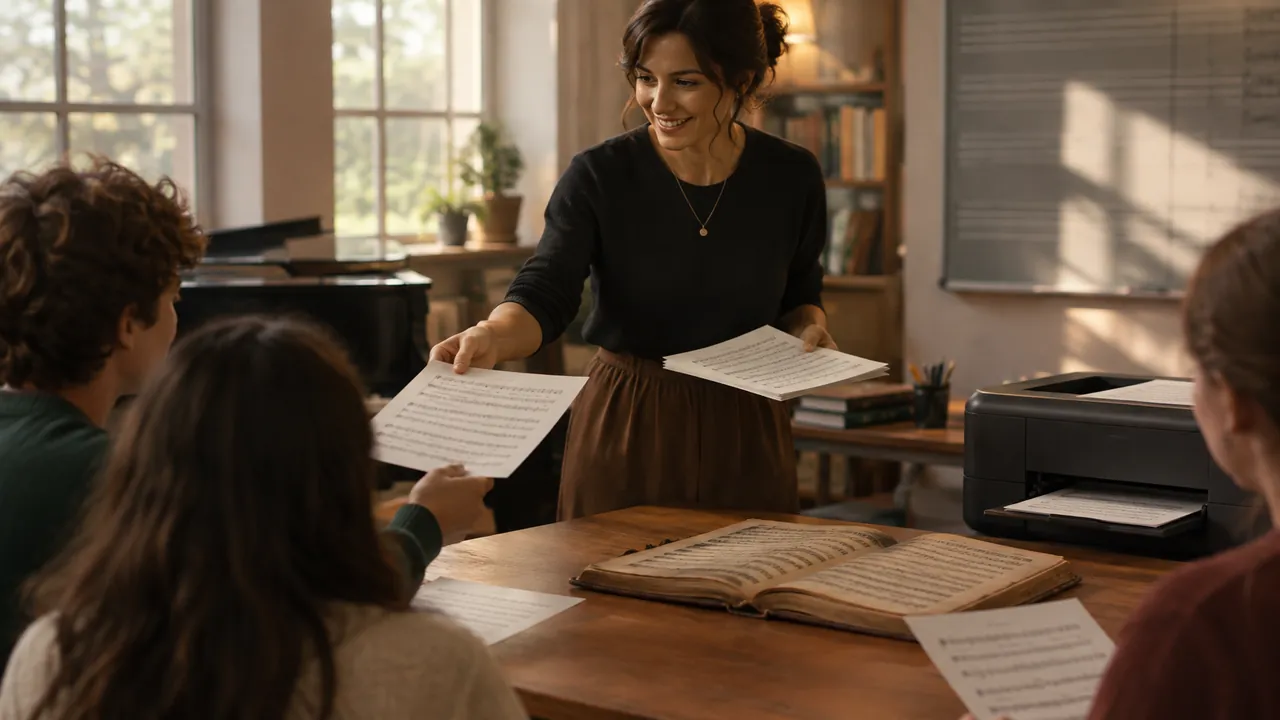
Turn a page from an old method book into MusicXML, then edit and reprint it for the class.

Scan your part, play it at rehearsal speed and practice at home without waiting for a recording.
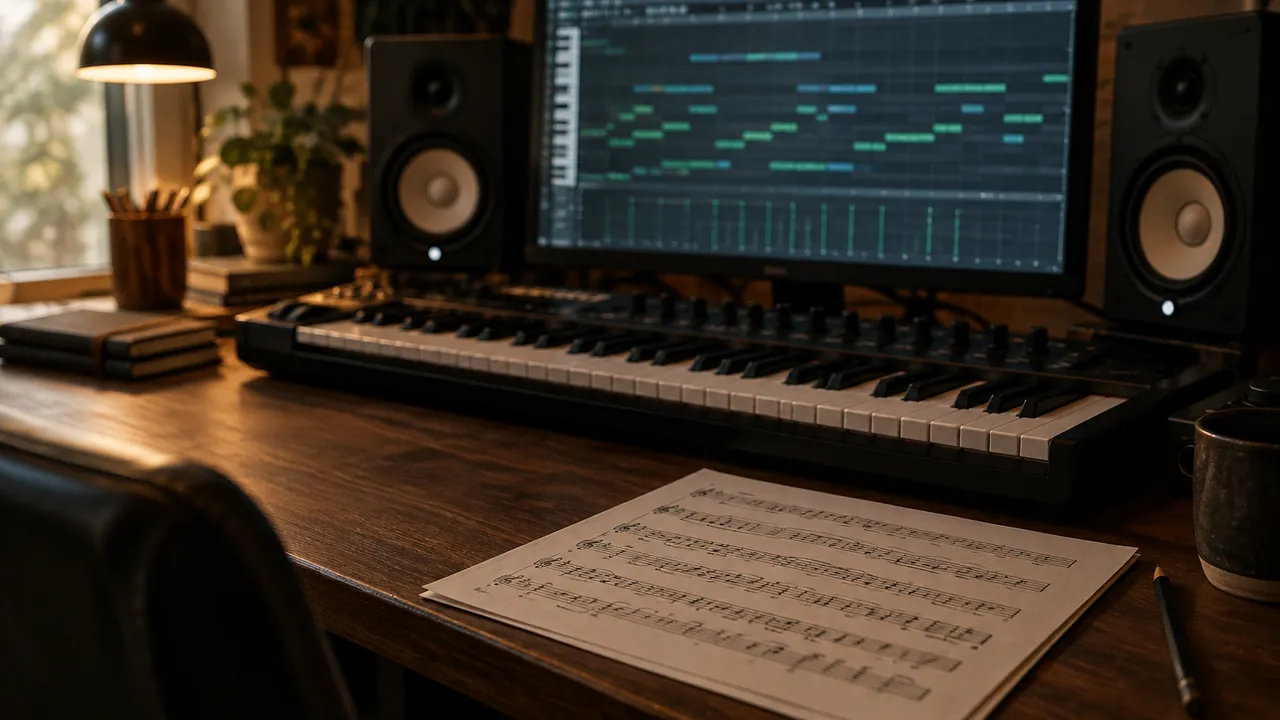
Pull a printed melody into your DAW as MIDI instead of typing every note by hand.
From students, teachers and people who just wanted to hear the page.
“I scanned three pages of a Chopin waltz on my phone and heard it play before I had even opened the book properly. Slowing it to 60 BPM made the middle section click.”
 Hana K.Adult piano student
“Our old exercise books only exist on paper. Now I scan a page, fix two or three notes in MuseScore and print a clean copy for every student.”
 Martin D.Piano teacher
“I needed a printed string line in Logic. The MIDI dropped right in and saved me an evening of clicking in notes.”
 Leo R.Film composer
Keep going — these tools pair well with what you just read.

Photograph a page, press play and take it into any app as MIDI or MusicXML.