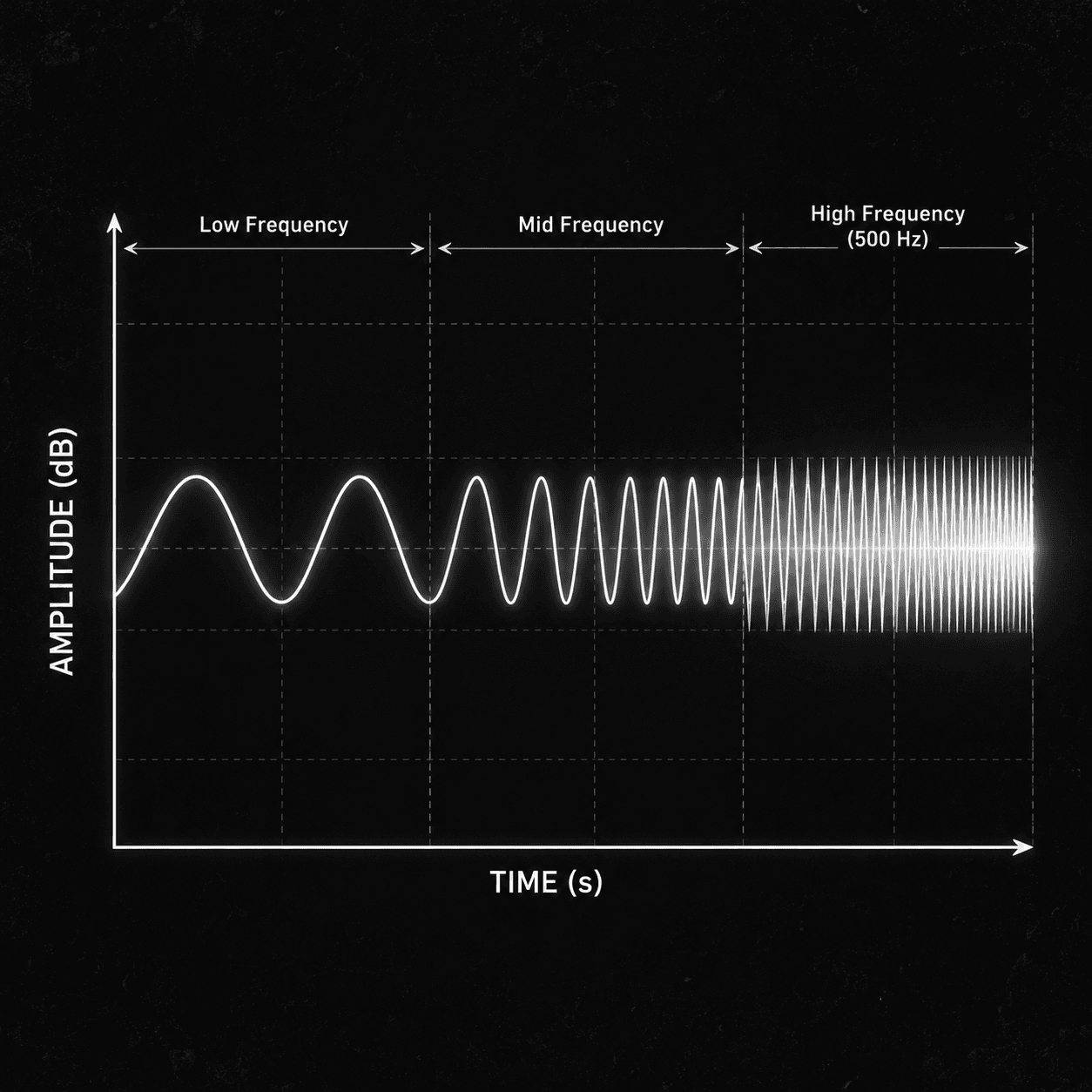
Isolated piano
0:40
0:000:40

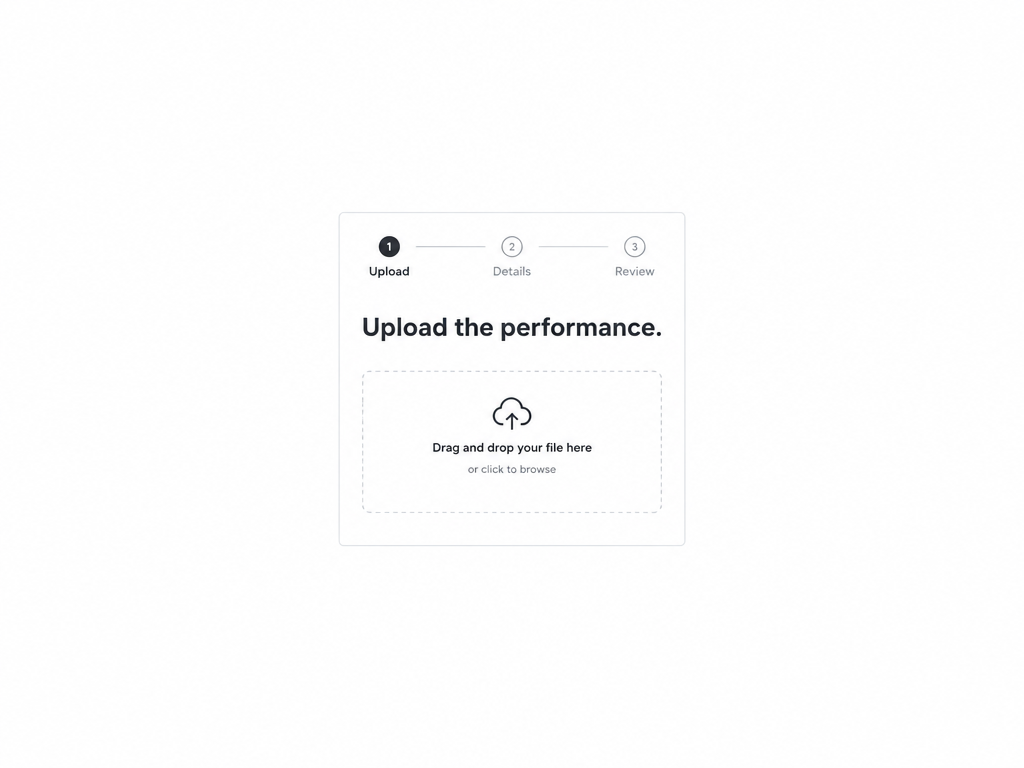
Turn a performance into editable MIDI. Pick piano, vocals, drums, or general melody so Audio to MIDI can transcribe the right source — then drop the file into your DAW.
This isolated piano clip is the kind of input Piano mode loves. Play the source, then open Audio to MIDI to generate a .mid you can edit in your DAW.
0:40
Transcription quality jumps when the model matches the instrument. Audio to MIDI exposes those modes instead of one vague “convert” button.
Best for solo piano or isolated piano stems when you need note data for rewriting or arranging.
Transcribe sung melodies, drum performances, or broader melodic lines when the source isn’t piano.
On full mixes, extract piano, vocals, or drums first so Audio to MIDI hears a cleaner target.
Cleaner, more isolated sources transcribe better than dense full mixes.
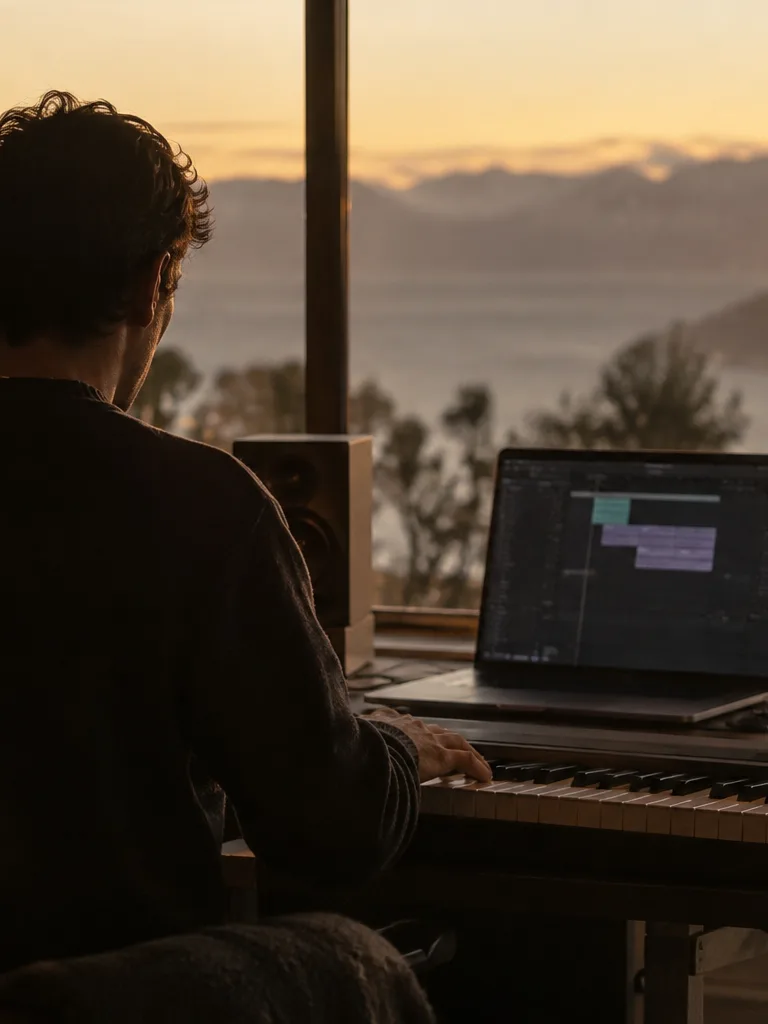 Producers rewriting partsCapture a piano sketch or hummed line as MIDI, then change voicings without replaying.
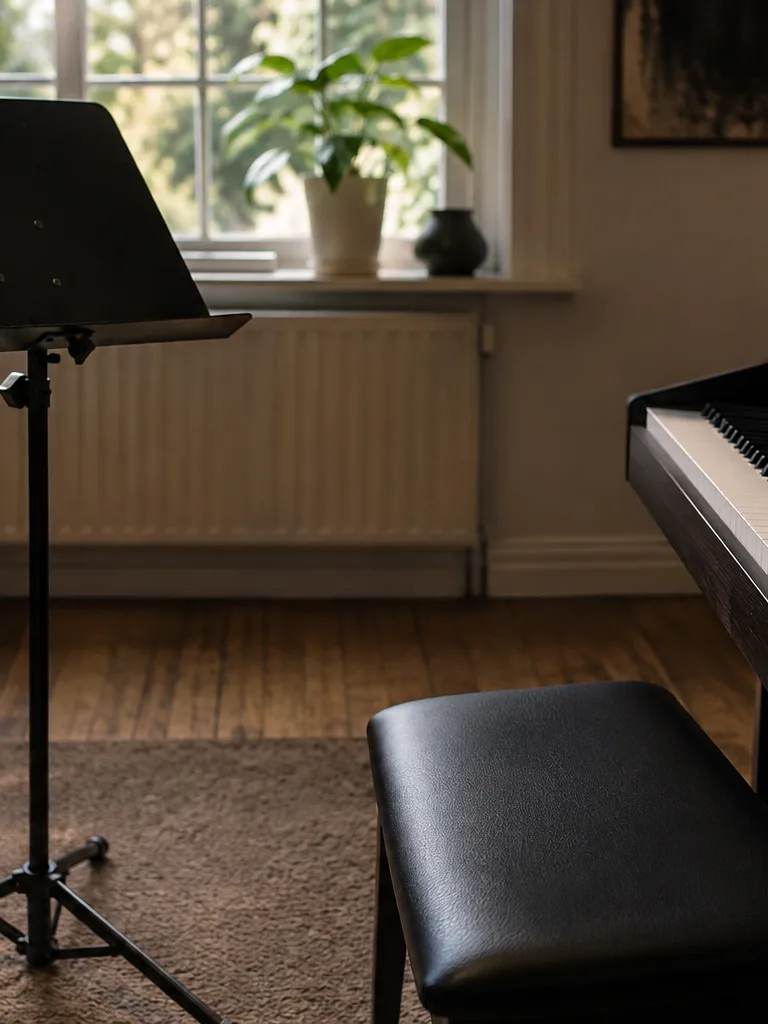 Teachers & arrangersTurn student piano takes into MIDI for scoring, slowing down, or rewriting exercises.
 RemixersPull melodies or drum ideas into MIDI when you only have an audio reference.
 Sample flippersConvert drum breaks or melodic chops into MIDI grids for new patterns.
Keep going — these tools pair well with what you just read.