
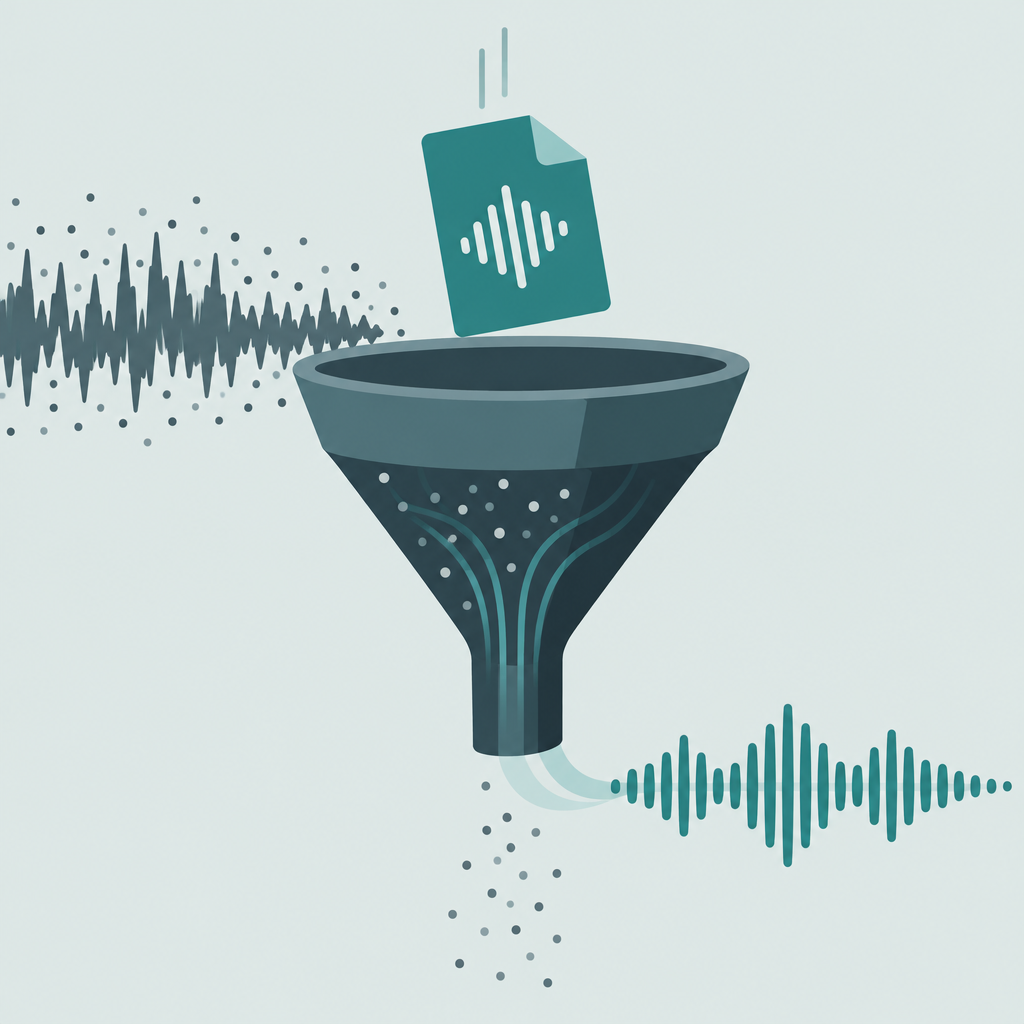
1. Podcasts and calls
Steady hiss and fan under hosts.
Best for: shows and meetings
A clear path to remove background noise from audio: upload, set strength, compare A/B, export a cleaner file.
By Priya Shah · Updated
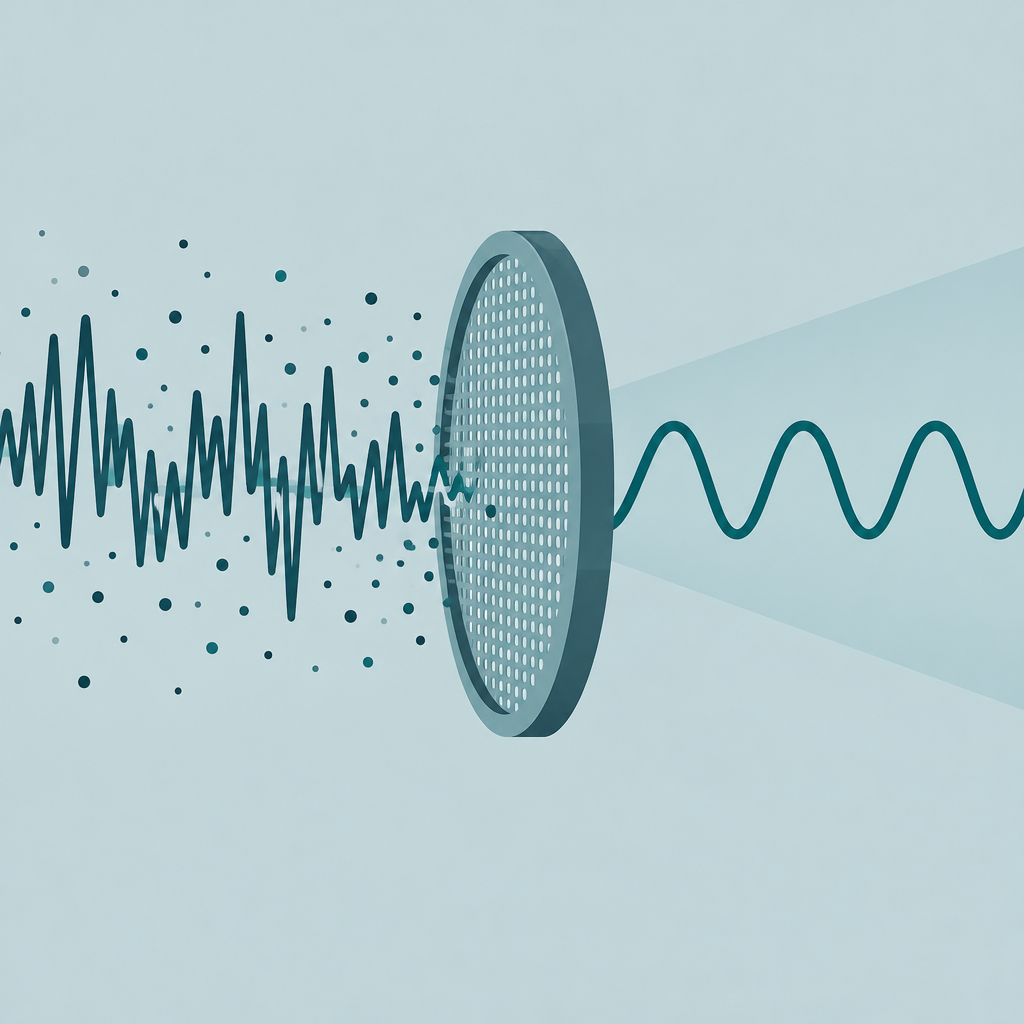
Match the pass to the source.
Steady hiss and fan under hosts.
Best for: shows and meetings
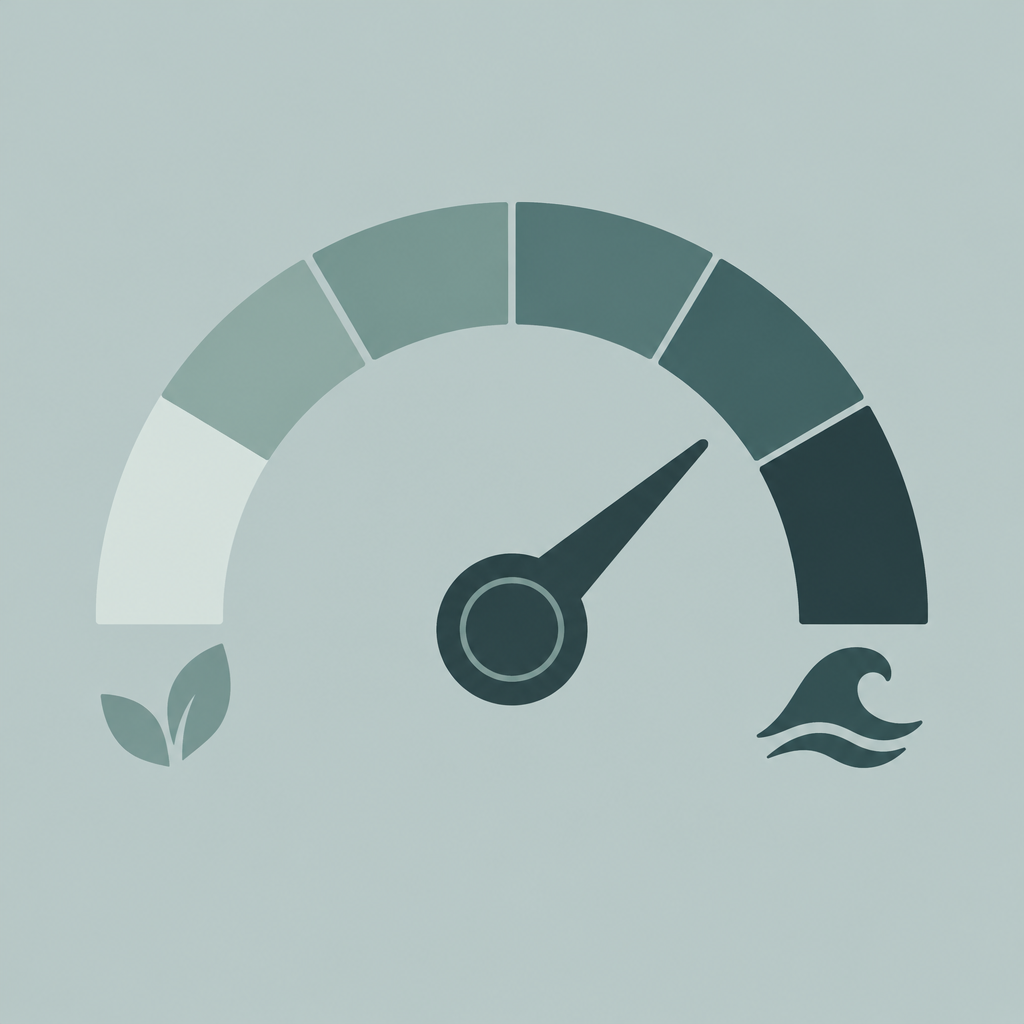
Phone noise and street bed.
Best for: field notes
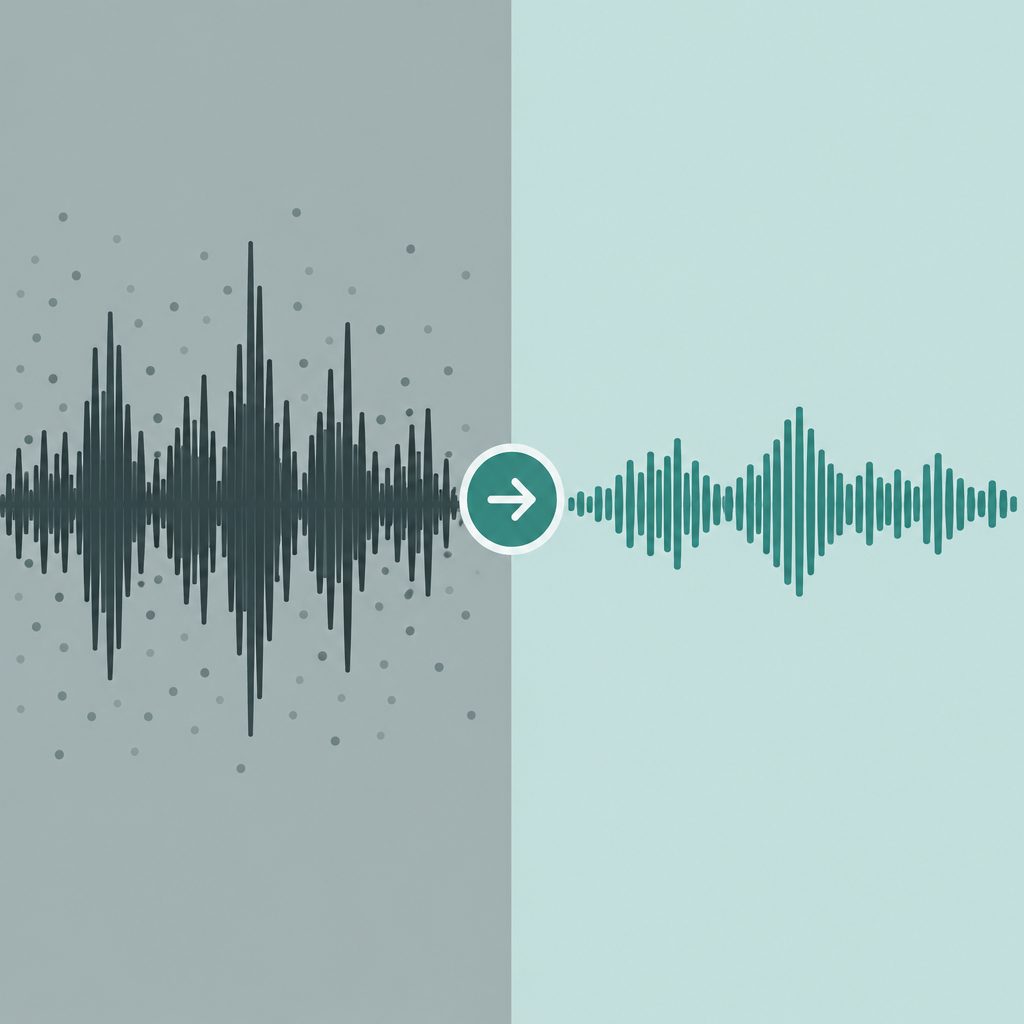
Beds under dialogue you want to keep.
Best for: re-edits
Upload, set strength, compare, export.
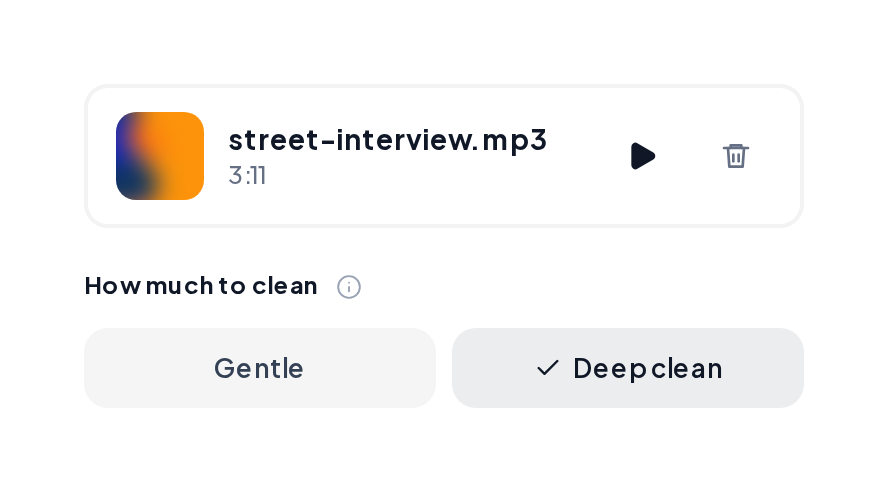
Open Denoise, upload MP3, WAV, M4A or FLAC from a podcast, call or video export.
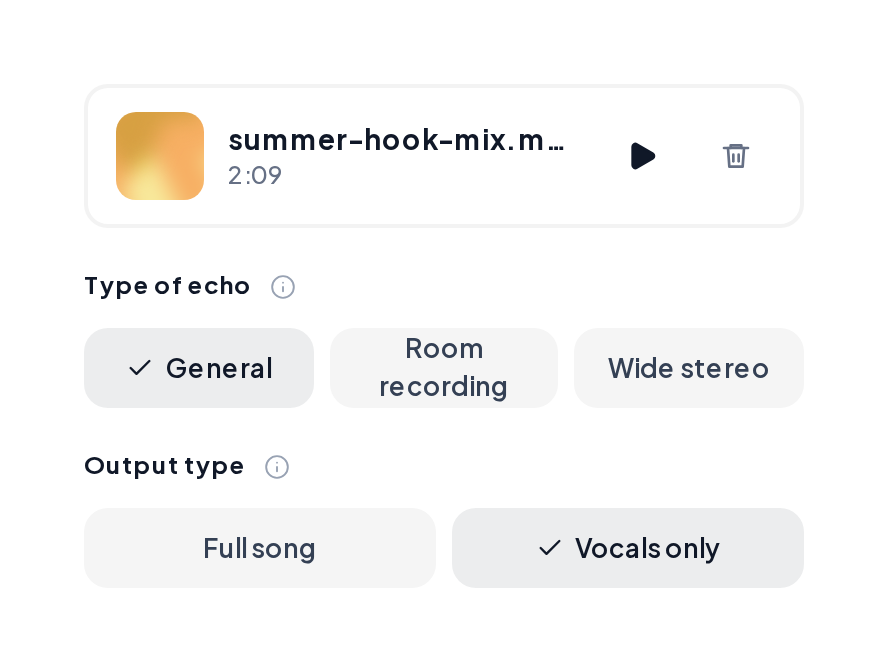
Start gentle, deepen if hiss remains, A/B the preview, then download the clean file.
Voice-forward demos after a cleanup-minded pass.
Cleaner speech
Dialogue-forward after a denoise-minded path.
Close-mic take
Tighter speech for podcast polish.
Speech bed ready
Talk track ready for a new score.
Climb only as far as you need.
| Setting | Best for | Listen for |
|---|---|---|
| Gentle | Light hiss on clean mics | Natural consonants |
| Medium | Fans and soft street bed | Speech still clear |
| Deep | Heavy hiss on old rips | Slightly softer air |
| Then Dereverb | Room wash after denoise | Drier words |
Keep speech natural:
Save once the A/B check passes.
Export MP3 or WAV for your editor.
Yes. You can start a remove background noise from audio free pass and preview before export.
Start gentle so speech stays natural, then deepen only if noise remains.
Export the audio first, clean it, then replace the track in your editor.
Run Dereverb after Denoise for wash on the voice.
MP3, WAV, M4A and FLAC are supported.
Upload a file, set strength, compare, and export a cleaner take.