
Midnight Study Session
After · 0:40
0:000:40

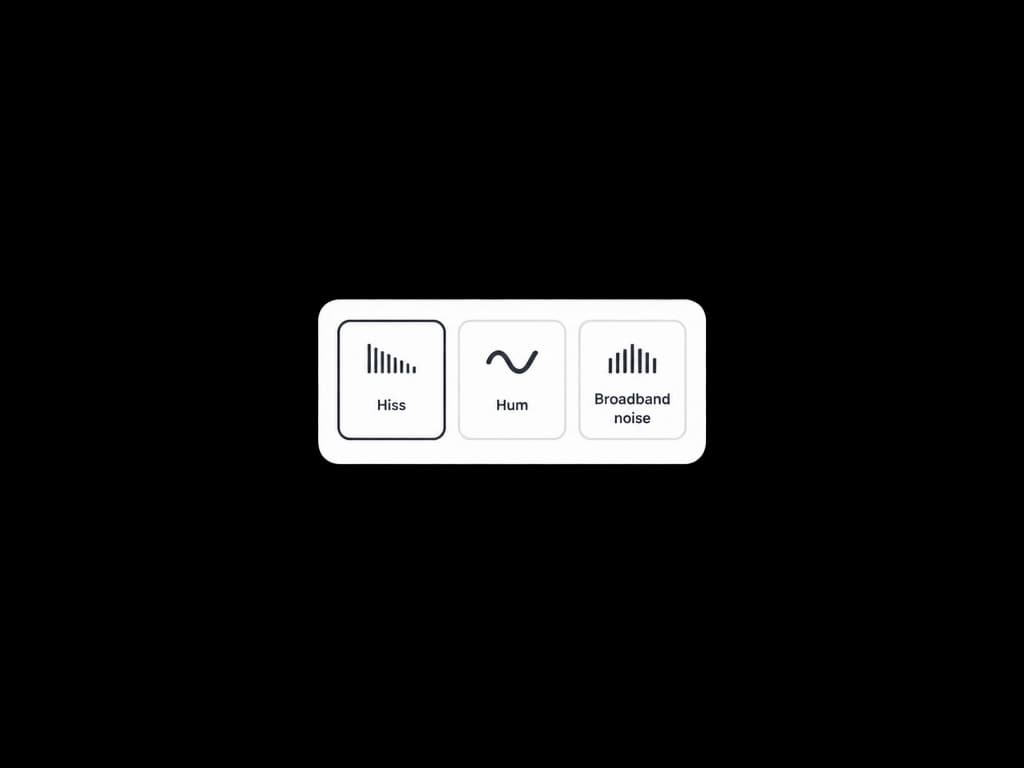
Upload a noisy mix or voice take, choose how strong to clean, and get a clearer track. Our AI Noise Remover targets hiss, hum, and steady background noise — not your musical detail.
This clip starts with stacked hiss and broadband noise. Switch to After to hear the same music after the AI Noise Remover pass.
After · 0:40
Most browser denoisers chase speech. This AI Noise Remover is tuned for full mixes, demos, and sung parts where you still need tone and dynamics.
Cut tape hiss, fan rumble, and steady room noise that sits under a take — the jobs people search for when they need a noise reducer online.
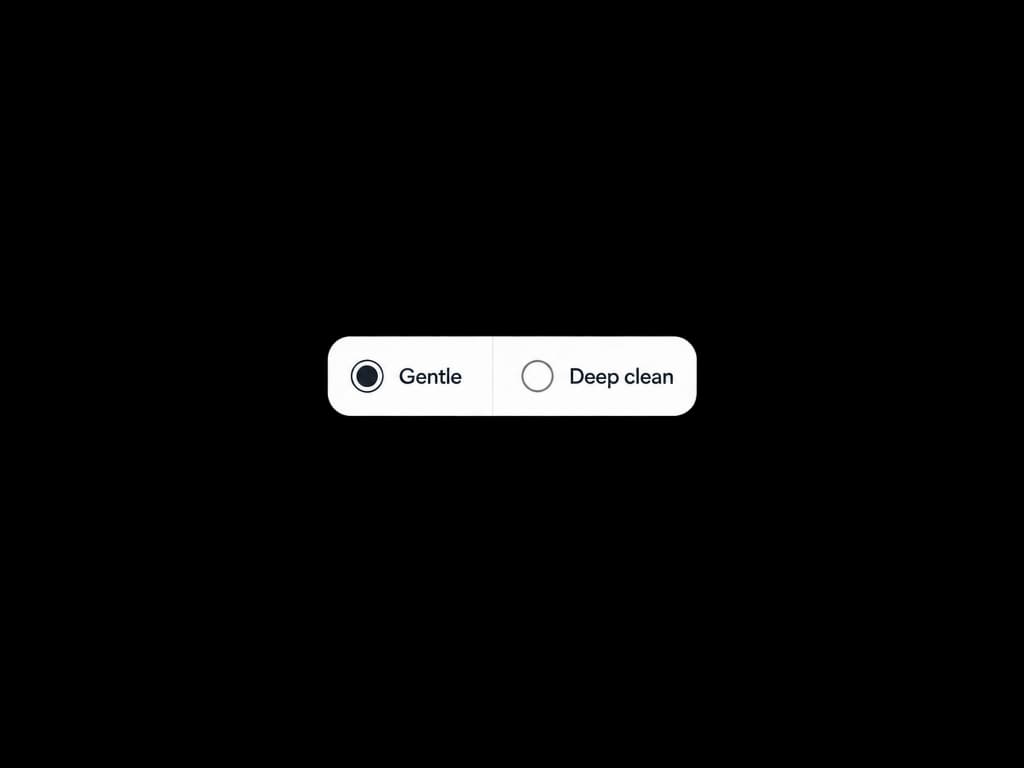
Gentle keeps more of the original. Deep clean when the AI Noise Remover needs to pull more noise.
A/B the example above, then run your own file in the tool and check History when the clean export is ready.
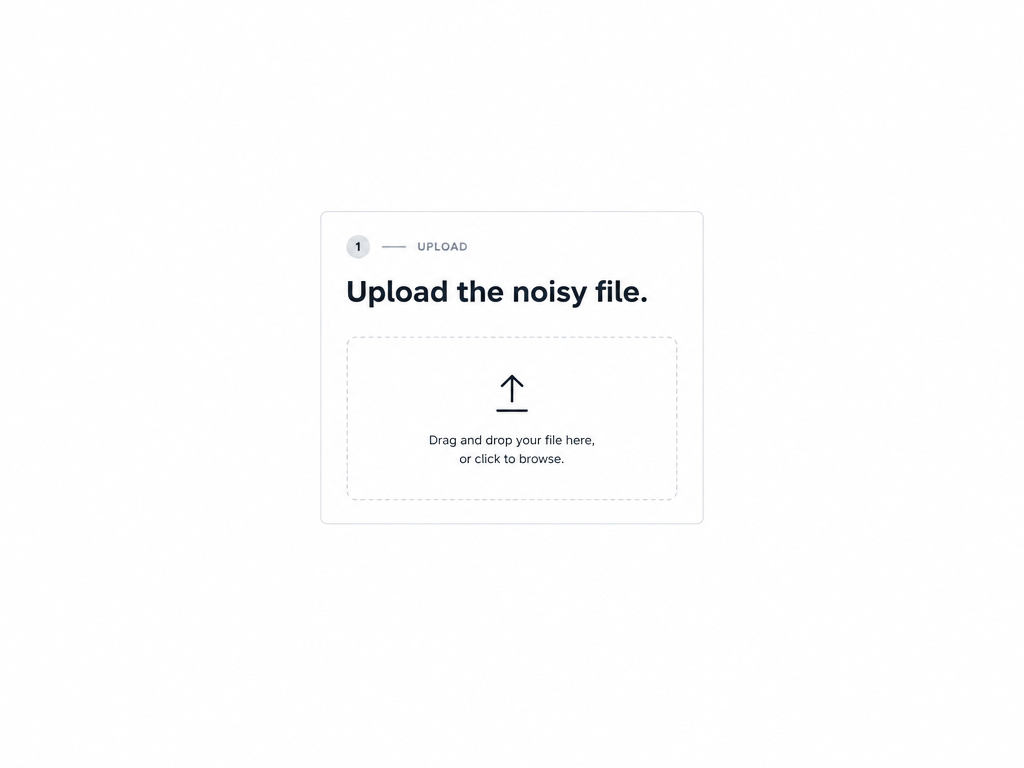
Have a noisy MP3 or WAV ready. Pick how much to clean, then download the cleaned result from History.
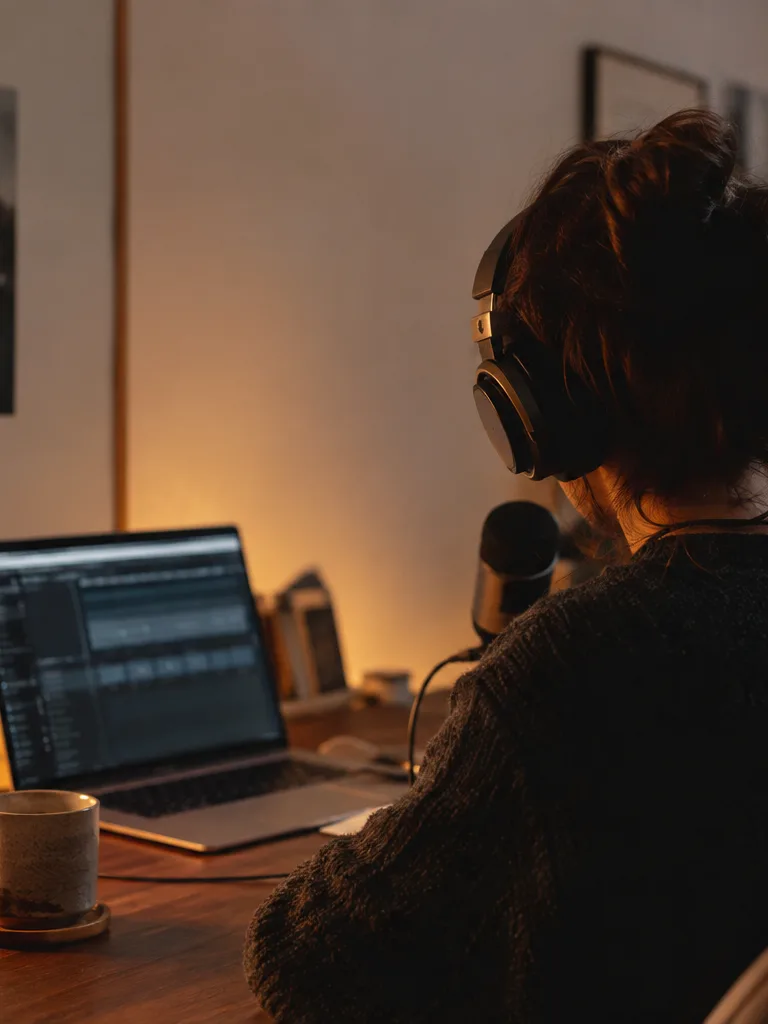 Home recordistsClean bedroom demos and phone takes before you share them or run stems.
 Podcasters & creatorsRemove hiss from mics and room hum without rebuilding the whole dialogue edit.
 ProducersRescue sample packs and old transfers that carry tape hiss or line hum.
 Live capture editorsTame steady stage noise on rough multi-tracks before you send stems to mix.
Keep going — these tools pair well with what you just read.