

Video soundtracks
Background music sized to your edit, from 15 seconds to 6 minutes.
Open Background MusicAn AI music creator turns one line about your project into a finished track. Here are eight real jobs it handles, with the right tool for each.
By Nora Ellis · Updated
Each music creator use case below opens a tool built for that job.
Background music sized to your edit, from 15 seconds to 6 minutes.
Open Background Music


Each track came from a single Style line.
Podcast intro, 30 seconds
An upbeat theme with electric piano and a clean ending.
Game level track
A cheerful chiptune track for an adventure level.
Pick the tool that matches the moment.
Open the music creator online that fits the job. Two tools cover most uses.
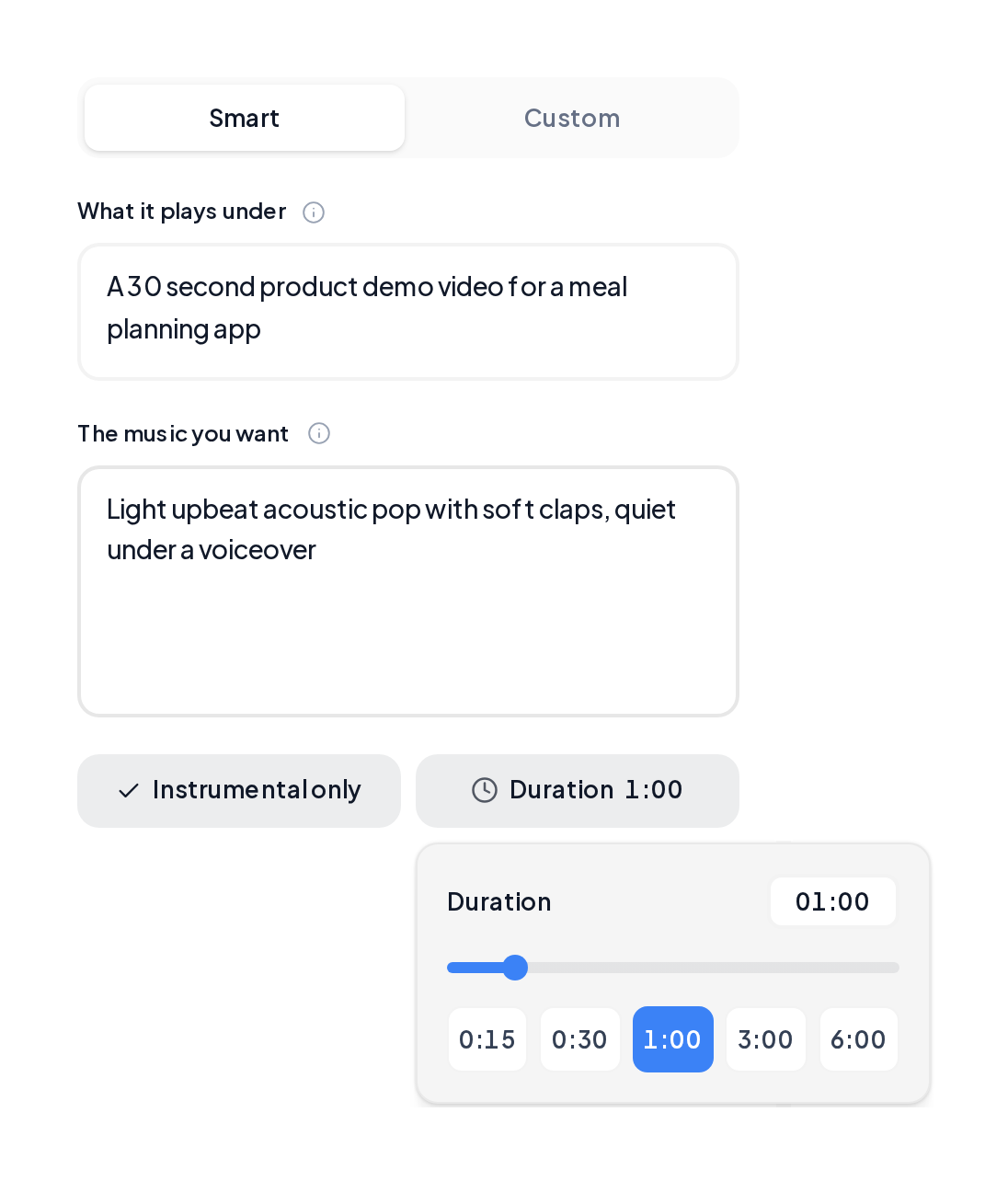
Open Background Music, say what the track plays under, describe the sound and pick a length. Instrumental only leaves room for your voiceover.
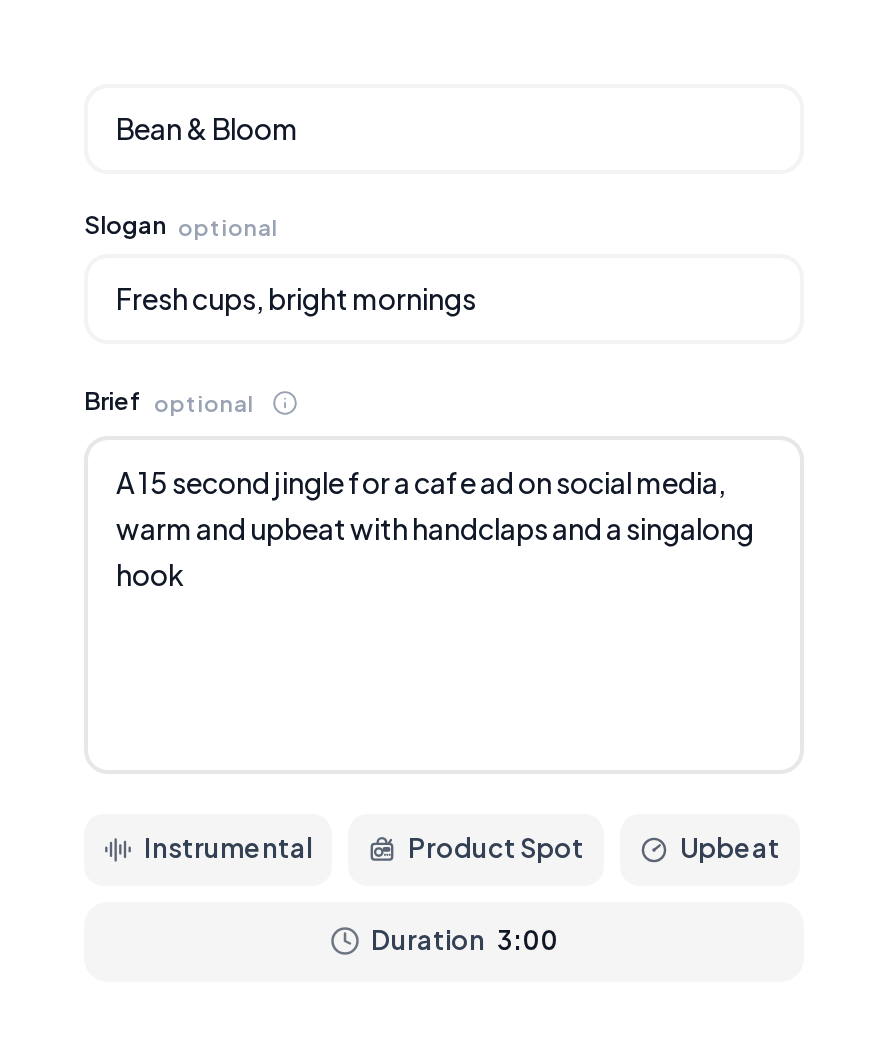
Open Jingle Maker, type the brand name and slogan, add a short brief and pick a style.
Use these starting points for any free music creator online project.
| Use | Length | Setting |
|---|---|---|
| Short video ad | 15 to 30 seconds | Instrumental only |
| Podcast intro | 15 to 30 seconds | A clear ending in Style |
| Long video | 2 to 6 minutes | Instrumental only |
| Game level | 1 to 3 minutes | A steady tempo in Style |
| Gift song | 2 to 3 minutes | Their name in the lyrics |
| Study session | 6 minutes | Calm, low energy |
Yes. MusiCraft works like free music creator software that runs in your browser. Describe the video, set the length and switch on Instrumental only.
Jingles with your brand name, background music for ads and product demos, and short themes for social posts. Tracks come with commercial licensing.
Yes. Try the music creator free in your browser and preview two full takes per run.
Yes. It runs in any phone or computer browser.
Pick any length from 15 seconds to 6 minutes. Each run returns two full takes to choose from.
Yes. Jingle Maker sings your brand name and slogan, and Custom mode in the Music Generator sings any lyrics you write.
Yes. Extend it with the AI Song Extender or split it into stems with the Stem Splitter.
Describe the job in one line and the music creator returns two full takes in minutes.