Pick the exact start point
Drag the marker on the waveform to the second where the song should continue: after a chorus, before the outro, or at the very end.

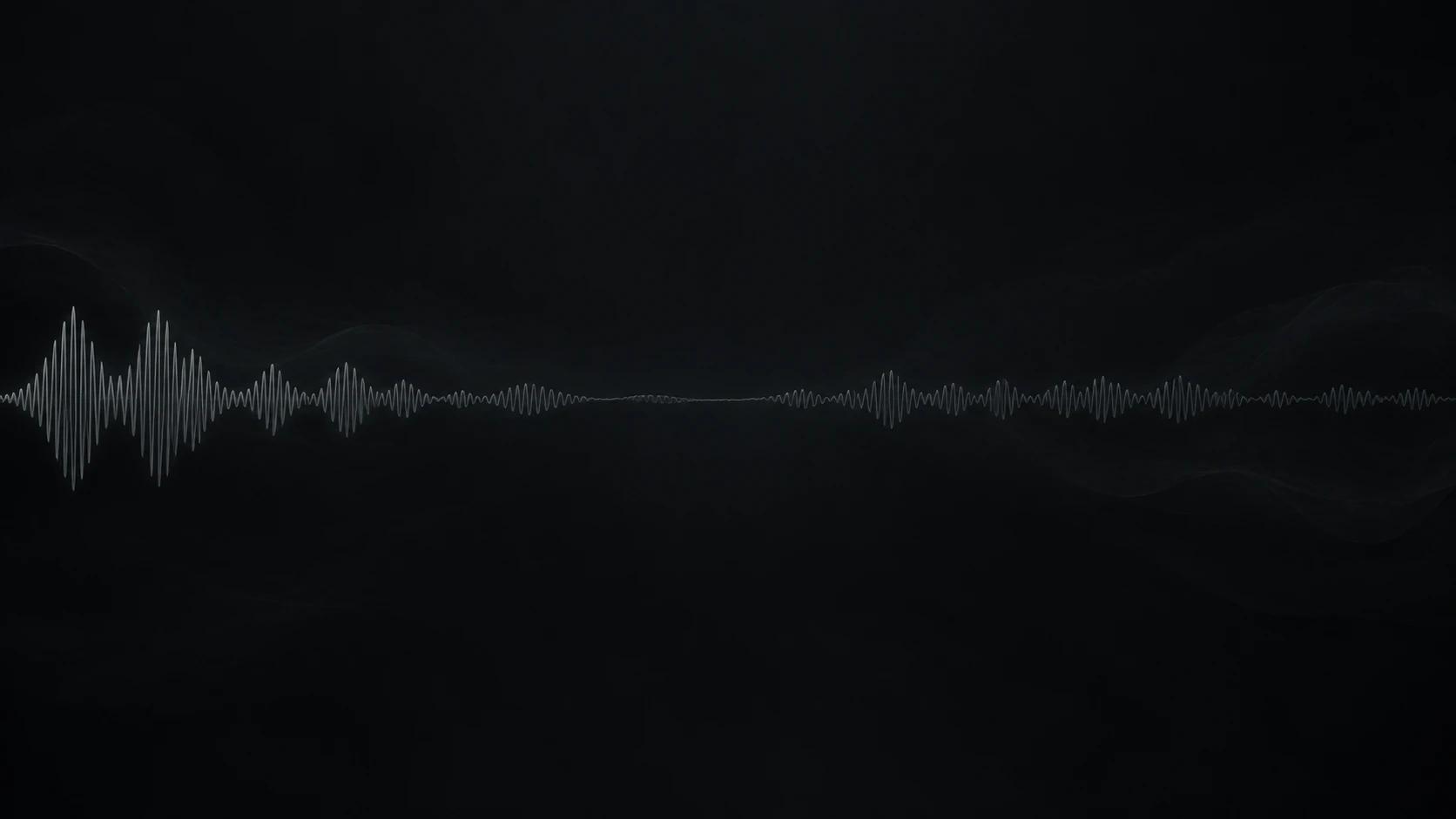
Make any song longer in minutes. Upload a track, choose the exact second to continue from, and the AI Song Extender adds a new section that keeps the tempo, key, and sound of the original.
Play the original, then the extended version. The new section starts at the marked second and carries the same groove forward.

Continue a song from any point, in the same style, with your own direction for what comes next.
Drag the marker on the waveform to the second where the song should continue: after a chorus, before the outro, or at the very end.
The AI Song Extender listens to your track and continues it in the same style, so the new section flows straight from the original.

Add a style note or new lyrics for the extension, or switch to Instrumental for beats and background tracks. Choose Craft v2 or Craft v2 exp.

Upload the song, set the start point, and describe what comes next.

People use the AI Song Extender when the idea is right and the track needs more time.

Extend the beat so a full 16-bar verse has room to breathe.

Add an outro so the track runs to the final frame.

Bring the hook back once more, or write a new verse in the same style.
 ProducersLonger sections from a loop that already works.
 ArtistsRoom for one more verse on a demo.
 Video editorsA track that runs the full length of the cut.
Keep going — these tools pair well with what you just read.