
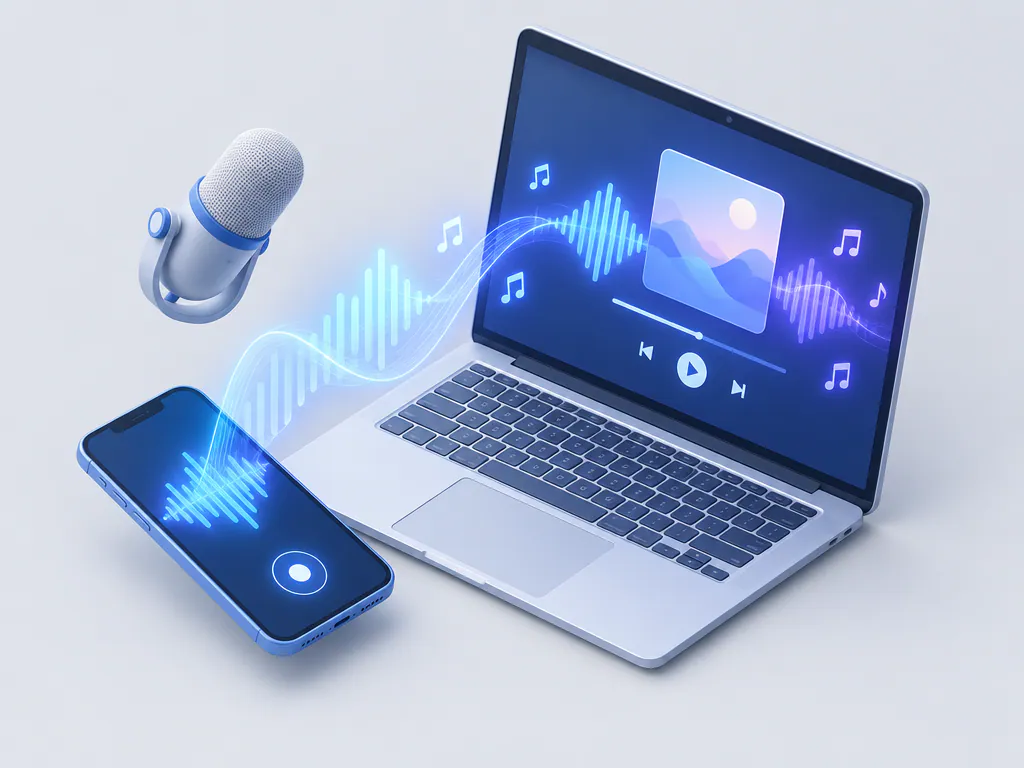
1. AI music app
Describe a song or paste lyrics and get a finished track with vocals and a full band.
Best for: full songs, gifts, demos and video music
The right music maker app depends on what you want to finish: a full song, a beat, a loop or a written idea. Here are five app types and the goal each one fits.
By Nora Ellis · Updated
Pick music making apps by the result you want, then by how you like to work.
Describe a song or paste lyrics and get a finished track with vocals and a full band.
Best for: full songs, gifts, demos and video music
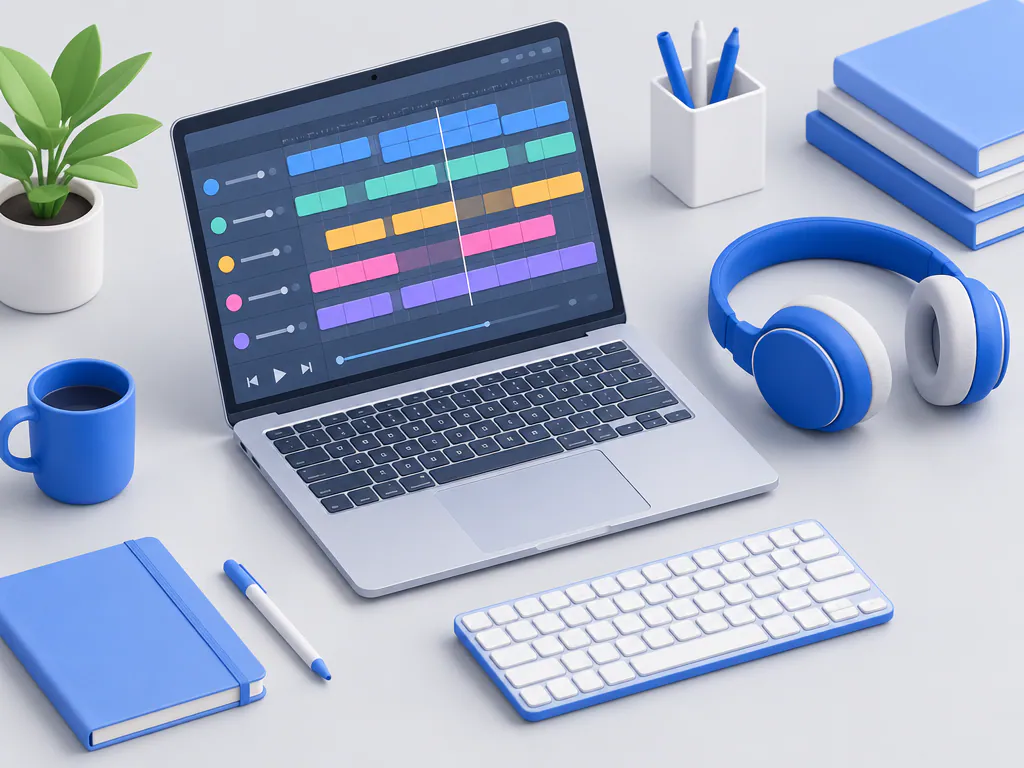
Record vocals and instruments, then arrange and mix tracks on a timeline.
Best for: singers, players and hands-on producers
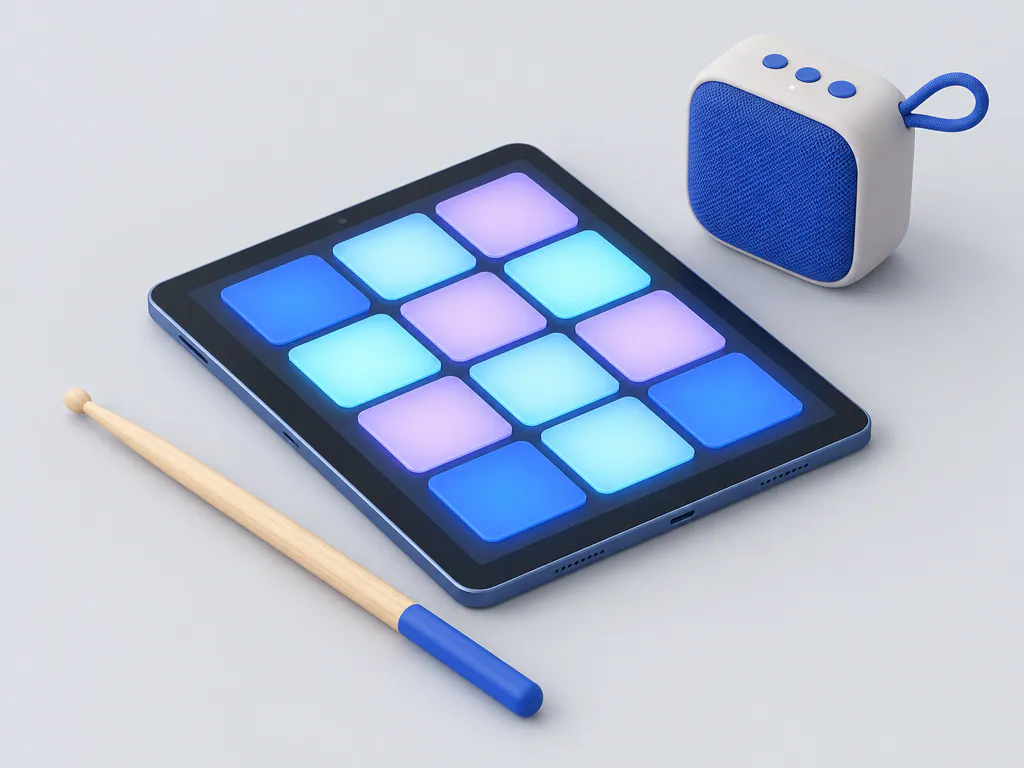
Tap a grid of pads to play drums and samples and record patterns.
Best for: beatmakers and rhythm practice

Stack ready-made loops that snap to tempo and key.
Best for: quick backing tracks and remixes
Capture lyrics, chords and voice memos while the idea is fresh.
Best for: songwriters and lyricists
Read across to match apps to make music with the result you want.
| Your goal | App type | What you get |
|---|---|---|
| A song with vocals today | AI song tool | Two finished takes with vocals |
| Record your own voice or guitar | Mobile studio app | Multitrack recordings to mix |
| A beat for practice | Beat pad app | Drum patterns and grooves |
| A fast backing track | Loop app | A track from stacked loops |
| A song idea on the go | Music writing app | Lyrics and chords to finish later |
Here is how an AI song generator app turns one idea into a song.
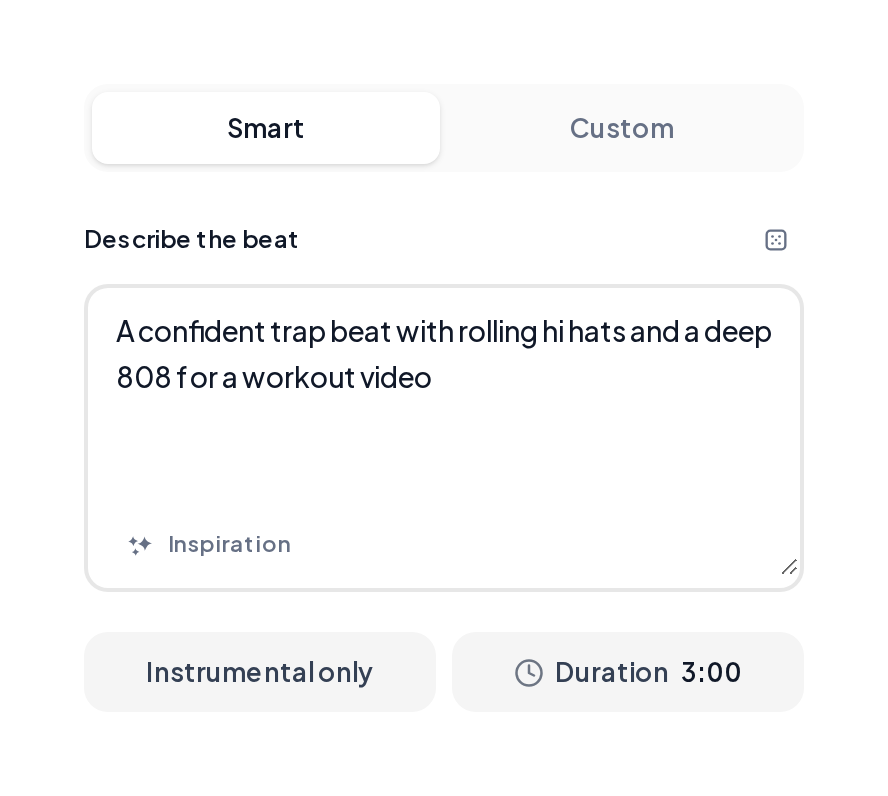
Open a style tool such as the Hip-hop Generator on your phone or computer and describe the beat and the mood.
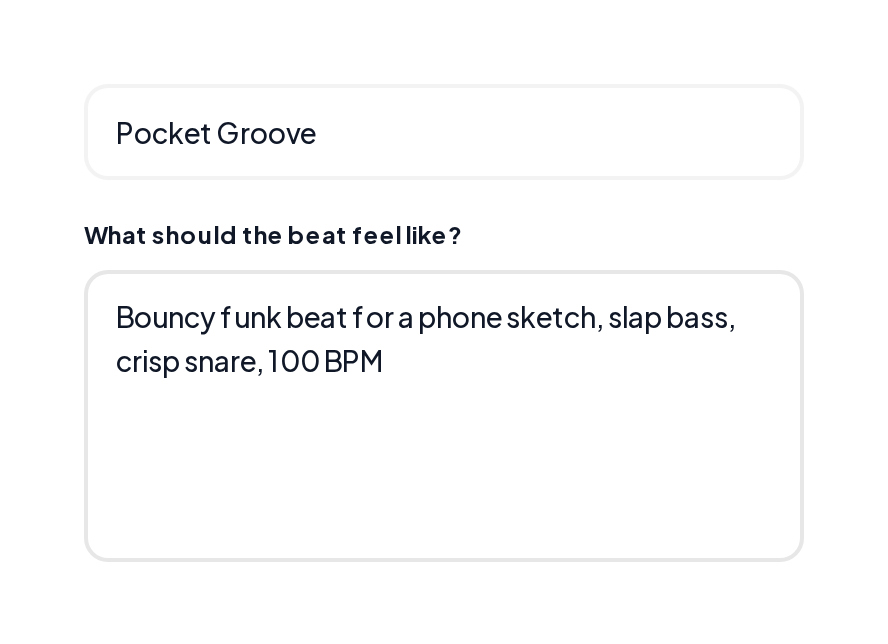
Or open the AI Beat Maker, describe the groove and get an instrumental to build on.
Vocals, drums and bass as separate tracks.
A melody as MIDI notes for any studio.
A louder, balanced final mix.
Start with the result you want. An AI music app gives a full song from one sentence, a beat pad app makes rhythm fun, and a loop app builds tracks from ready parts.
Look for sung vocals, your own lyrics, a length control, instrumental tracks, extra tools like stem splitting, and clear commercial rights. MusiCraft covers each of these in one place.
MusiCraft runs in the browser, so it works like an AI music generator app on any phone or computer with zero setup.
Yes. Paste lyrics with [Verse] and [Chorus] tags in Custom mode and the song maker app sings them in order.
Yes. Many creators sketch an idea in a make a song app, then split stems or export MIDI for song making apps that edit and mix. Audio to MIDI and the Stem Splitter connect them.
AI apps are quickest. Each run returns two complete takes with vocals in a few minutes.
Describe a song and hear two finished takes in minutes.