

1. Spoken line read
Clear TTS for VO.
Best for: voiceovers
Text to speech singing is a browser path that turns written lines into clear spoken audio or two sung takes you can compare.
By Nora Ellis · Updated
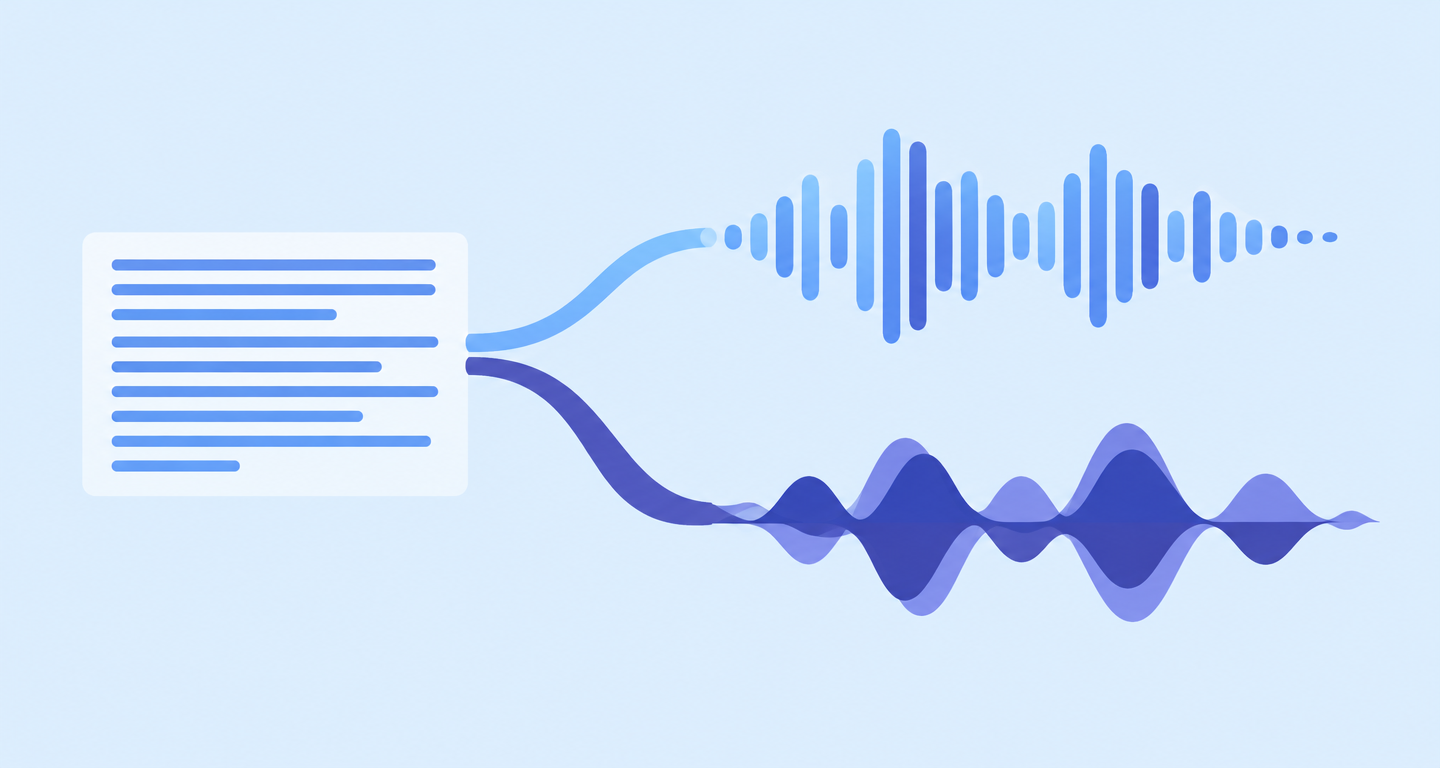
Paths by voice job.
Clear TTS for VO.
Best for: voiceovers
Melody plus Style.
Best for: demos
Write lines first.
Best for: writers
TTS singing path: pick spoken or sung, then two takes.
Open Text to Speech for clear spoken lines, or the Music Generator when you want a sung take.
Use a clear scene, set length, compare both versions.
Three text to speech singing takes from line chips.
Clear spoken
Spoken line for VO beds.
Soft sung
Gentle sung reading of short lines.
Bright sung
Upbeat sung take for clips.
Keep one scene, swap the nouns.
| Goal | Prompt seed | Listen for |
|---|---|---|
| Soft sung | Soft indie 88 BPM warm vocal clear diction gentle | Natural contour |
| Bright sung | Bright pop 118 BPM clear sung lines short hook | Punchy diction |
| Spoken VO | Clear spoken narration calm pace studio mic | Clean speech |
Speech to singing tips for focused line tests:
TTS reads lines clearly; Music Generator sings with melody and Style.
Draft in the AI Lyrics Generator, then choose spoken or sung.
Two full takes each generate on the music path.
15 to 45 seconds covers most line tests.
MusiCraft offers commercial licensing and a downloadable certificate.