
Loading…
A song splitter turns one mixed track into separate stems. This AI audio splitter offers 2, 4, 6 and Full Band modes, plus single instruments.
By Jonah Okonkwo · Updated
Choose by how many parts you need.
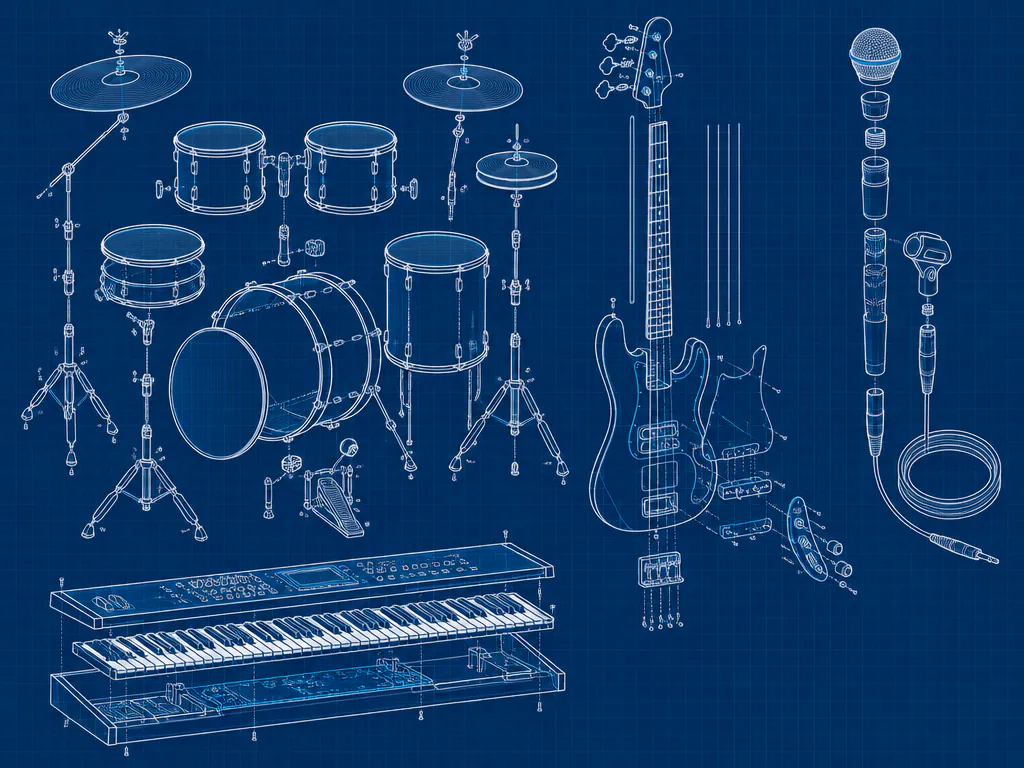
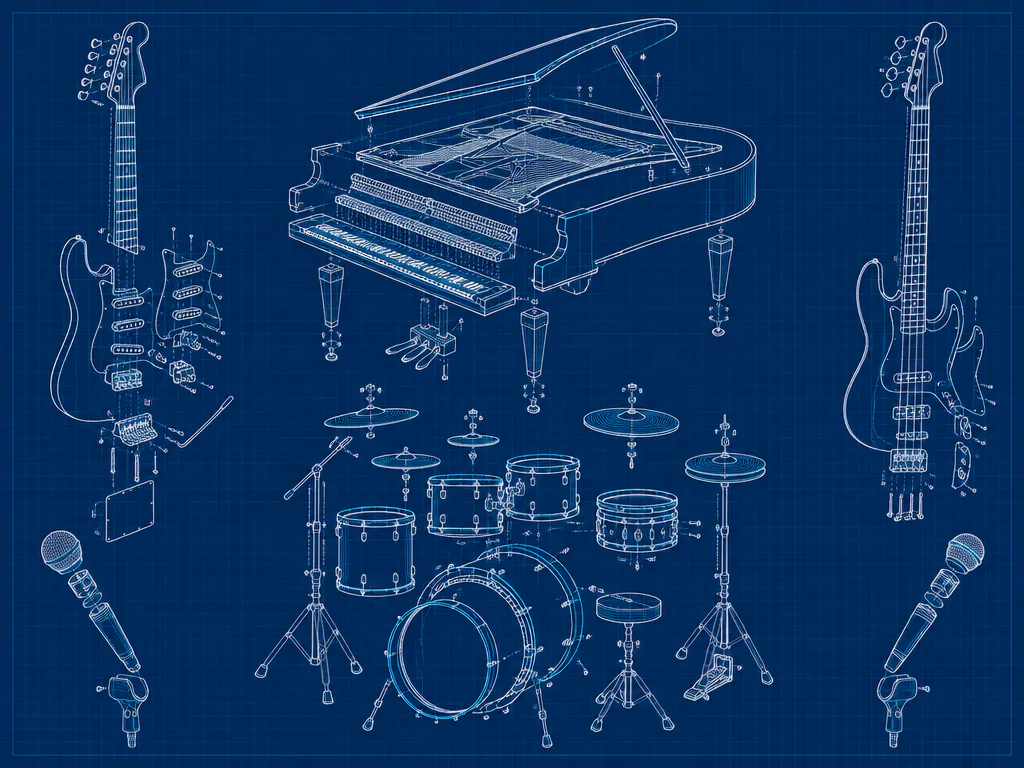
The AI track splitter runs as a song splitter online, right in your browser.
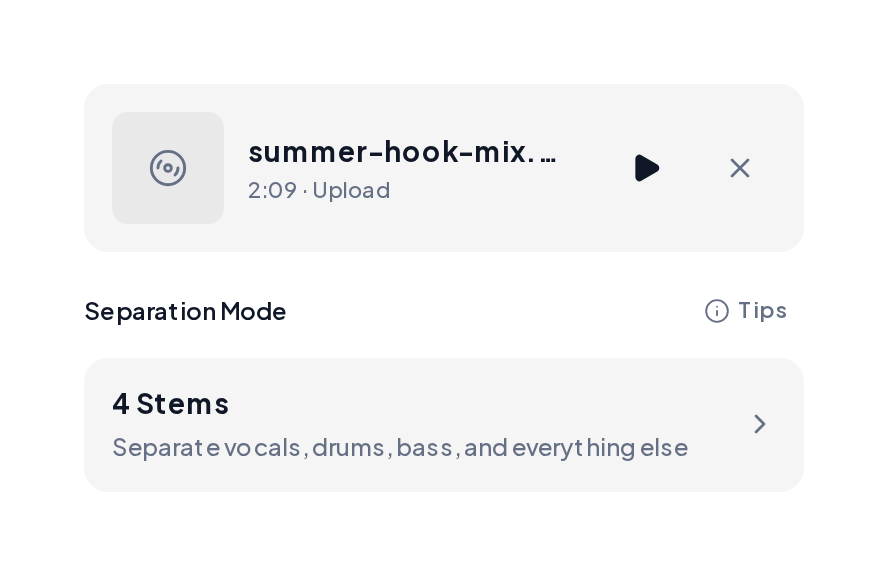
Open the Stem Splitter, upload an MP3, WAV, FLAC or M4A file up to 10 minutes, then choose a mode such as 4 Stems.
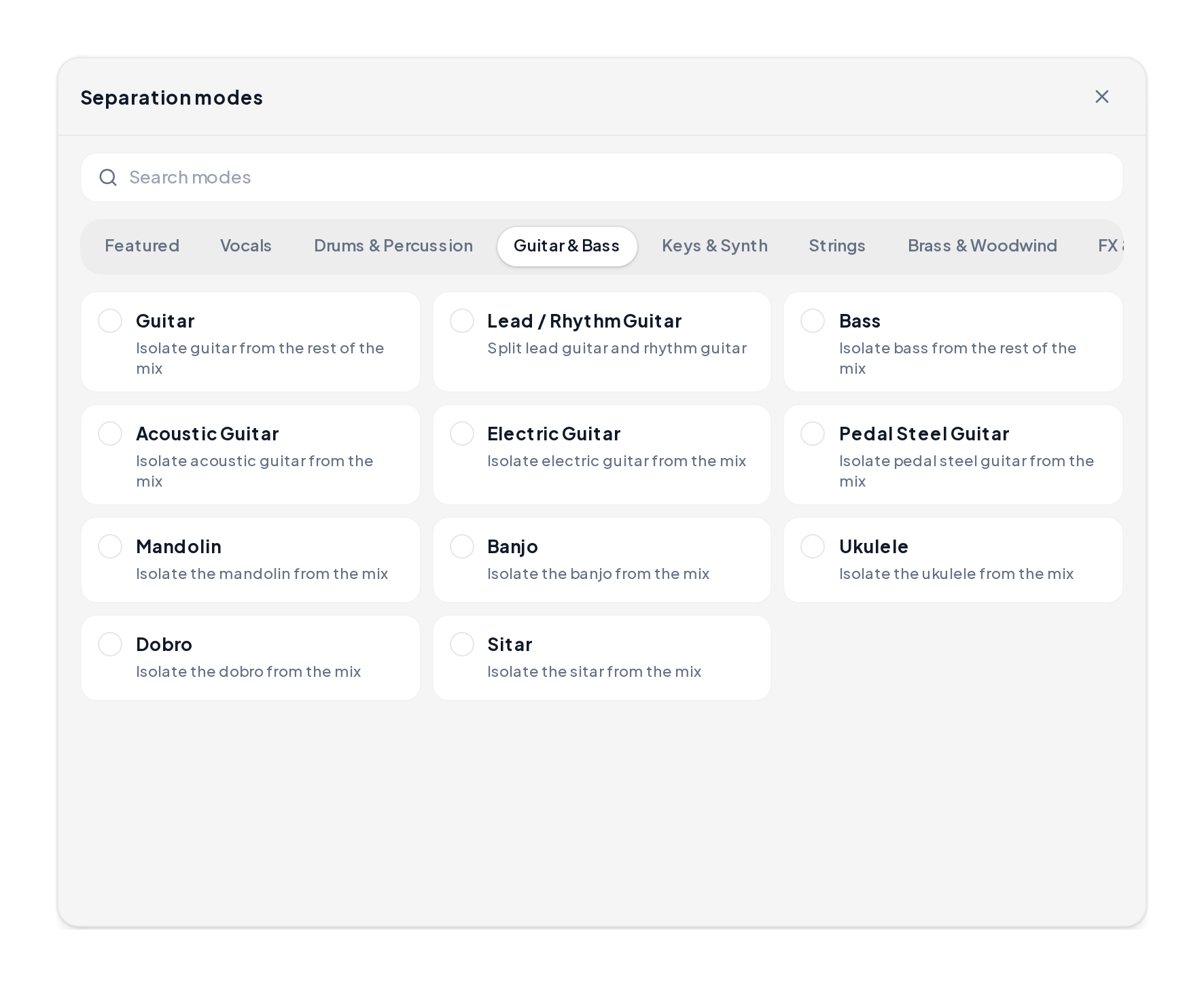
Open Separation modes and browse a category such as Guitar & Bass to pull a single part like acoustic guitar, banjo or bass.
Read across to match the audio separator mode to your project.
| Mode | Files | Best for |
|---|---|---|
| Vocals & Instrumental | Vocals, Instrumental | Karaoke, acapellas, covers |
| 4 Stems | Vocals, Drums, Bass, Other | Remixes and DJ edits |
| 6 Stems | Vocals, Drums, Bass, Guitar, Piano, Other | Practice and transcription |
| Full Band | Core parts plus Lead and Backing vocals | Detailed remixes and study |
| Single instrument | One instrument and the rest | Pulling one part, like banjo or sax |
Pair the AI music separator with these tools.
It learns how each instrument sounds across time and pitch, then writes each part to its own file.
Yes. Upload a song and preview every stem in your browser. It works as an audio separator online on any device.
Pick 2 stems for karaoke or an acapella, 4 stems for remixes, 6 stems when guitar or piano matter, and Full Band for lead and backing vocals.
Studio recordings with clear parts. Songs with many layered guitars may keep a little bleed, so this song separator does best on clean mixes.
Remix them, practice along with one part, transcribe a line or build a karaoke track. Any music separator online gives you files you can reuse in your projects.
Upload a song to the song splitter and get every part as its own file.