

1. Replace the soundtrack
Keep talk, swap the bed for brand music.
Best for: ads and social
A background music remover that helps you remove background music so dialogue stays clear for a fresh score.
By Diego Ramos · Updated

Three re-edit jobs that need a clean voice stem.
Keep talk, swap the bed for brand music.
Best for: ads and social

Lift old underscore under hosts.
Best for: shows

Hold questions and answers, mute the bed.
Best for: docs and clips
A short background music remover loop before you re-score.
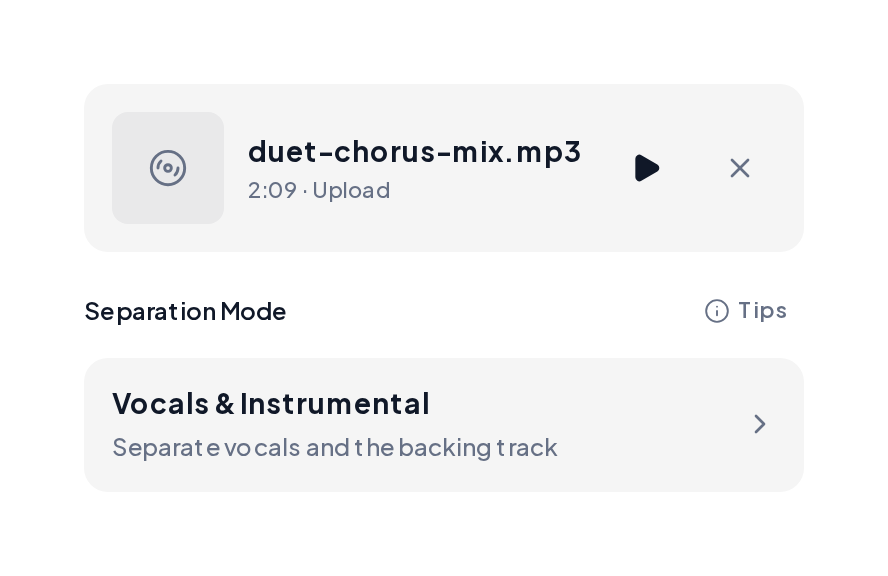
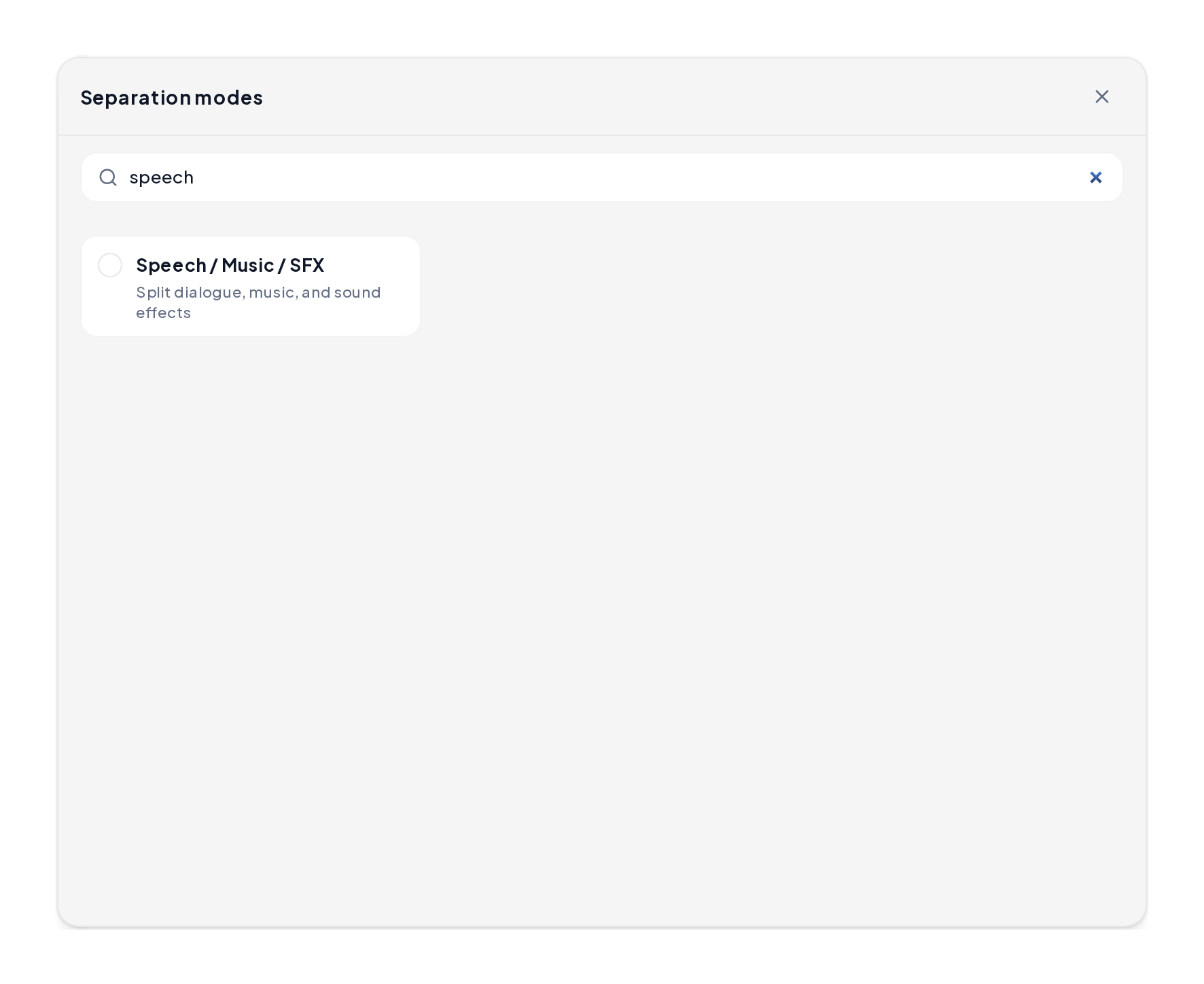
Open the Stem Splitter, upload the exported audio from your video or podcast, then choose Vocals & Instrumental.
Preview the voice stem, export it, then drop a new music bed under the clean dialogue.
Voice-first demos for dialogue re-edits.
Voice after split
Dialogue-forward stem after the bed lifts.
Close-mic speech
Tighter speech for podcast polish.
Dialogue take
Clear talk track ready for a new score.
Keep the rebuild simple.
| Step | Action | Result |
|---|---|---|
| Export audio | Pull WAV or MP3 from the video | Editable file |
| Split | Vocals & Instrumental | Voice stem + bed |
| Preview | Solo the voice stem | Confirm dialogue |
| Rebuild | New bed under voice | Fresh soundtrack |
Small moves before you publish:
Yes. You can start a background music remover free session in the browser.
Yes. Export the audio first, then run the split and keep the dialogue stem.
Same path: isolate speech, then place a fresh bed in your editor.
Cleaner source files separate more cleanly; preview both stems before you rebuild.
A browser pass is enough for most re-edit jobs.
Start a background music remover pass and rebuild the soundtrack around clear dialogue.