

1. Karaoke practice
Keep the band, lift the lead vocal.
Best for: singers and teachers
An instrumental maker that helps you make a song instrumental for practice, karaoke and live beds: upload, preview, export.
By Diego Ramos · Updated

Pick the backing-track job for today.
Keep the band, lift the lead vocal.
Best for: singers and teachers

A quiet instrumental for run-throughs.
Best for: bands

Export a stem for small stages.
Best for: solo acts
A short instrumental maker loop with preview before download.
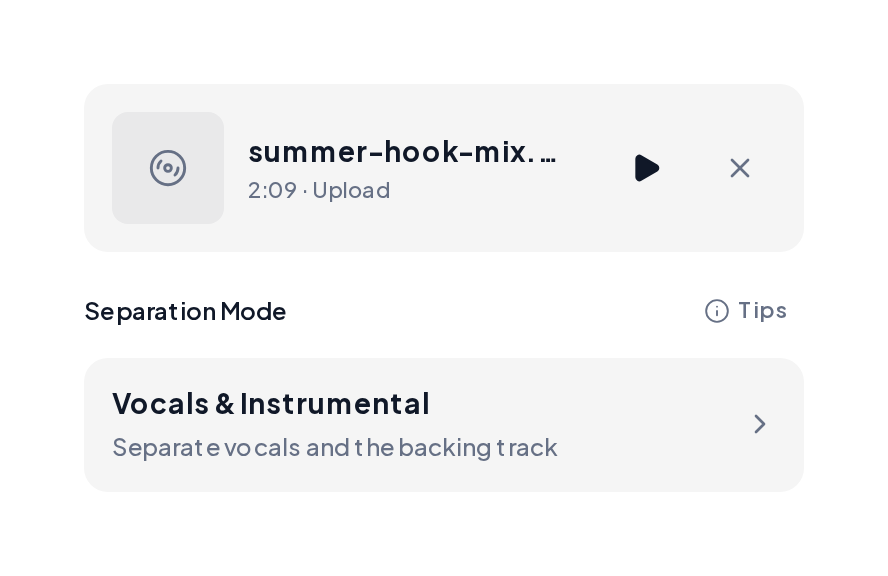
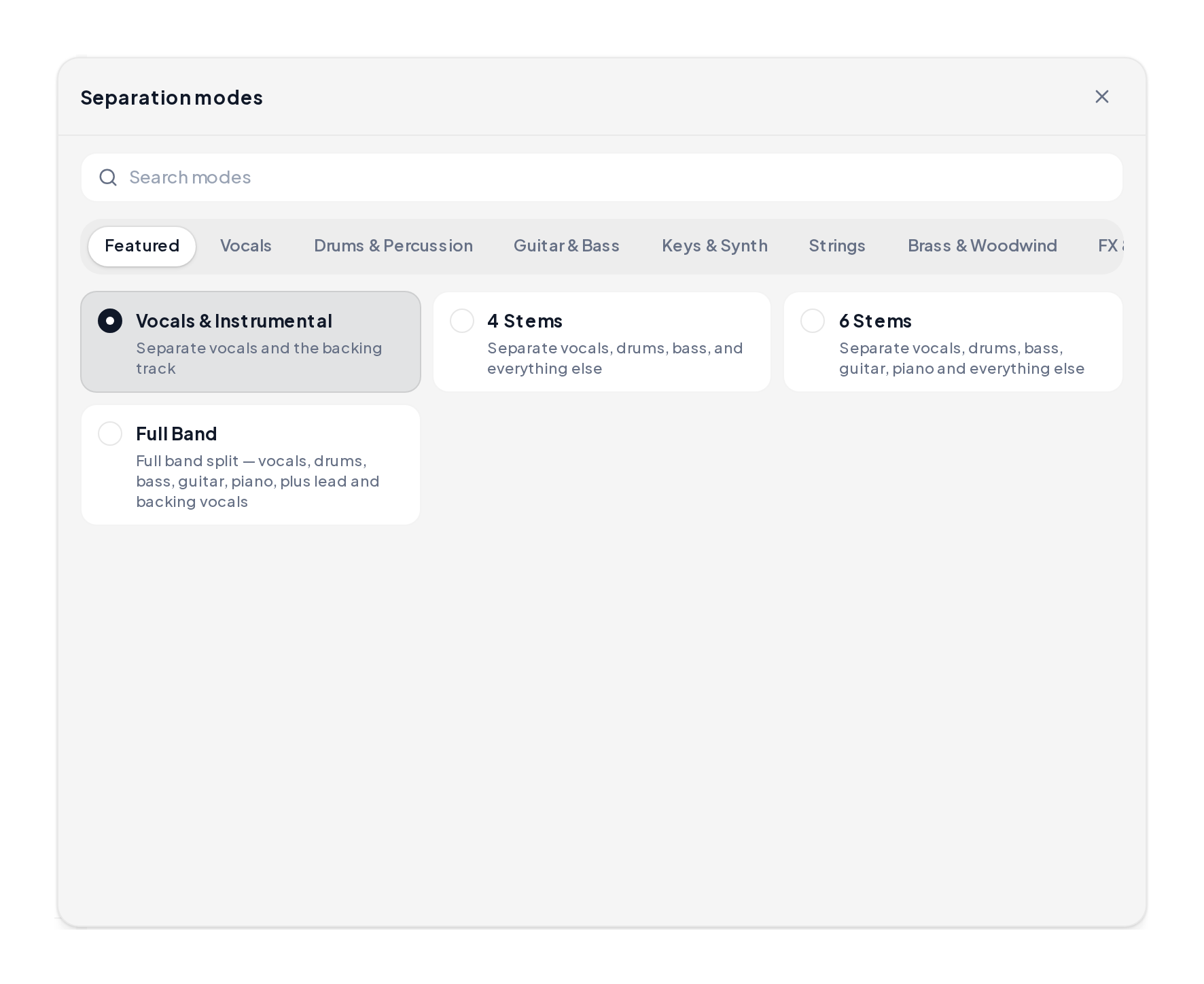
Open the Stem Splitter, upload MP3, WAV, M4A or FLAC, then choose Vocals & Instrumental.
Listen to the instrumental stem, then download MP3 or WAV for practice or a set.
Mode-result demos: full mix, open instrumental, and the lifted vocal for reference.
Full mix reference
The sung mix you upload first.
Instrumental stem
Backing track after the vocal lifts.
Lifted vocal reference
Voice stem kept when you need both.
Match the stem to the job.
| You want | Mode | You get |
|---|---|---|
| Karaoke bed | Vocals & Instrumental | Instrumental stem |
| Lead vs backing vocals | Karaoke | Lead and backing split |
| Band parts | 4 Stems | Drums, bass, other, vocals |
| Study the vocal too | Vocals & Instrumental | Both stems |
Keep the instrumental maker preview honest:
Yes. Upload the mix, keep the instrumental stem, and sing over it.
Yes. Export a clean bed you can play under a live vocal.
WAV or high-bitrate MP3 separates more cleanly than a phone recording.
Cleaner commercial masters leave less bleed; preview before you export.
About a minute and a half for most tracks.
Upload a mix and export a practice-ready bed with this instrumental maker.