

1. Karaoke backing
Keep the band, lift the lead vocal for practice and sing-alongs.
Best for: parties, lessons and covers
Use AI remove vocals from song in your browser: upload the mix, pick a mode, preview, then export the instrumental or the vocal stem.
By Diego Ramos · Updated
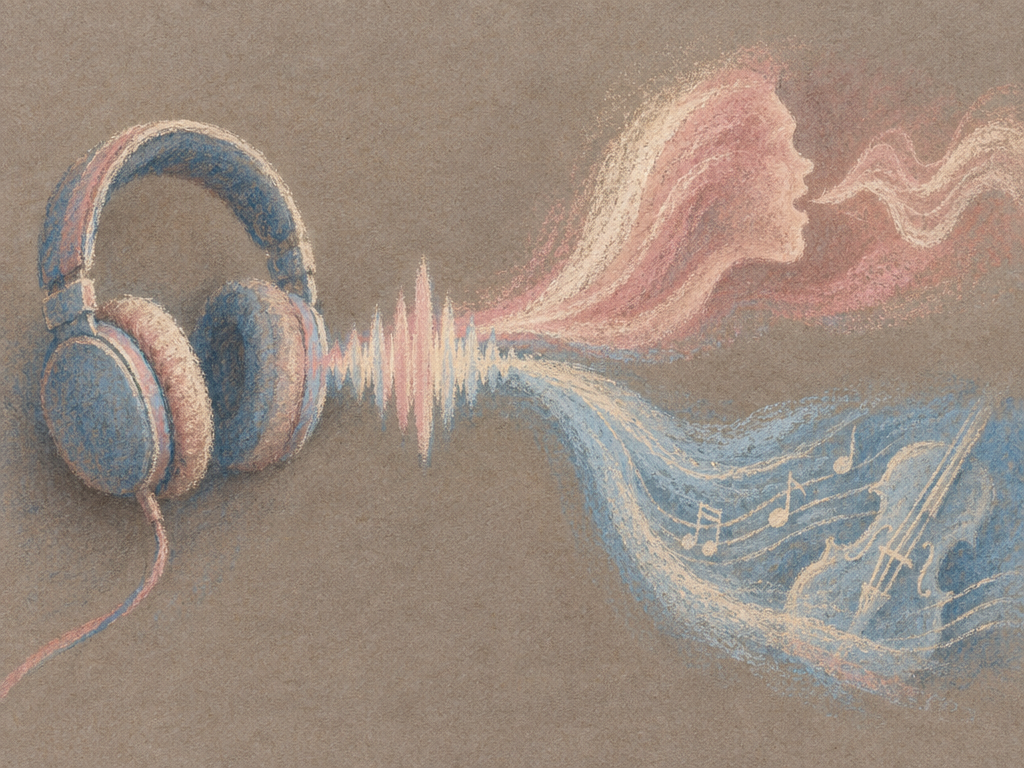
Three common goals, three clear outputs.
Keep the band, lift the lead vocal for practice and sing-alongs.
Best for: parties, lessons and covers

Remove vocals from songs for a backing track you can arrange over.
Best for: practice tracks and edits

Keep the voice alone for remixes and lyric study.
Best for: remixes and learning
A clear path to remove vocals from a song and remove vocals from song with preview before you download.
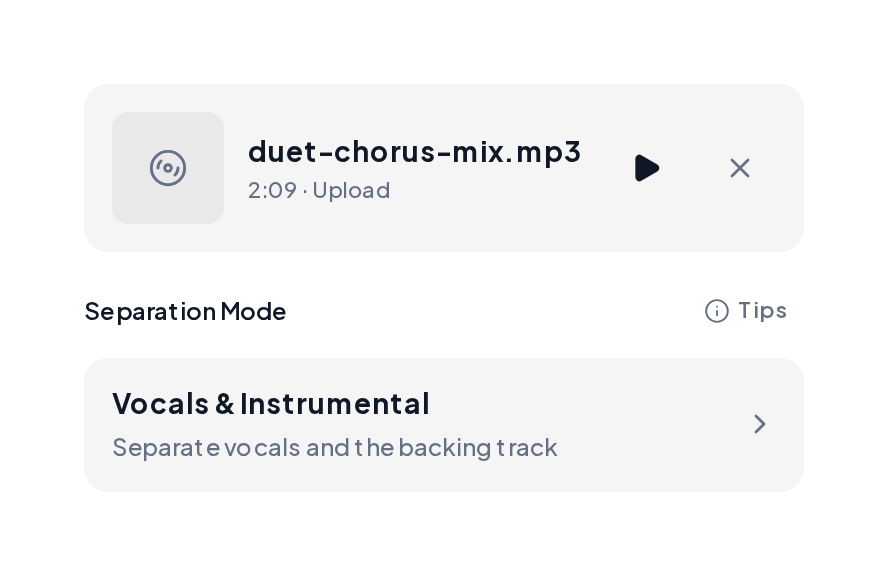
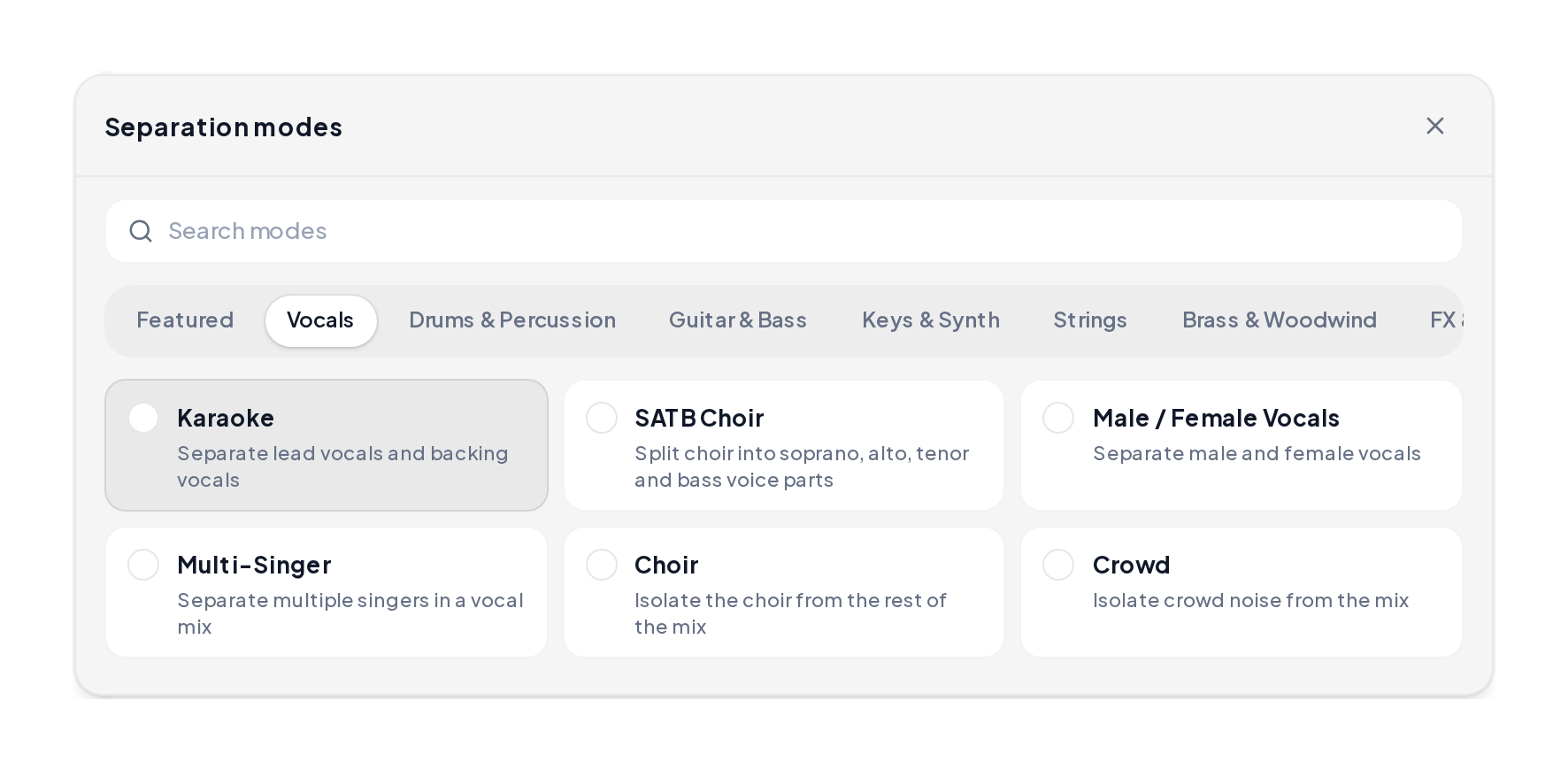
Open the Stem Splitter, upload an MP3, WAV, M4A or FLAC, then choose Vocals & Instrumental or Karaoke.
Listen to the instrumental and the vocal stem, then download the file you need for karaoke, practice or a remix.
Mode-style MusiCraft demos for remove vocals from a song ai: a full mix reference, an instrumental after vocals lift, and an instrumental-only bed.
Full mix reference
A complete sung mix you might upload before you remove vocals from a song.
Instrumental result
Open band space after remove vocals from a song ai for karaoke or practice.
Instrumental-only generate
A bed built as instrumental-only when you want a clean backing track.
Match the output to the job.
| You want | Mode | You get |
|---|---|---|
| A karaoke track | Vocals & Instrumental | Instrumental stem |
| Lead and backing apart | Karaoke | Lead vocal and backing vocals |
| Parts for a rebuild | 4 Stems | Vocals, drums, bass, other |
| Each singer alone | Multi-Singer | One track per voice |
Small choices before removing vocals from a song keep stems cleaner. Tips to remove the vocals from a song cleanly:
Yes. MusiCraft lets you free remove vocals from a song in the browser, and remove vocals from a song for free on a phone or laptop.
AI remove vocals from song models learn how voices and instruments sit in the mix, then place the voice on its own stem.
Vocals & Instrumental for a clean backing track. Karaoke when you also want backing vocals split from the lead.
MP3, WAV, FLAC or M4A, up to 100 MB and 10 minutes per file.
Yes for karaoke and practice. For dialogue and podcasts, see voice isolation guides that also cover denoise and dereverb.
Upload a track to remove vocals from song free and hear the instrumental in about a minute and a half.