

Interviews
Keep the room sound and music under a new voiceover.
An AI voice remover splits a recording into speech, music and sound effects. Keep the bed, drop the talking and reuse the audio in a new edit.
By Diego Ramos · Updated
Each voice remover job keeps the parts of the recording you need.
Keep the room sound and music under a new voiceover.

Lift narration off a soundtrack and reuse the music bed.

Pull the music bed from under the host for a new mix.
Both steps run in the voice remover online, right in your browser.
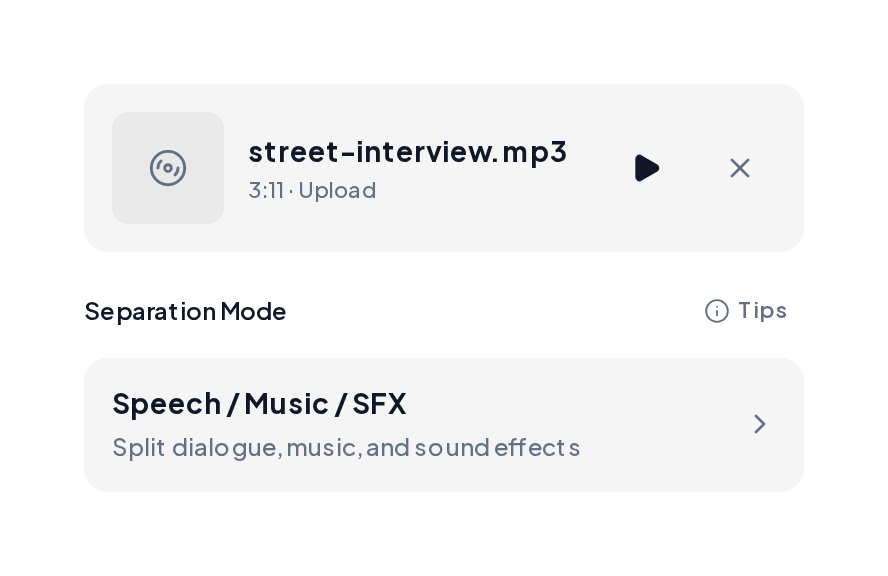
Open the Stem Splitter, upload the recording and pick Speech / Music / SFX. You get separate speech, music and effects files.
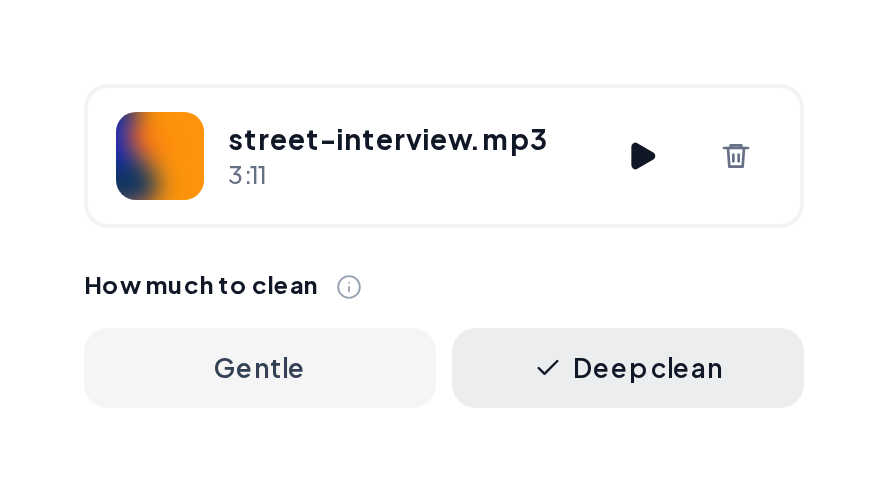
Open Denoise, upload the music file and pick Gentle or Deep clean for hiss and hum.
Pick the file that fits your next edit.
| File | What it holds | Use it for |
|---|---|---|
| Speech | Every spoken word | Transcripts, captions or a new mix |
| Music | The score or song bed | Reuse under a new voiceover |
| Effects | Footsteps, crowd and room sounds | Keeping the scene real |
Pair the clean bed with these tools.
Yes. The MusiCraft Stem Splitter is free to try in your browser. Upload a recording and preview each file.
It learns how speech, music and effects sound, then places each one on its own file.
Clear speech over steady music. Very compressed live rooms sound best with a Denoise pass afterward.
MP3, WAV, FLAC or M4A, up to 10 minutes per file.
Yes for your own recordings. Clear any third party music with its rights holders before you publish.
Upload a file to the voice remover and get speech, music and effects as separate files.