
1. Dry pop lead
Two stems stay tidy when the voice is upfront.
Best for: karaoke and practice
A vocal splitter sounds cleaner when the source is strong, the mode matches the mix, and light cleanup follows the pass.
By Diego Ramos · Updated

Match the job before you hit separate.
Two stems stay tidy when the voice is upfront.
Best for: karaoke and practice

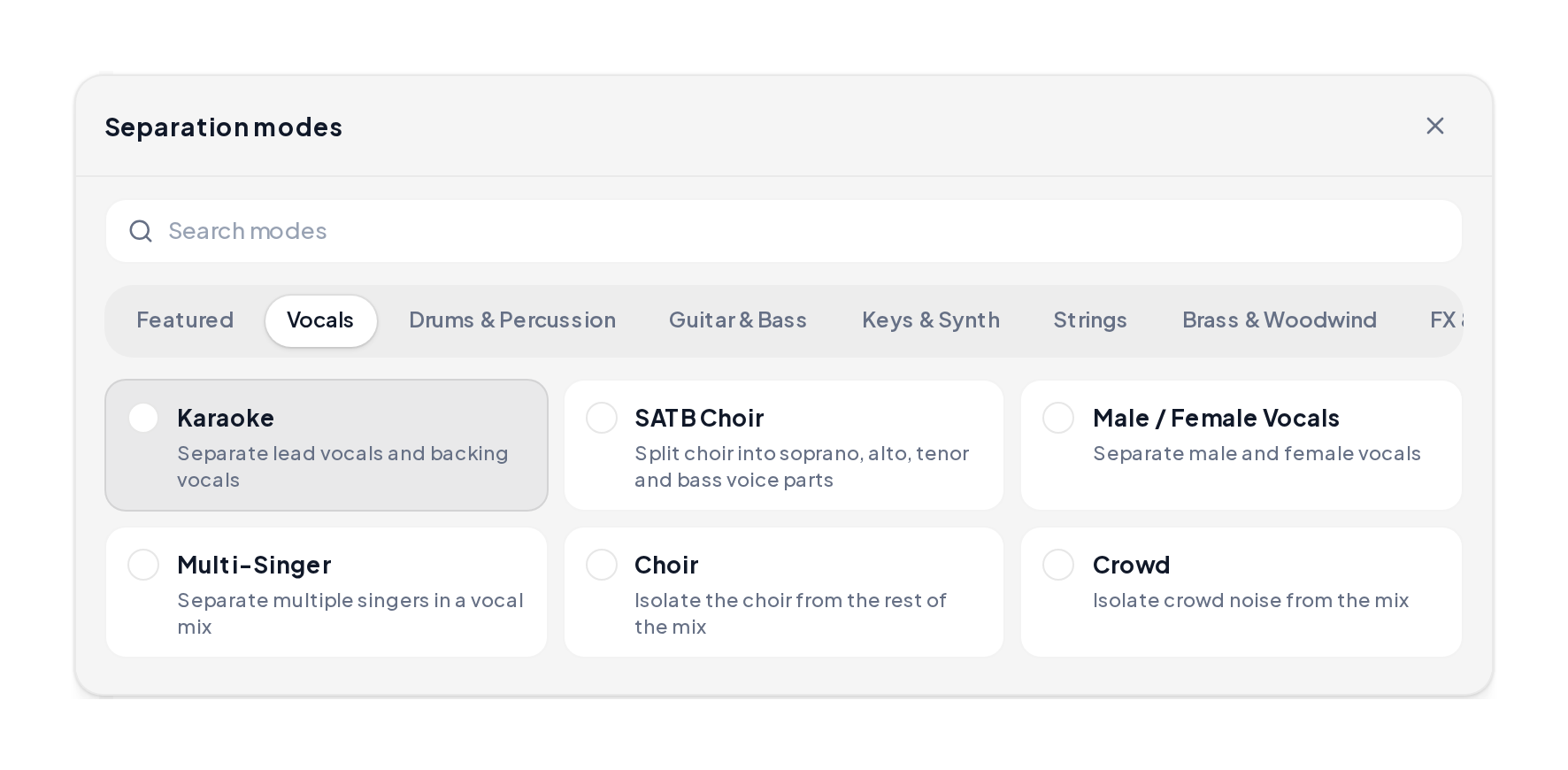
Karaoke or Multi-Singer when backing vocals matter.
Best for: choir and R&B

4 Stems when drums and bass also need their own lanes.
Best for: remix rebuilds
A vocal splitter online path that protects stem clarity.
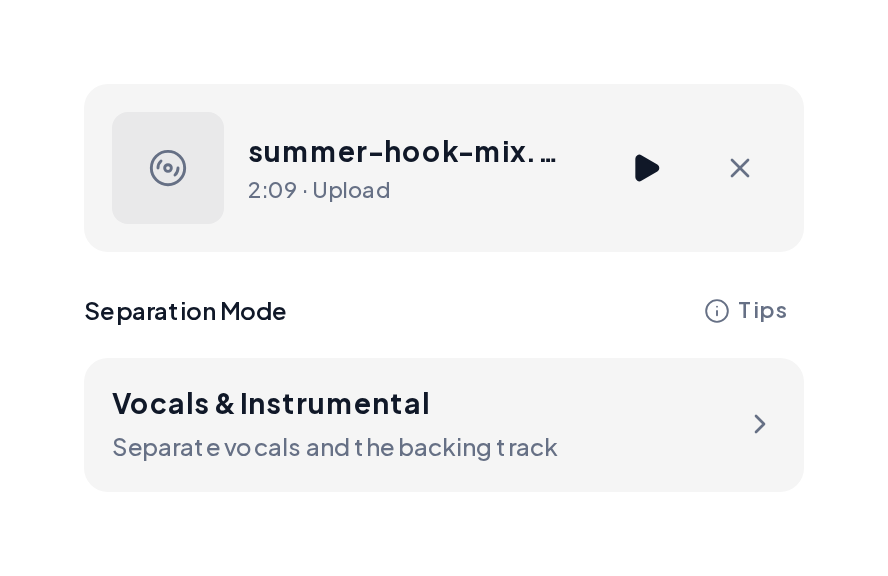
Open the Stem Splitter, prefer WAV or high-bitrate MP3, then choose Vocals & Instrumental, Karaoke or 4 Stems.
Solo each stem, run Dereverb or Denoise if needed, then download MP3 or WAV.
AI vocal splitter demos: full mix, voice stem, and instrumental bed.
Full mix reference
A denser mix that tests separation.
Voice stem
Lead line after the split.
Instrumental stem
Band lane with the voice lifted.
Use this checklist before you trust the export.
| Factor | Cleaner | Riskier |
|---|---|---|
| Source | WAV / high bitrate | Heavy compression |
| Vocal space | Drier lead | Long hall reverb |
| Mode | Matches the mix | Wrong stem count |
| Cleanup | Dereverb / Denoise | Exporting blind |
Small moves before and after a vocal splitter pass:
When bleed remains, tidy before export.

Dereverb then Denoise, then preview again.
Yes. MusiCraft offers a vocal splitter free path in the browser before you export.
Heavy reverb, stacked harmonies and low-bitrate rips leave more bleed on both stems.
Vocals & Instrumental for a simple lead. Karaoke when backing vocals crowd the lead.
Preview stays in the browser, then export the stems you need.
WAV or high-bitrate MP3, under about 100 MB and 10 minutes.
Upload a mix to the free vocal splitter and hear how clean the stems can get.