

1. Music under speech
Competing songs, ads, BGM.
Best for: mixed clips
Pull speech from music when beds compete; clear hiss on a solo take with Denoise. Pick the job, then the tool.
By Diego Ramos · Updated
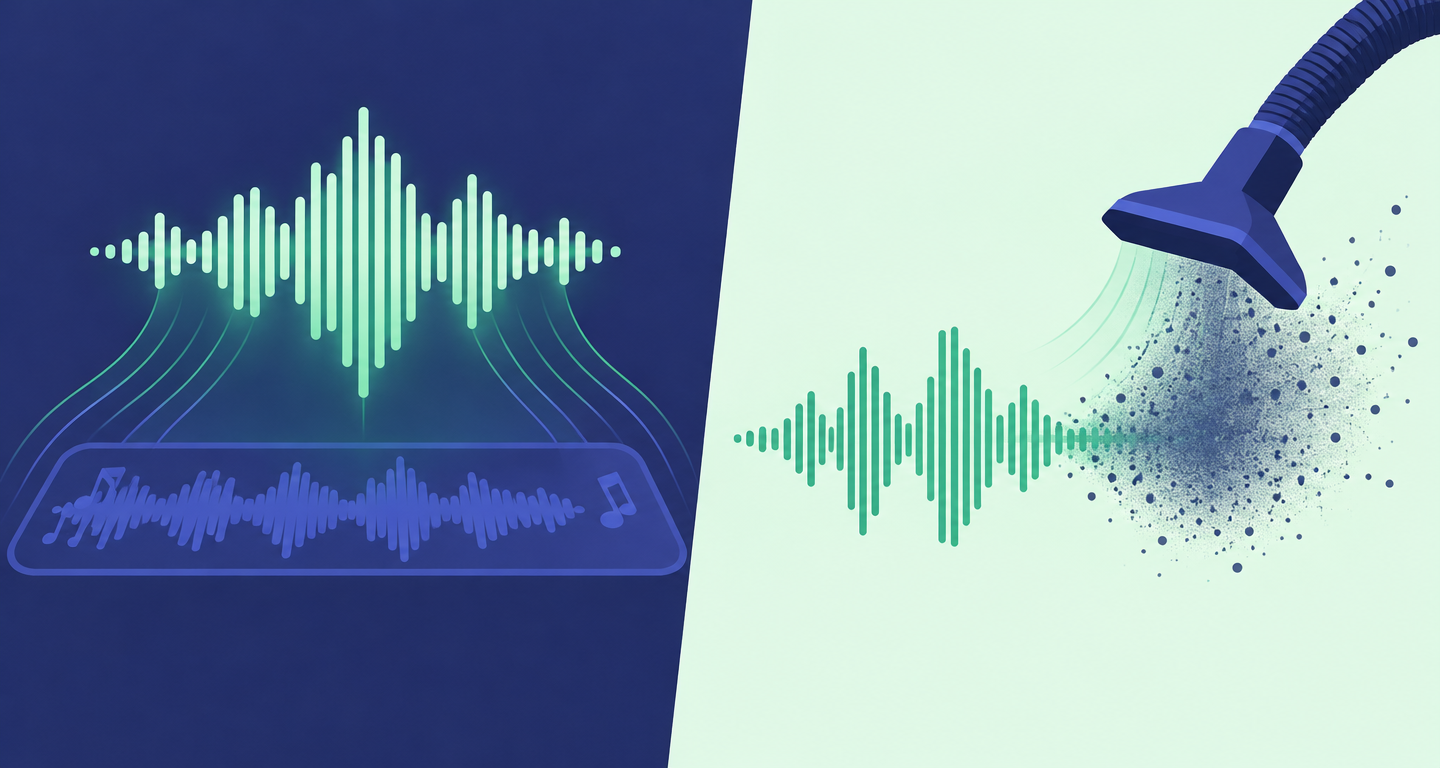
Match the problem before you upload.
Competing songs, ads, BGM.
Best for: mixed clips

Fan, street, recorder noise.
Best for: clean mics

Isolate, then denoise leftovers.
Best for: messy field kits
A voice isolator online check before you denoise.
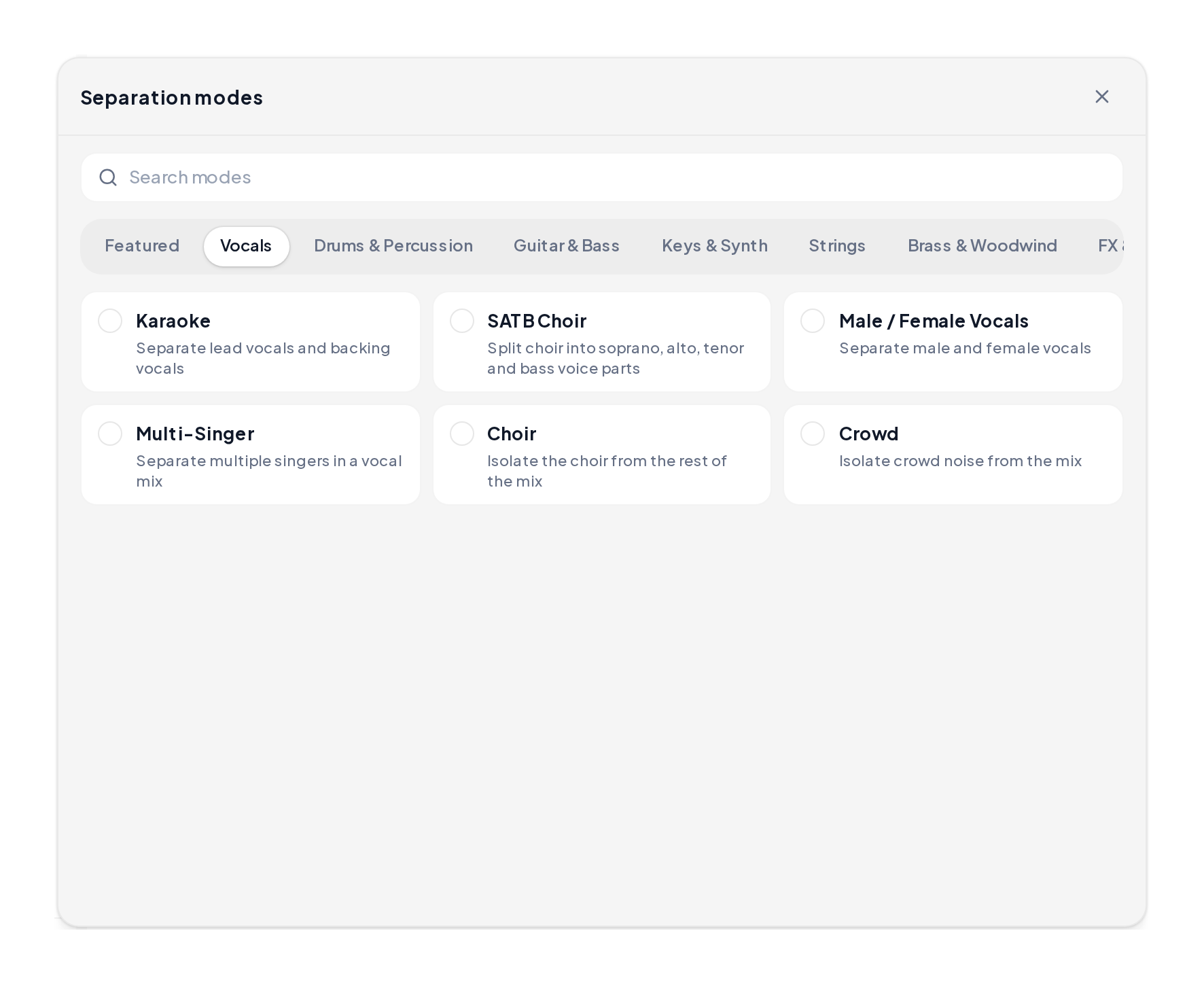
Open the Stem Splitter, upload, pick a voice-first mode, preview, then export.
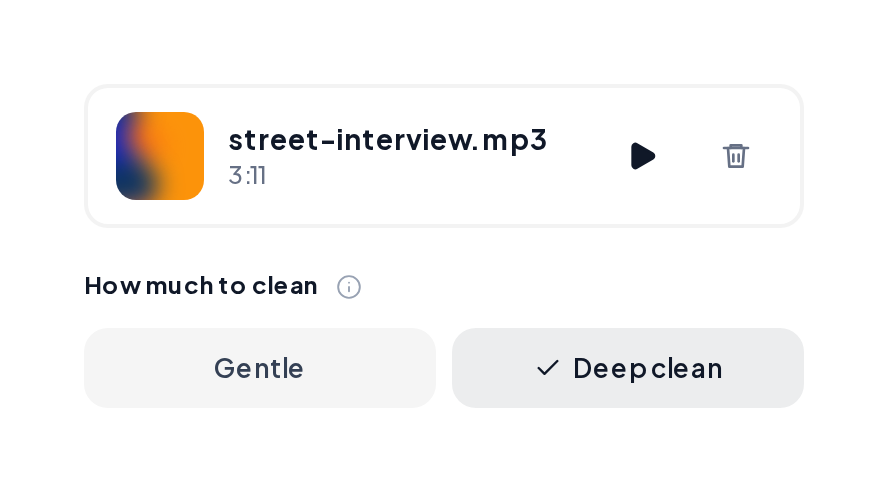
Open Denoise, start gentle, A/B the speech, export when words are clear.
Voice-first demos after isolation-minded passes.
Voice forward
Speech rising above a quieter bed.
Close-mic isolate
Tighter voice for podcasts.
Dialogue ready
Talk track ready to re-edit.
A quick decision table.
| You hear | Use | Why |
|---|---|---|
| Song under talking | Isolator path | Pulls speech from the bed |
| Hiss on a solo take | Noise reduction | Lifts steady noise |
| Both | Isolate, then denoise | Music first, hiss second |
| Already clean | Skip ahead | Export as-is |
Keep speech natural:
It pulls speech or singing out of a mix so the bed sits quieter.
When the problem is hiss, fan or street noise on an already solo voice.
Yes. Isolate first when music competes, then denoise leftover hiss.
Yes. Upload, preview a voice-first mode, then export.
MP3, WAV, M4A and FLAC.
Start with Stem Splitter when music competes, or Denoise when hiss is the only issue.