Hub chat agent
Ask in everyday language: write lyrics, generate a track, split stems, or clean a vocal. The AI music agent keeps the thread so you can revise without re-explaining the brief.
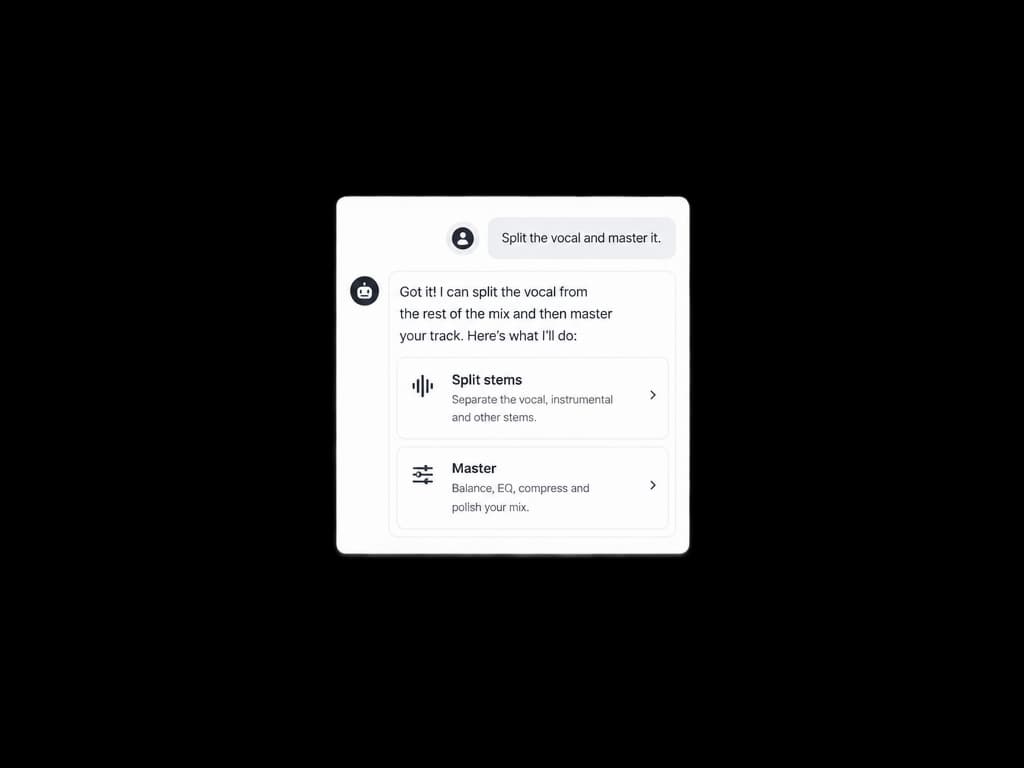

Tell an AI music agent what you need — a song, stems, a master, or a cleanup — and it routes the work. Open the canvas when you want a visual flow, or jump into a dedicated tool.
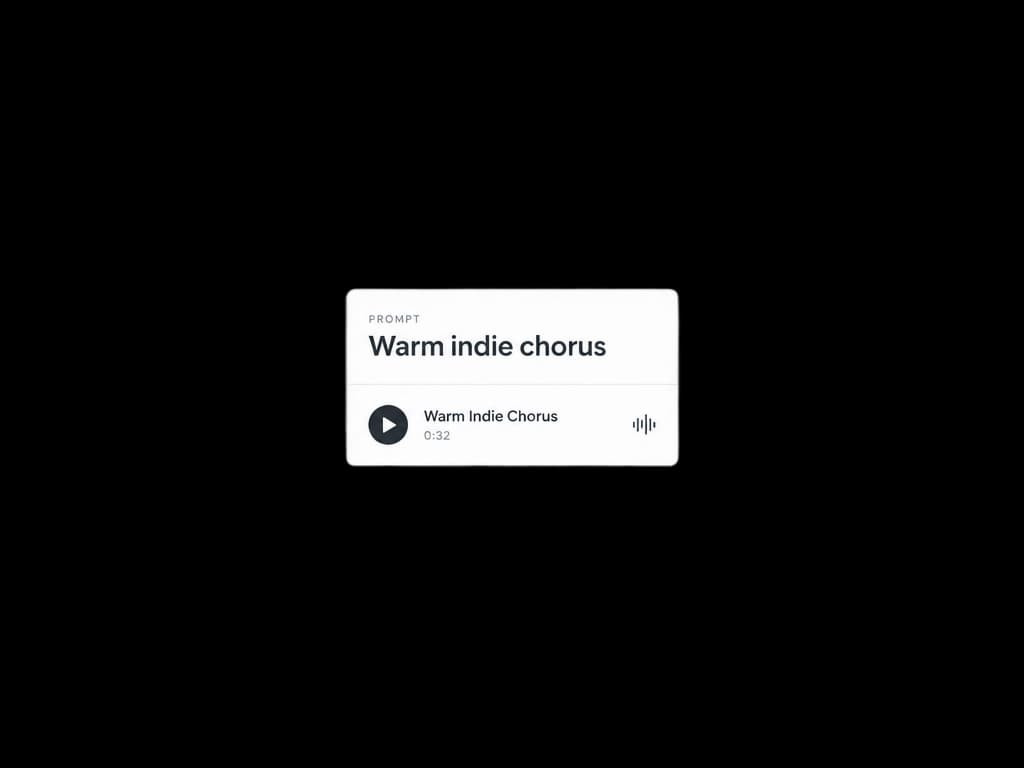
These tracks were generated in the same workspace the agent uses. Press play, then describe your own brief above.
The AI music agent is no longer just a chat that writes songs. It sits in the hub, talks in plain language, and can hand work to canvas or a focused tool — generate, separate, master, and restore without starting over.
Ask in everyday language: write lyrics, generate a track, split stems, or clean a vocal. The AI music agent keeps the thread so you can revise without re-explaining the brief.
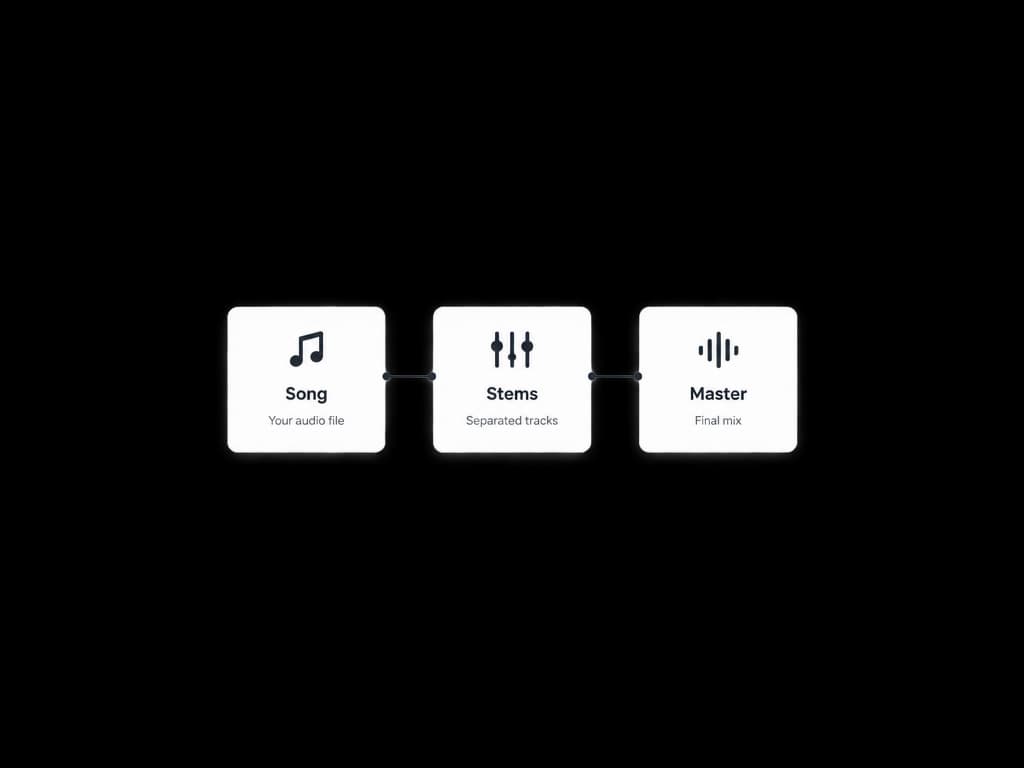
Drop generations, uploads, and processors onto an infinite board. Wire a song into stems, then into a master — a visual workflow the agent can start and you can rearrange.
Full songs from lyrics plus style, or structured ad jingles from a brand brief. Photo-to-music, covers, and logos stay in the same session when you need visuals.
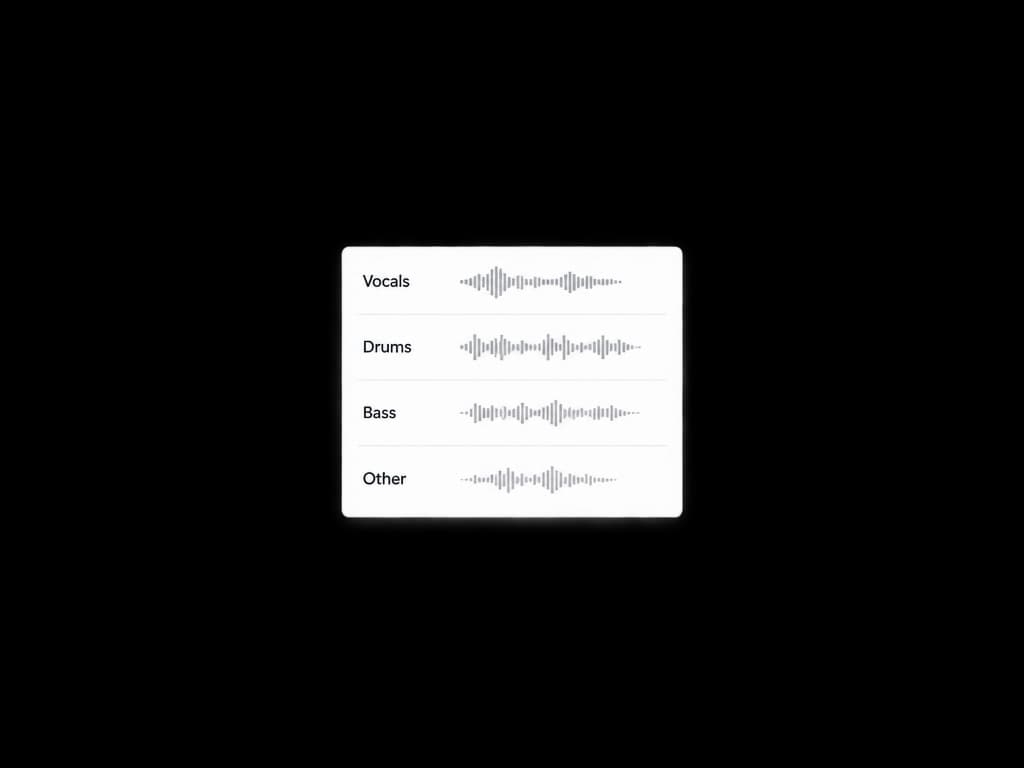
Separate vocals, drums, bass, and individual instruments from a mix. Use the result for remixes, karaoke, or a tighter edit — then keep going in chat or canvas.
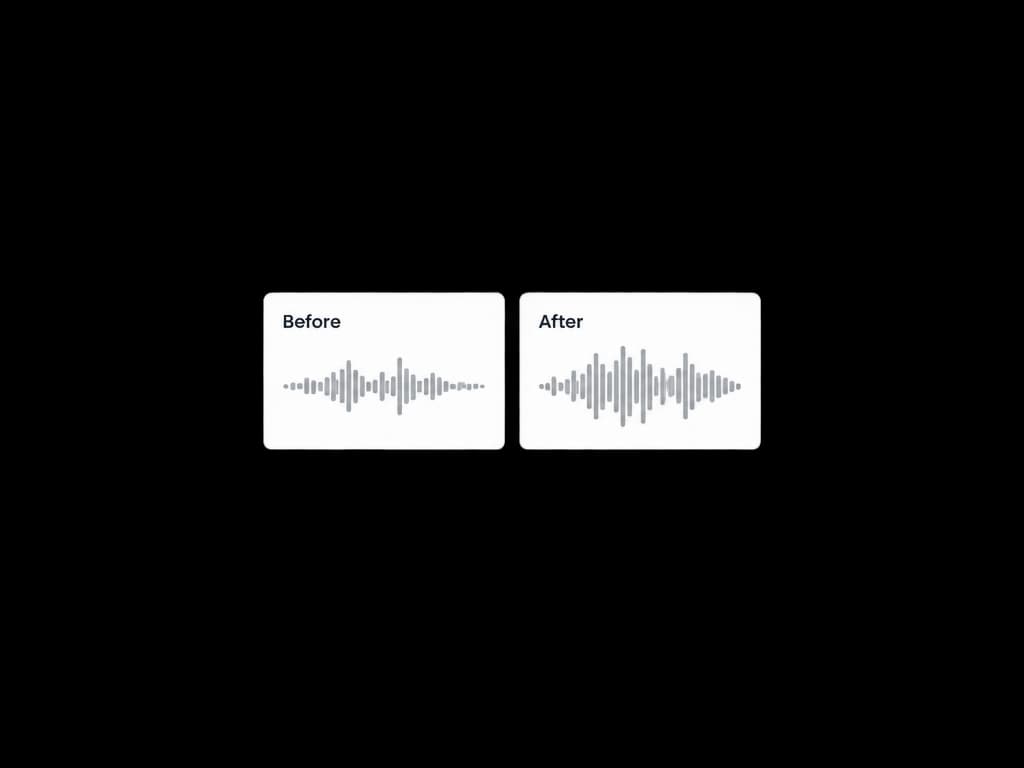
Match a mix to a reference and get a louder, clearer master for streaming. Compare before and after, then download or send the file to the next node.
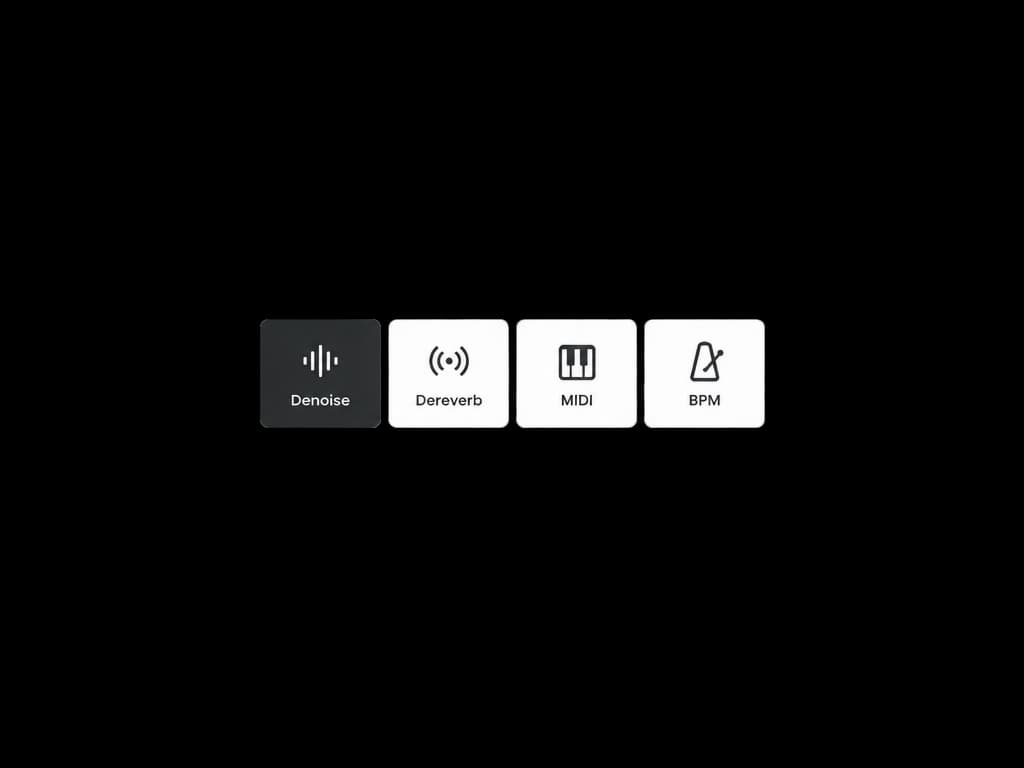
Denoise hiss, dry room reverb, restore lossy audio, convert piano or vocals to MIDI, and read BPM and key — the same AI music agent can point you at the right tool.
You do not have to pick the perfect tool first. Describe the outcome; the AI music agent chooses a path, and you can always open the dedicated page.
 Producers & songwritersDraft a full song, pull stems, and master in one sitting — then keep the conversation going when the chorus is close but not done.
 Video & social teamsNeed a bed, a jingle, or a dry vocal under voiceover? Brief the agent, grab the file, drop it into the edit.
 Podcast & brand audioIntros, outros, and spots with a consistent mood. Use Jingle Maker for structured briefs, or chat when you only have a sentence.
 Remixers & educatorsSplit a mix, convert a melody to MIDI, check BPM and key, then rebuild. The canvas keeps every file on one board.
Keep going — these tools pair well with what you just read.