Edit every note in MuseScore 4
Open the file with File, Open. Staves, clefs, key and time signatures and repeats are already in place, so you can fix a note, add dynamics or transpose the piece right away.

Upload a PDF of printed sheet music or a photo of the page. Get a MusicXML score you can open, edit and reprint in your notation app.
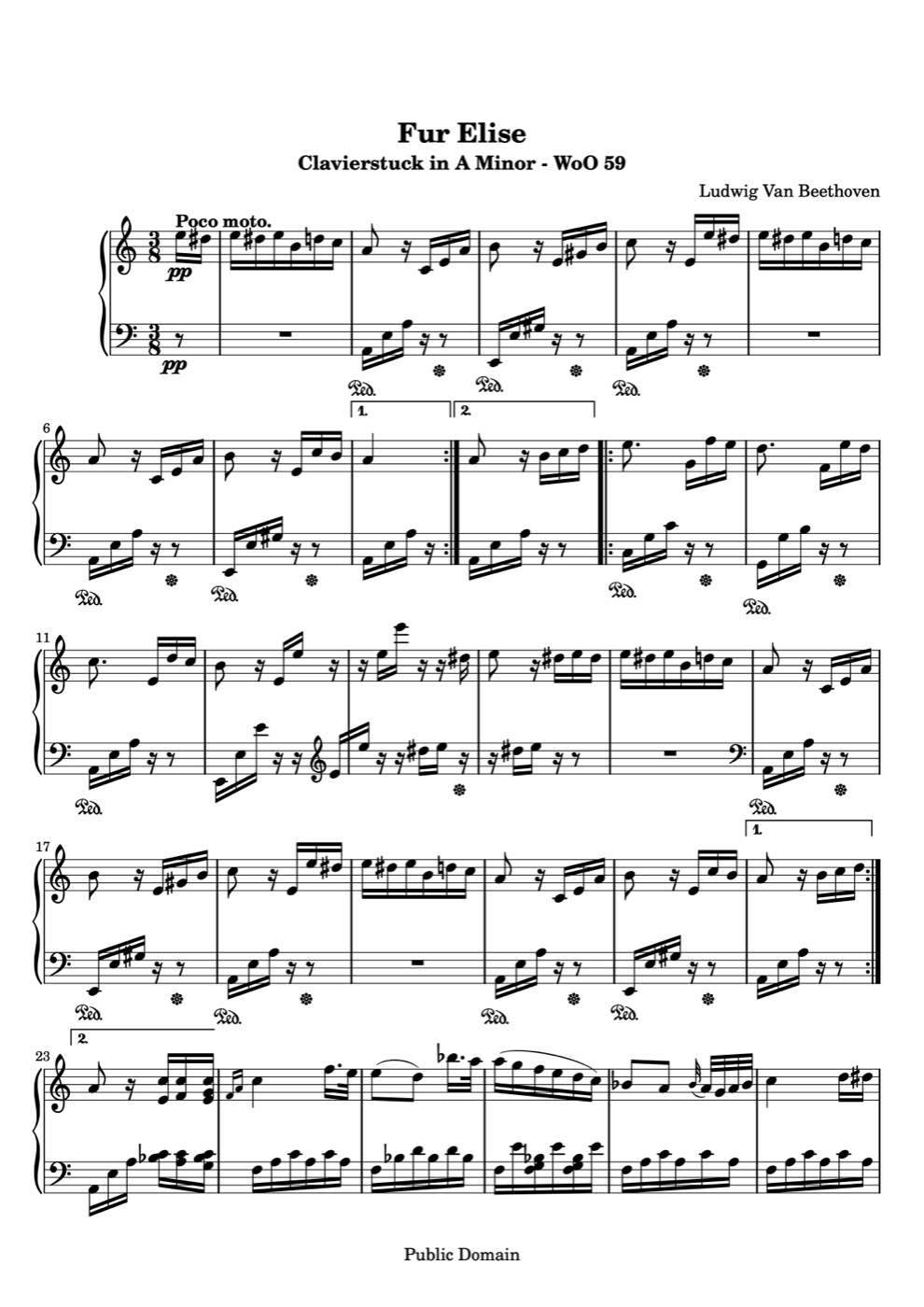
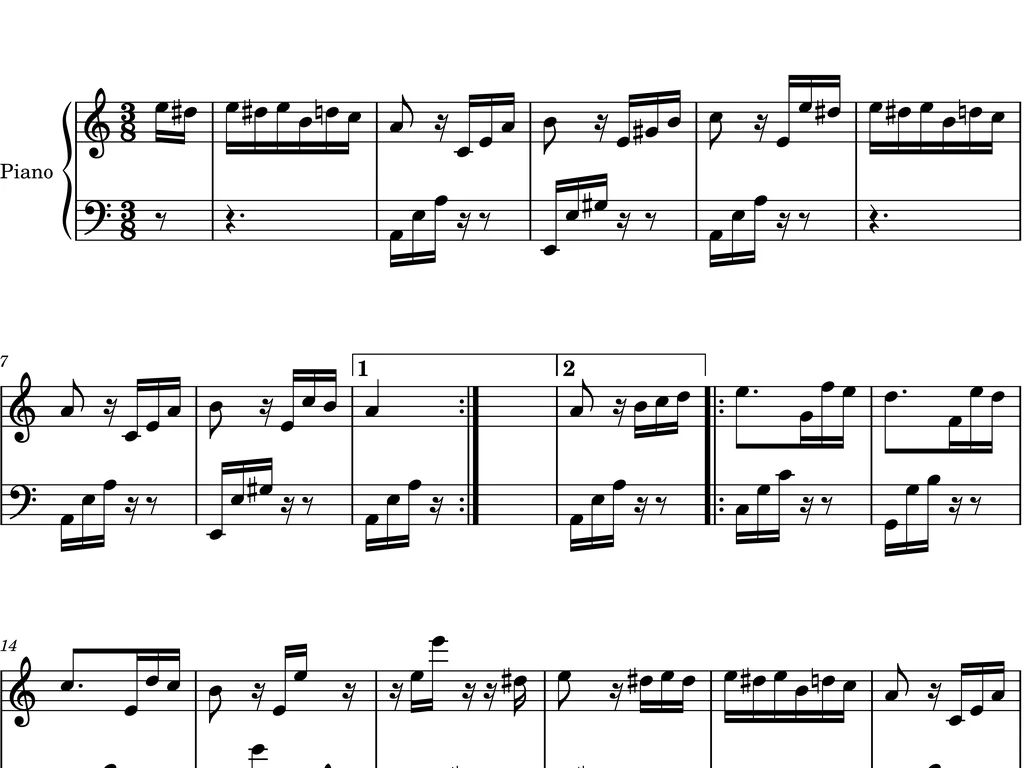
The first page of Für Elise, read from a printed copy. The score on the right is the MusicXML we wrote, played back in your browser.
Printed page
MusicXML score
Loading score…
It all happens online in your browser, on Mac, Windows or your phone.
Add one PDF of up to 10 pages, or photograph each page. Multi page scans are joined into one score.
Optical music recognition reads clefs, key and time signatures, notes, rests and bar lines. Open the result from your library and play it to check it.
Pick MusicXML in the download menu and open the file in MuseScore, Dorico, Sibelius or Finale.
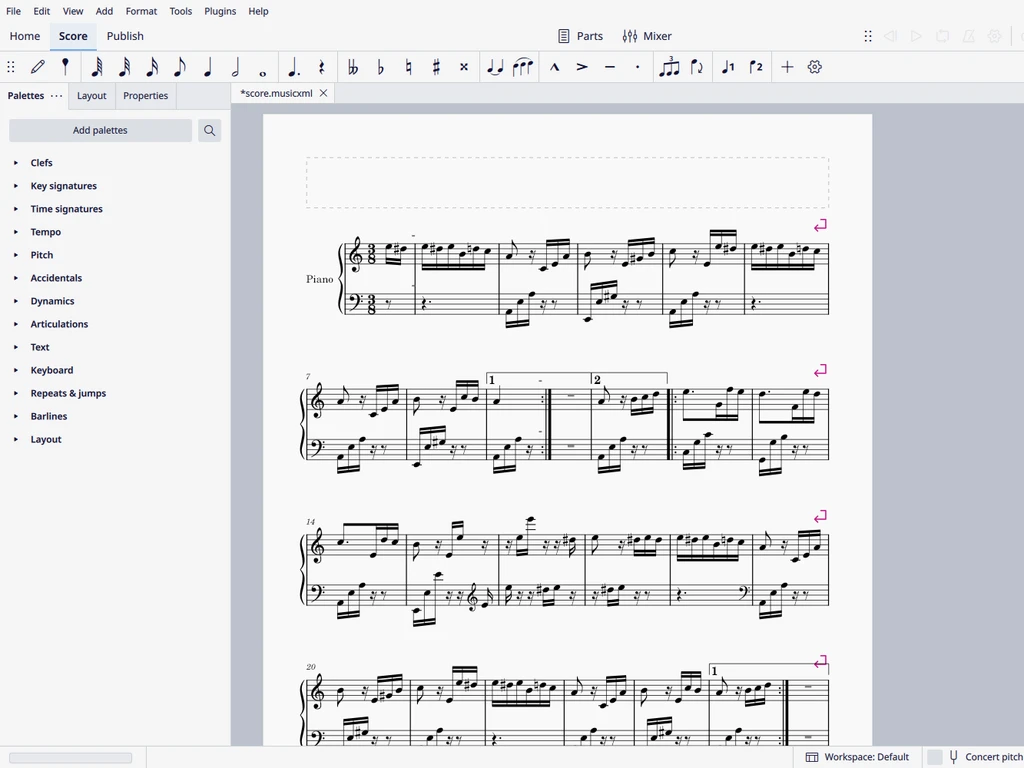
This is the same Für Elise MusicXML from the example above, opened in MuseScore 4.
Open the file with File, Open. Staves, clefs, key and time signatures and repeats are already in place, so you can fix a note, add dynamics or transpose the piece right away.
Once the score looks right, export a fresh PDF from your notation app. Old photocopies and faded books come back as clear, evenly engraved pages.
MusicXML is the shared format for sheet music software, on Mac and Windows alike.
MuseScore opens MusicXML directly. This is the quickest way to import a PDF into MuseScore and edit it as a real score.
Use File, Import, MusicXML. Players, staves and bar numbers come across ready for layout work.
Open the file through the MusicXML import and keep working with your usual templates and fonts.
Anyone who has the music as a PDF and needs it as an editable score.
Turn pages from old method books into editable scores, then adapt and reprint them for each class.
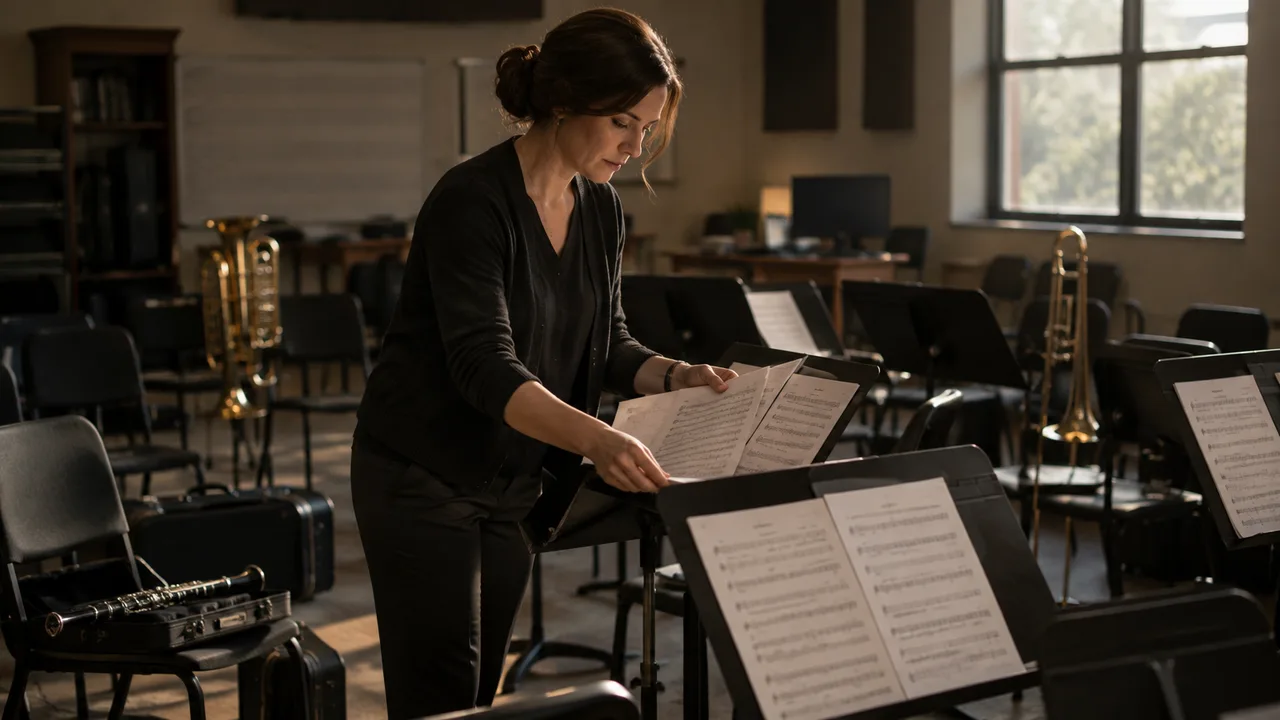
Rearrange a printed part for your group, change the key and print new parts for every player.

Bring set pieces into MuseScore to analyze, annotate and practice writing arrangements.

Transpose hymns and accompaniments to the key your singers need and print a clean copy for the stand.
From teachers, students and directors who edit scores every week.
“I had a march only as a scanned PDF. The MusicXML opened in MuseScore with the right key and repeats, and I had new parts printed the same afternoon.”
 Daniel O.School band director
“For theory class I convert the PDF, open it in MuseScore and mark up the harmony right on the score. It saves me hours of retyping.”
 Sofia M.Music student
“Our hymn books are decades old. I scan a page, transpose it in Sibelius and print it large enough for everyone to read.”
 Kenji T.Church organist
Keep going — these tools pair well with what you just read.

Upload a page, check it in your browser and open the MusicXML in your notation app.