

Vocals
Clear words, a strong chorus and a voice you can name.
The top AI music generator for you is the one that fits your project. Use six quick checks and two test tracks to compare any tool in under ten minutes.
By Nora Ellis · Updated
The best AI music generator passes each of these on your own idea.
Clear words, a strong chorus and a voice you can name.

Your own lyrics, section tags, length and instrumental mode.
Extend, split stems, master and convert to MIDI.

Commercial licensing with a certificate you can download.
Run these same tests on any generator and compare.
Vocal test, Smart mode
A funk pop song from one sentence.
Instrumental test, Custom mode
An ambient electronic track with Instrumental only.
Use it to pick the best AI music tool for your project.
| Check | What to test | MusiCraft |
|---|---|---|
| Vocals | Words sung clearly in order | Lead vocal and harmonies |
| Lyrics | Paste lyrics with tags | Custom mode with section tags |
| Length | Set an exact duration | 15 seconds to 6 minutes |
| Instrumental | Music with zero vocals | Instrumental only switch |
| Extra tools | Edit after creation | Extend, stems, mastering, MIDI |
| Models | Compare sounds on one idea | Seven models in one prompt box |
Run one vocal song and one instrumental on every tool.
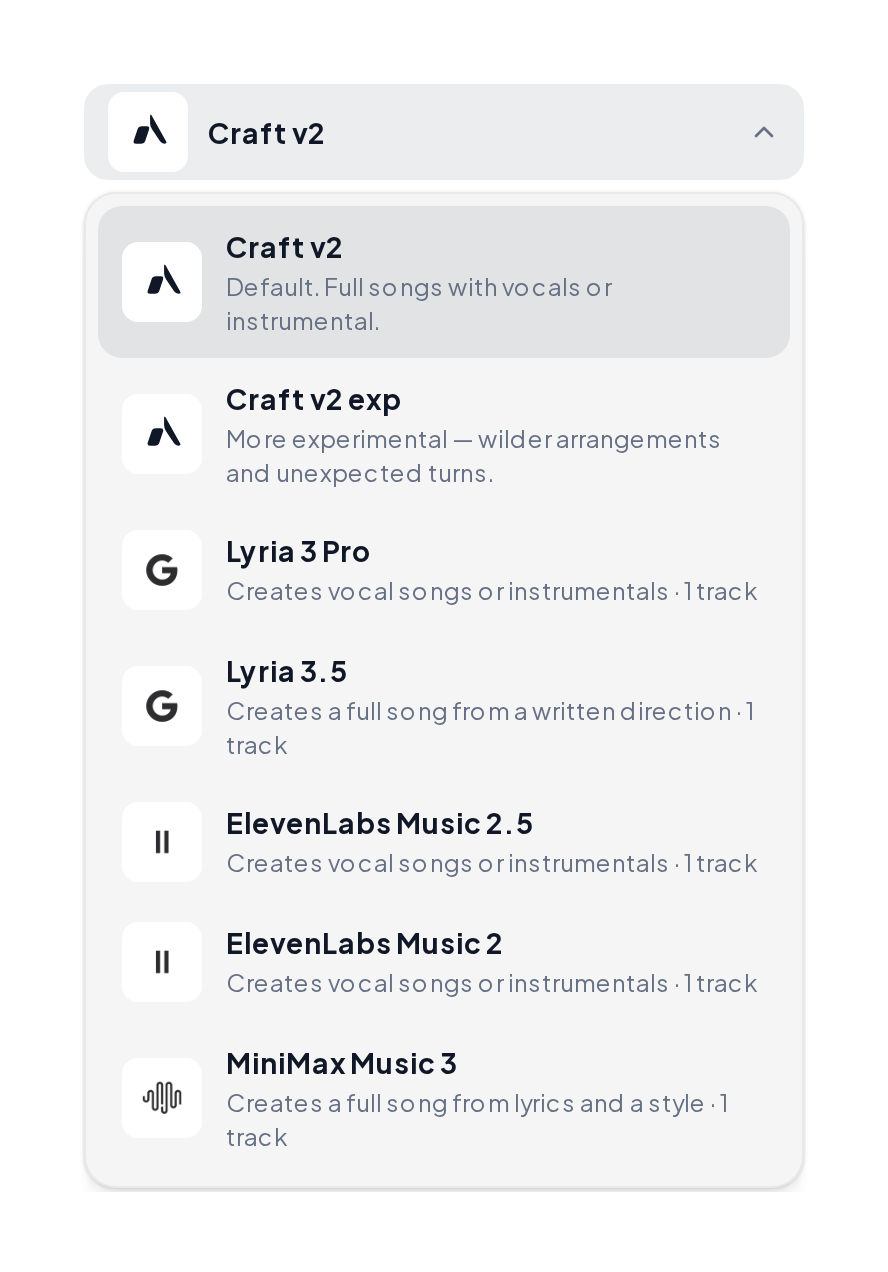
Open the model menu in the Music Generator, describe one song and run it on two or three models. Check the words, the chorus and the vocal.
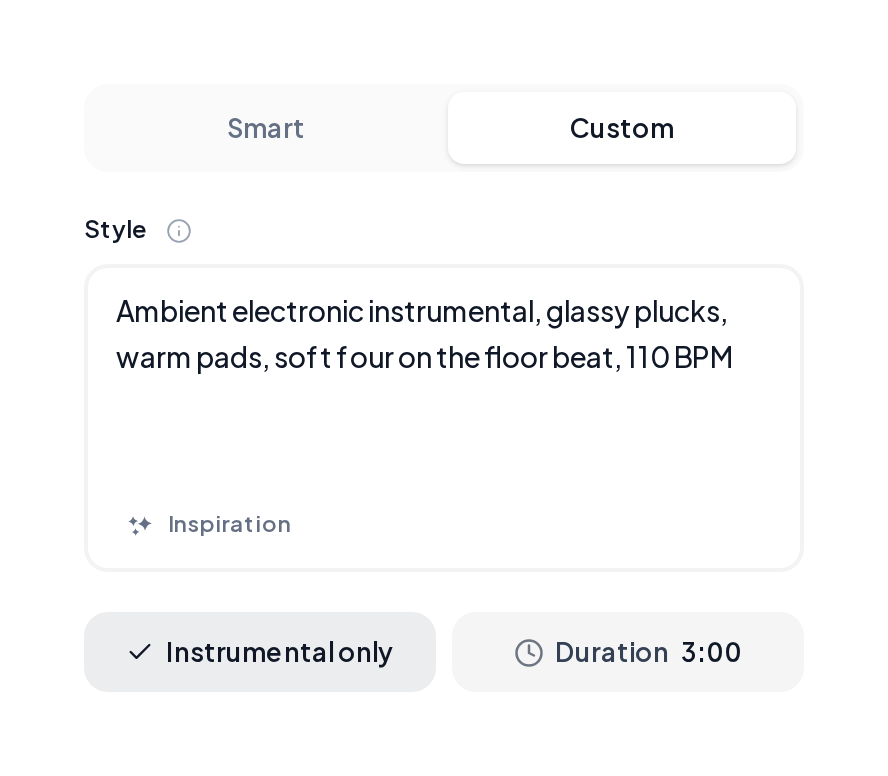
In Custom, write a Style line with genre, instruments and BPM, switch on Instrumental only and compare both takes.
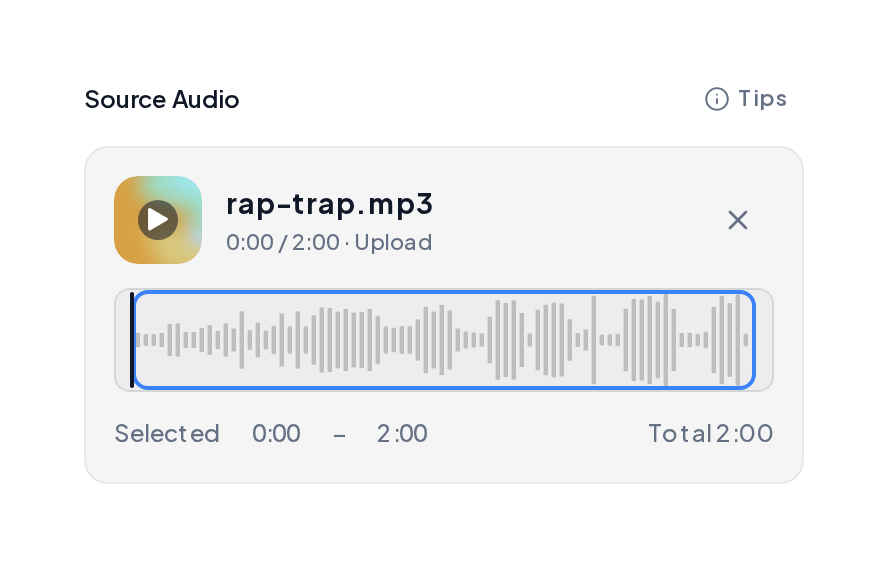
Scan a track before release.
Match the loudness of a reference.
Stems, denoise and MIDI on the same track.
Pick one that sings your own lyrics in order, lets you name the voice and returns full takes with harmonies. MusiCraft does all three from one prompt box.
Run the same two tests on each tool you try: one vocal song and one instrumental. Keep the one whose results you would actually use.
Look for exact length control, instrumental tracks and clear commercial rights. MusiCraft covers 15 seconds to 6 minutes with licensing and a certificate.
Each model has its own sound and length range. MusiCraft offers seven models in one prompt box, so you can compare them on the same idea.
Yes. Extend it with the AI Song Extender, split it with the Stem Splitter or master it with AI Music Mastering.
Two per idea is a good start. MusiCraft returns two complete takes on every run.
Run the two tests on your own idea and hear the results in minutes.