Upload an audio clip — a bounce, a sample, a voice memo, anything — and find out if it matches a copyrighted recording. You'll get the song title, artist, and a confidence score, with original recordings and cover versions listed separately.
Most people either want to know "is this copyrighted?" or "what song is this?" Both questions get answered from the same audio fingerprint in one pass. You don't need two different tools.
The scan compares your audio against a database of commercial recordings. When it finds a match, you'll see the song title, artist name, and links to the catalog entry — even if the file was renamed, trimmed, or recorded off a speaker.
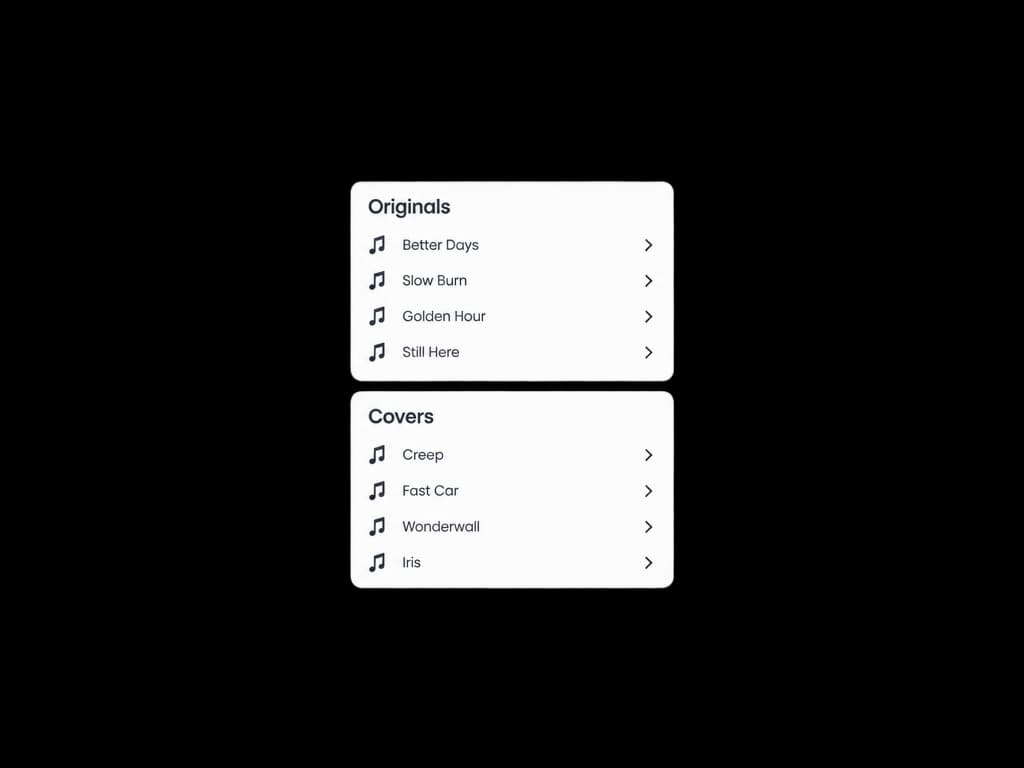
If your clip matches both an original master and a cover performance, they show up in separate groups with individual confidence scores. This matters because the copyright implications are different for each.
You don't have to scan the entire file. On the next page you can drag the selection handles to the specific section you care about — the hook, the sample you borrowed, or the 15 seconds you're worried about. Minimum is 10 seconds.
You need an audio file (MP3, WAV, M4A, or FLAC) and about 30 seconds of your time.
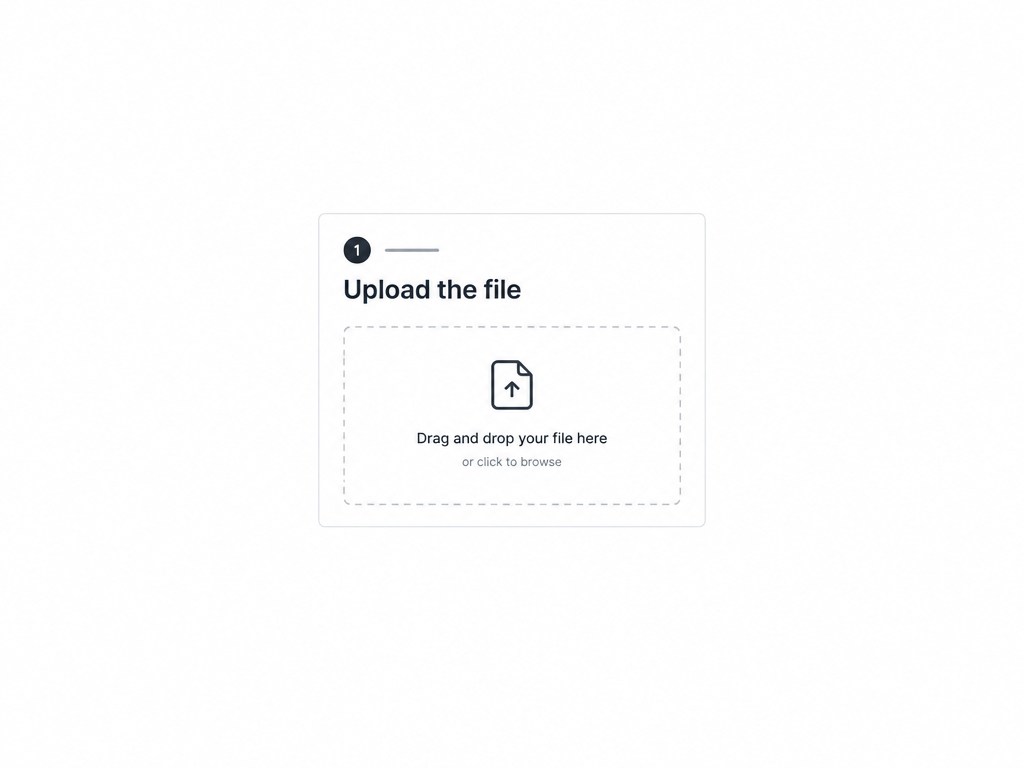
Drop your audio file here or pick one from your library. It can be a studio bounce, a voice memo from your phone, a ripped clip from a livestream, or a track from a sample pack. Anything with music in it works.
The tool loads a waveform and lets you drag the start and end points. If the whole track is what you want to check, just leave the selection as-is. The scan needs at least 10 seconds of clear audio — longer is better.
The report tells you whether the clip matched any known recording, and if so, which one. You'll see the song title, artist, confidence score, and whether it's an original recording or a cover. If nothing matches, the report says so — that's useful information too, though it's not the same as legal clearance.
YouTube and Shorts editors
You want to know if the background music in your video is going to trigger a Content ID claim before you upload it, not after. Drop the audio in, check the result, and decide whether to keep it or swap it out.
“I used to just upload and hope for the best. Now I check every track first. It takes less than a minute and it's already saved me from two claims.”
Keep going — these tools pair well with what you just read.