
Loading…
An AI drum remover lifts the drums out of a song and leaves the band playing. You sit in the drum seat and play along with the real track.
By Jonah Okonkwo · Updated

Pick the mode by what you plan to do with the drums.
Two files: the drums and Other. Other is your drumless track.
Each piece on its own track: kick, snare, hi-hat, crash, toms and ride.
Drums, bass, vocals and more, for a full rebuild.
A drums remover opens up practice, covers and sampling.

Record your own drum part over the drumless track.

Use the drum remover online on a phone or a computer.
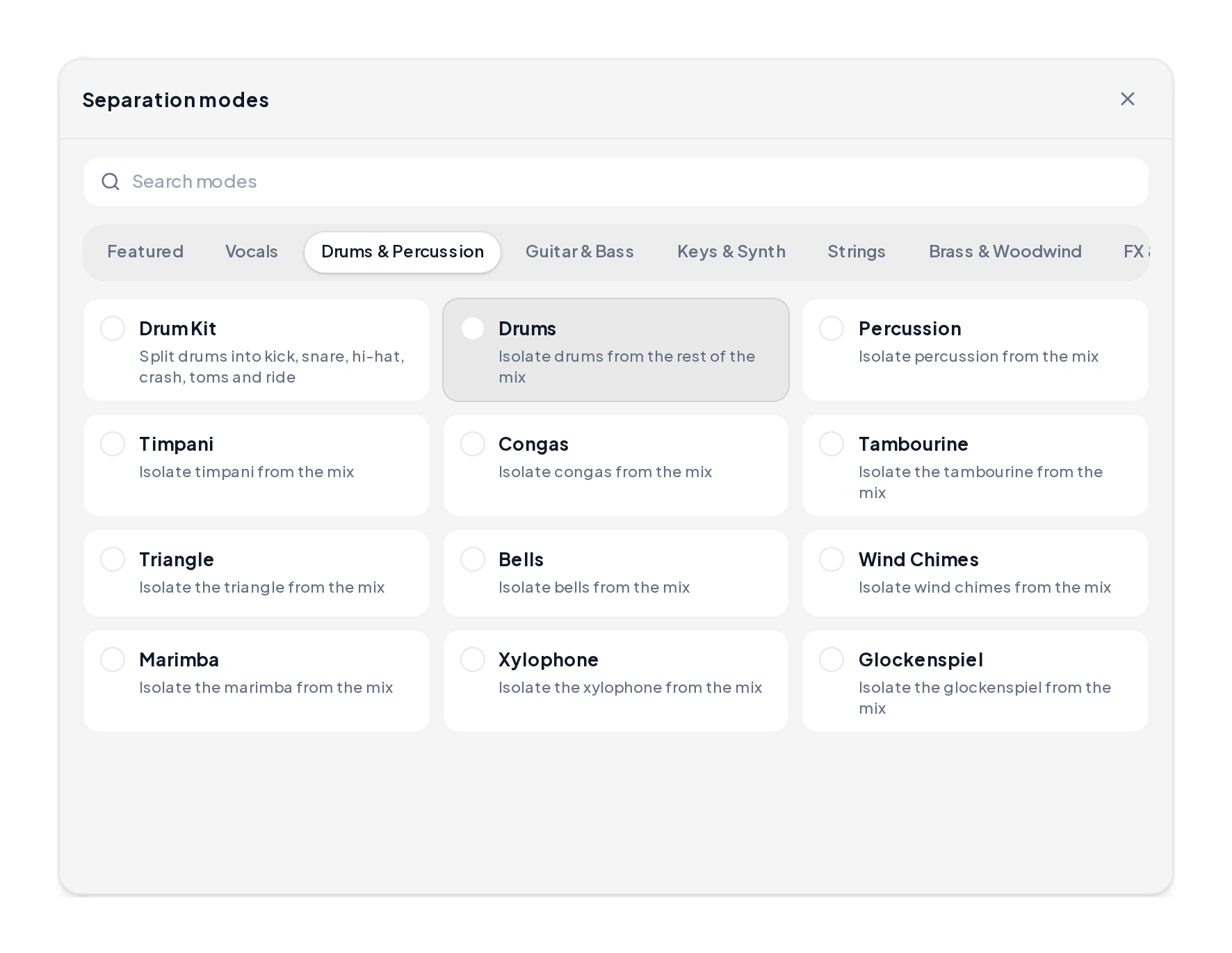
Open the Stem Splitter, upload your song and open the Drums & Percussion category.
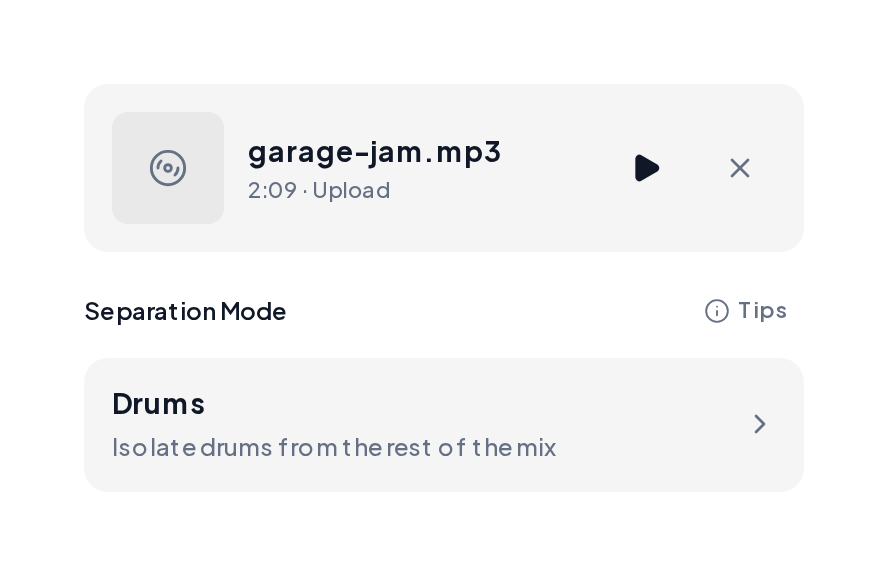
Choose Drums. You get two files: the drums alone and Other, the full song minus the drums.
Use the same song four ways.
| Pass | Track | Focus |
|---|---|---|
| 1 | Full song | Listen and chart the parts |
| 2 | Drums only | Learn the exact groove and fills |
| 3 | Other at your tempo | Play the part with the band |
| 4 | Other, recorded | Listen back and fix the rough spots |
Pair the drumless track with these.
Yes. You can start in your browser and use it as a free drum remover on your first songs. Drummers use the drum remover online free for daily practice, and the free drum remover online works on phones and tablets.
Other. It holds the vocals, bass, guitars and keys with the drums lifted out.
Drums separates the whole kit from the song. Drum Kit splits the drums further into kick, snare, hi-hat, crash, toms and ride.
Run the song through the BPM and Key Finder and set your click to match.
MP3, WAV, M4A and FLAC, up to 10 minutes per song.
Yes, once you clear the original song with its rights holders.
Upload one song to the drum remover and take the drum seat in about a minute and a half.