
Keep stems together
Every stem starts at the same point, so they line up in any editor. Send a bass or keys stem to Audio to MIDI to edit notes.
Audio to MIDIA stem separator turns one finished mix into separate tracks for vocals, drums, bass and more. Here is how to start from a good file and get stems you can actually use.
By Jonah Okonkwo · Updated

Three quick checks shape every stem that comes back.
Pick the album version over live or radio edits.
WAV, FLAC or a high quality MP3 keeps detail in every stem.
Trim to the verse or drop you plan to use, up to 10 minutes.
An audio stem splitter serves each job with a different mode.
| Role | Mode | Use the stems for |
|---|---|---|
| DJ | Vocals & Instrumental | Acapella blends and live mashups |
| Remixer | Full Band | Rebuilding the track around one part |
| Cover band | 6 Stems | Muting your own instrument to play along |
| Music teacher | 4 Stems | Soloing one part for students to hear |
| Singer | Karaoke | Backing tracks with backing vocals kept in |
The song stem splitter runs in your browser on a phone or a computer.
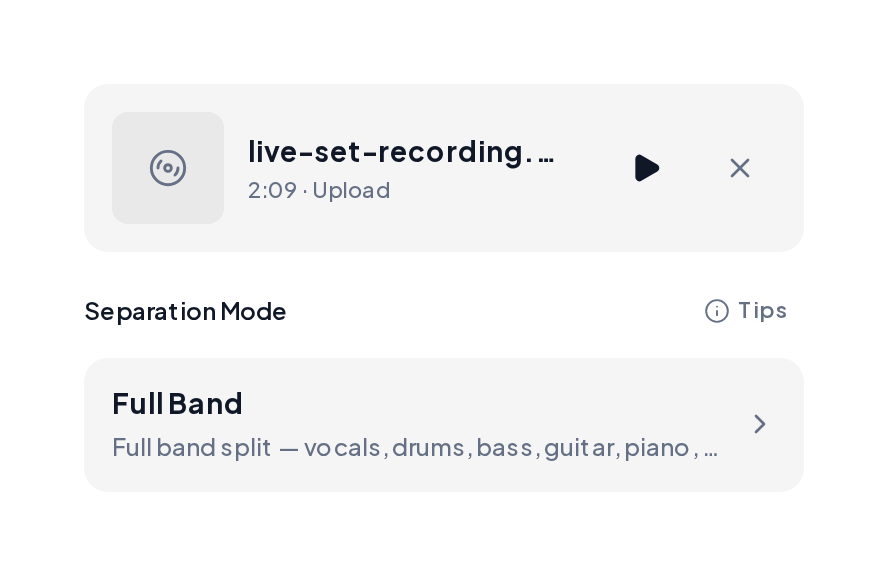
Open the Stem Splitter, upload the song and pick Full Band to split every part in one pass.
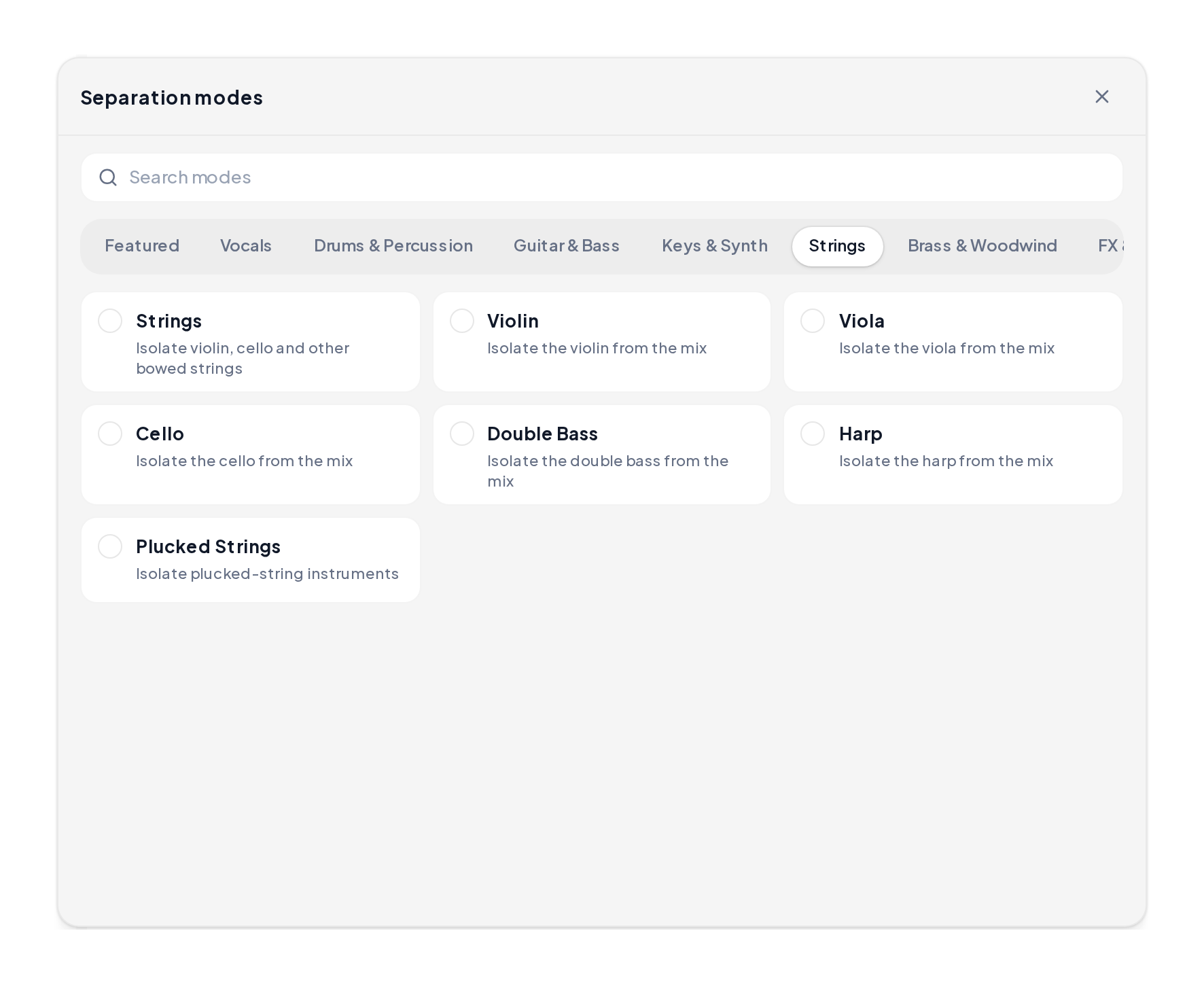
Open a category such as Strings, Guitar & Bass or Brass & Woodwind to pull one instrument family.
A few habits keep the stems tidy in your project.
Every stem starts at the same point, so they line up in any editor. Send a bass or keys stem to Audio to MIDI to edit notes.
Audio to MIDI
66, grouped into Vocals, Drums & Percussion, Guitar & Bass, Keys & Synth, Strings, Brass & Woodwind and FX.
Yes. You can start in your browser, preview each stem and download the ones you need.
Most songs finish in under 90 seconds.
WAV or FLAC studio releases. A high quality MP3 also works well.
The song splitter guide compares every count side by side.
Yes, once you clear the original song with its rights holders.
Upload one song to the stem separator and pick the stems your project needs.