
Kitchen voice note
Cleaned · 0:16
0:000:16

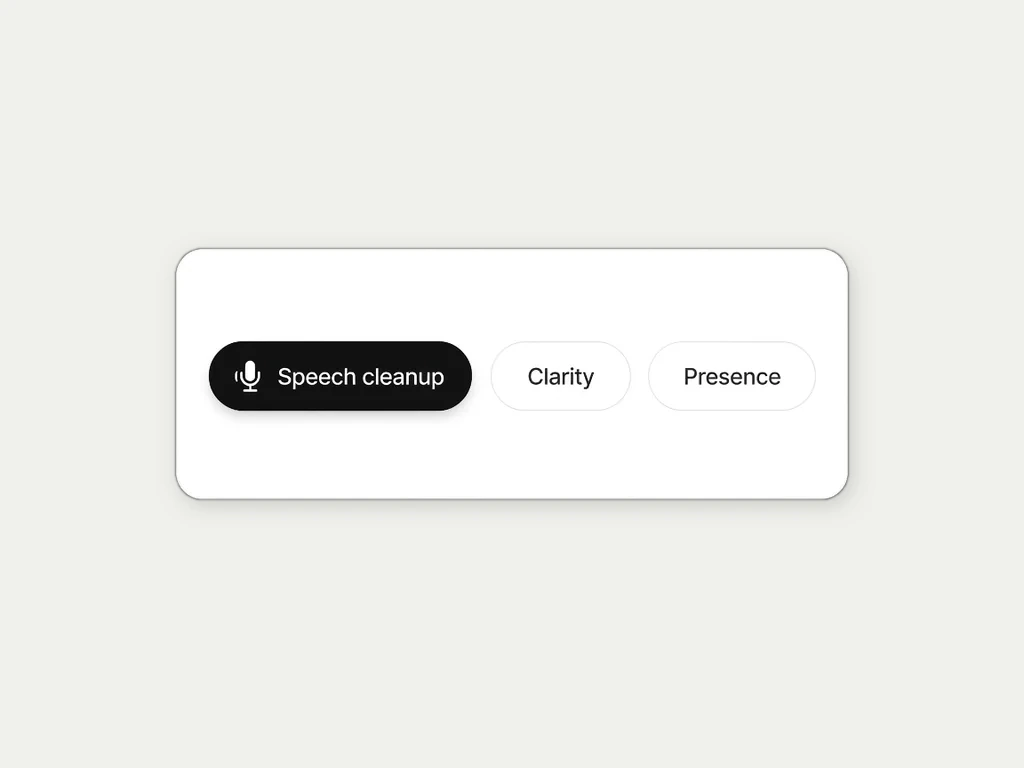
Clean noisy voice for podcasts, interviews, and voice notes. This AI voice enhancer opens Clean noisy voice on the AI Audio Enhancer with Gentle strength, so light hiss and room noise drop without rebuilding sung vocals inside a song mix.
Before carries room hiss on a spoken take. After is Clean noisy voice on Gentle. Toggle to compare, then open the Enhancer on your own file.
Cleaned · 0:16
Use Gentle for light hiss and room noise. Switch to Strong on the tool page when the take is rough, or open AI Audio Restoration when you already know you need harder cleanup. For compressed music, use MP3 Enhancer instead.
Reduce hiss, fan rumble, and steady room noise on interviews, voiceovers, and voice memos so dialogue stays clear without a loudness push.
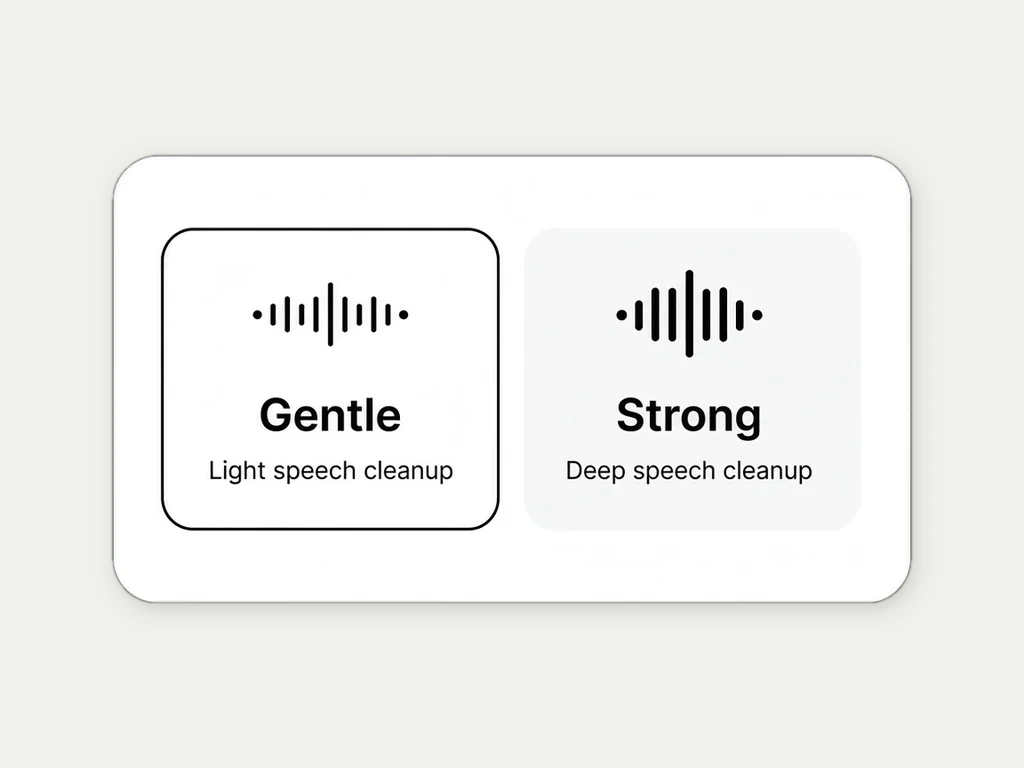
Gentle stays closer to the original tone. Strong cleans harder on rough recordings and may change voice detail. Pick the strength that still sounds like the speaker.
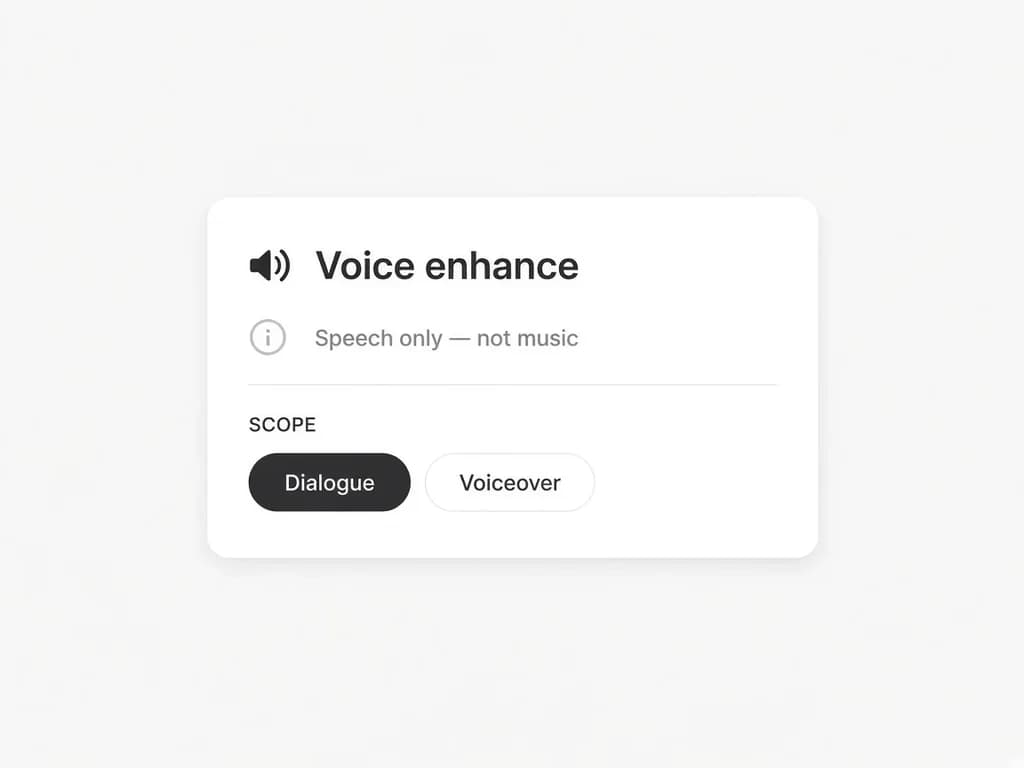
Clean noisy voice is for speech. It does not reconstruct missing sung vocals inside a full song mix. For music compression damage, use Restore compressed music with Whole song or Vocals only.
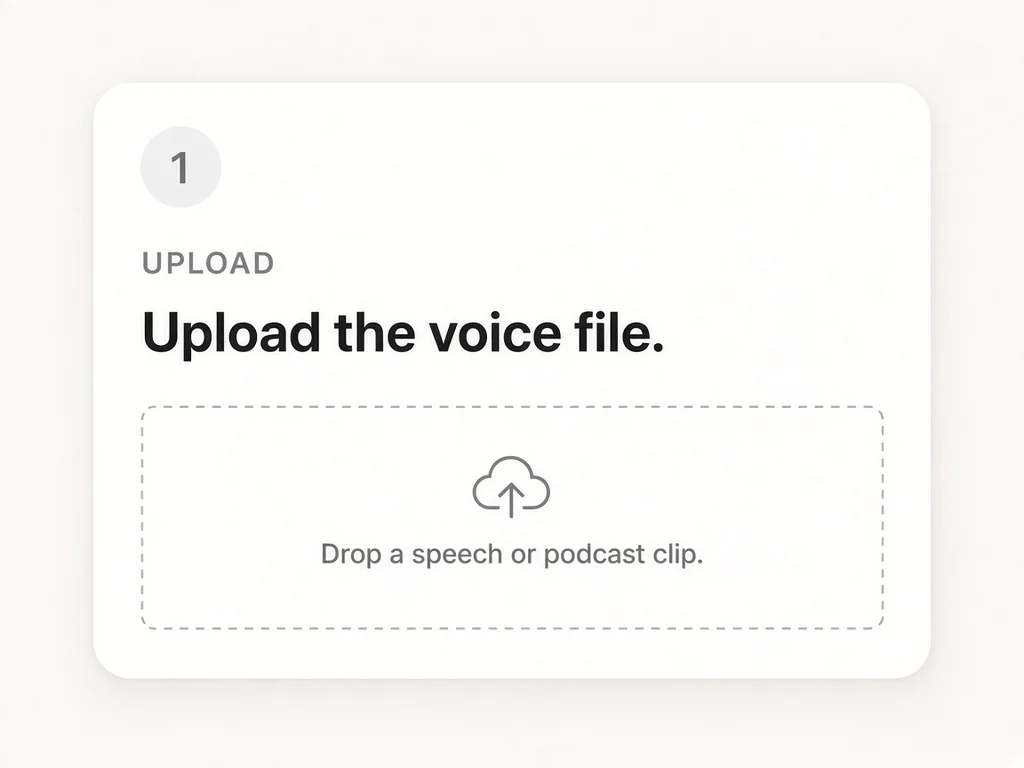
Upload speech audio, keep Gentle or pick Strong, then download from History.
 PodcastersClean remote-guest hiss and room hum before you publish the episode.
 Course creatorsImprove voiceover takes recorded in untreated rooms without sounding robotic.
 Video teamsClean dialogue tracks and phone VO so speech sits cleanly under picture.
 Interview and research teamsMake interview archives easier to hear before transcription or review.
Keep going — these tools pair well with what you just read.