
Kitchen voice note
Restored · 0:16
0:000:16

Restore rough voice recordings with stronger cleanup. This AI audio restoration page opens Clean noisy voice on Strong on the AI Audio Enhancer for heavy noise and room damage on speech, not for inventing sung vocals in a mix.
Before is a rough spoken take. After is Clean noisy voice on Strong. Toggle to compare, then open the Enhancer on your own file.
Restored · 0:16
Strong cleans harder on noisy speech and may change voice detail. For light podcast hiss, prefer AI Voice Enhancer on Gentle. For MP3 music damage, use Restore compressed music.
Aimed at damaged voice notes, harsh remote interviews, and speech captured in bad rooms. The goal is intelligible dialogue you can keep using, not a karaoke rebuild of a song.
Opens Clean noisy voice on Strong so heavy noise gets a harder pass. If the result feels too aggressive, switch to Gentle on the tool page and run again.
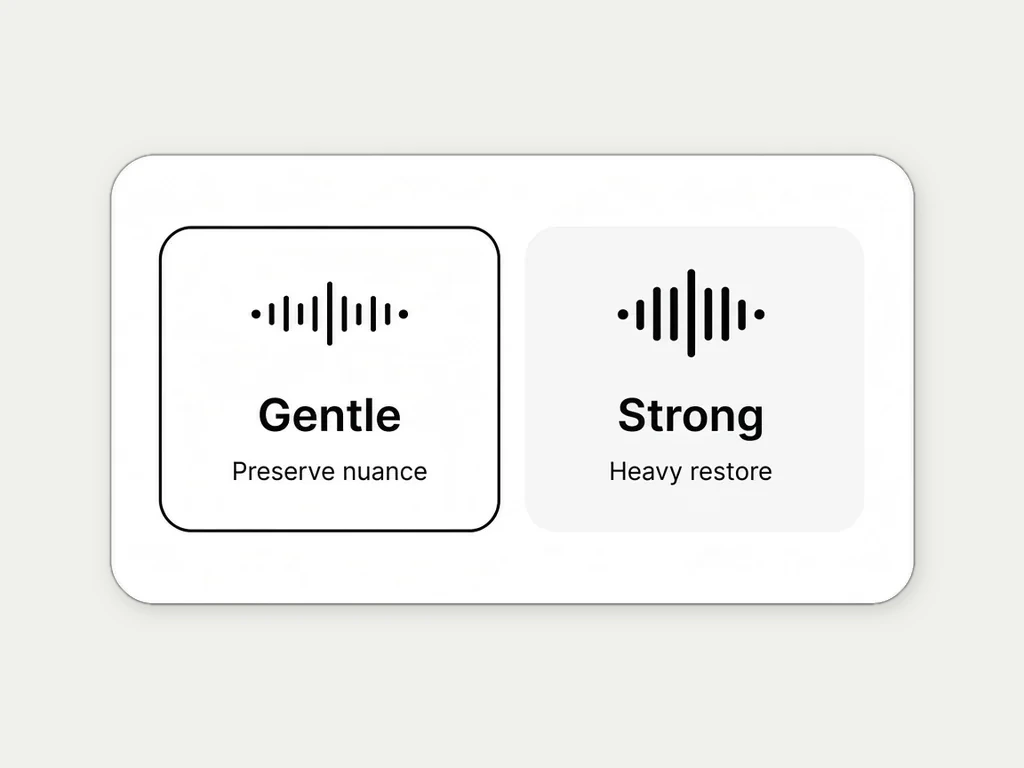
Cannot invent missing musical decisions or sung lyrics that were never recorded. For compressed music, use the MP3 Enhancer or AI Music Enhancer path instead.
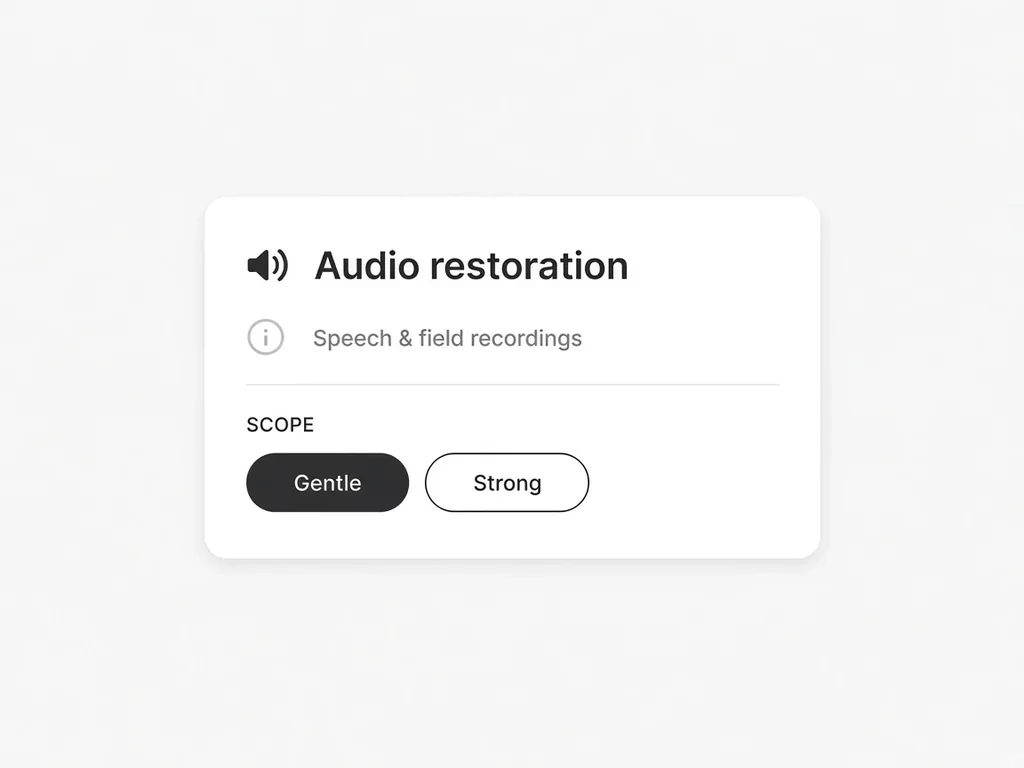
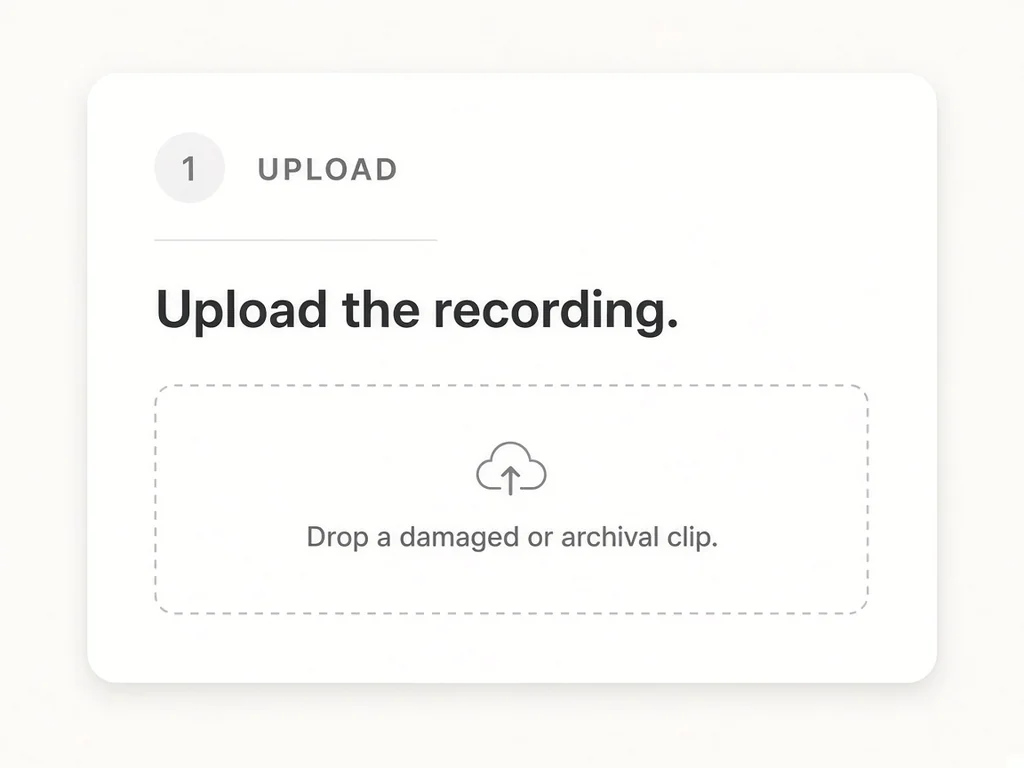
Upload a rough spoken recording, confirm Strong, then download from History.
 Podcast rescueSalvage interviews with heavy room noise when Gentle cleanup is not enough.
 Field recordingsImprove spoken notes captured in bad rooms so quotes stay usable.
 Archive speechMake old spoken archives easier to review, transcribe, or clip.
 Support and ops teamsClarify noisy customer voice messages before someone has to act on them.
Keep going — these tools pair well with what you just read.