Loading…
Song to Harpsichord MIDI
Turn a Baroque continuo realization, solo suite, or period-ensemble recording into editable harpsichord MIDI. Because real plectra pluck strings at a fixed dynamic, expressive nuance lives in micro-timing, arpeggiated spreads, and rapid trills — upload MP3, WAV, M4A, or FLAC, keep harpsichord preselected, verify the ornament onsets on the piano roll, and pull the unquantized .mid into your DAW.
Hear the plucked jack action, verify the harpsichord MIDI
Audit the source recording beside the piano roll. Fast mordents, rolled spreads, and two-hand counterpoint lines are far easier to trust when you can see whether rapidly plucked notes were captured cleanly instead of smeared together.
Reading the MIDI…
Built for plucked transients, dense ornaments, and counterpoint
Harpsichord-only hard mask in period mixes
This page opens Audio to MIDI with harpsichord locked in as a hard mask. In chamber recordings where cello continuo, lute, or baroque strings share the midrange, the model isolates the bright plucked quill attacks instead of dumping the whole ensemble into one file.
Ornaments and staggered spreads on the piano roll
Without velocity sensitivity on a traditional jack mechanism, harpsichordists articulate emphasis through agogic delays, rolled chords, and crisp trills. The roll lets you inspect individual grace notes and polyphonic voice crossings before export.
Unquantized .mid ready for 8' and 4' choir libraries
History prioritizes the unquantized transcription MIDI so natural Baroque rubato and staggered chord rolls survive. Drop the .mid onto a French or Flemish double-manual harpsichord library in Logic, Cubase, or Dorico without flattening the human micro-timing.
Plucked quills — distinct from piano or clavinet
Harpsichord strings are plucked with sharp high-harmonic decay and uniform strike energy. Use the acoustic piano page for hammer-velocity dynamics, or the clavinet page for funk tangent-struck pickup grooves.
How to convert a song to harpsichord MIDI
Four focused steps from a period recording or continuo stem to a clean, polyphonic .mid.
- 1
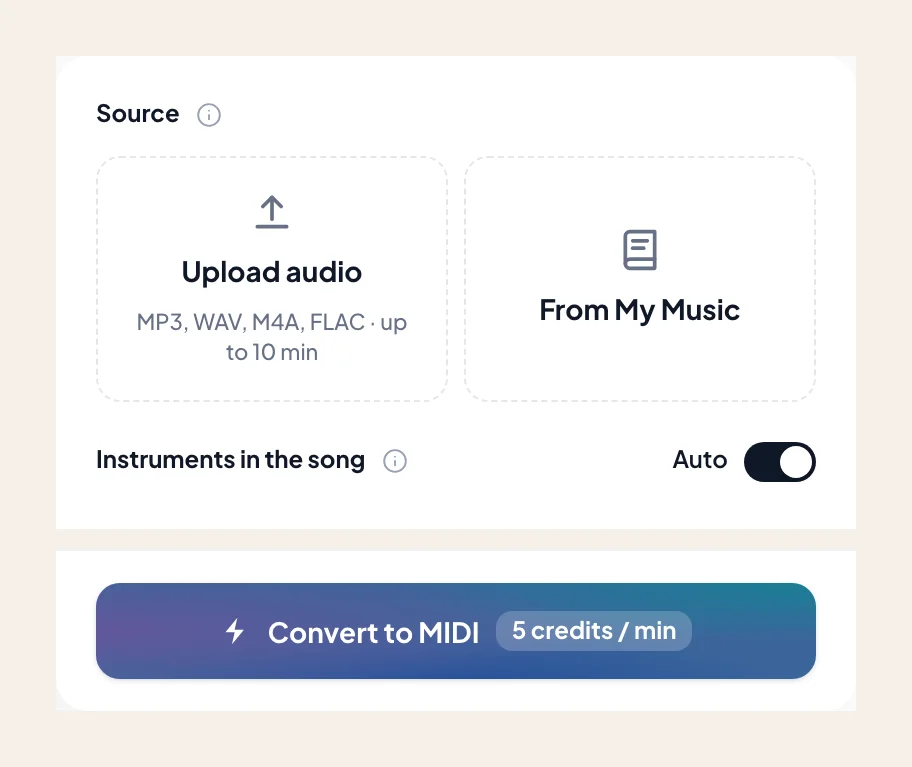
Upload up to 10 minutes of harpsichord audio
Drop in an MP3, WAV, M4A, or FLAC — solo French suites, Scarlatti sonatas, chamber continuo stems, or baroque pop keys. You can also import directly from My Music.
- 2
Keep harpsichord locked in the instrument mask
Harpsichord is preselected on arrival. Leave it soloed so the transcription engine focuses strictly on the plucked keyboard transients rather than accompanying strings or winds.
- 3
Inspect trills and inner voices on the roll
Play the audio alongside the piano roll to verify that fast upper-neighbor trills, mordents, and left-hand bass octaves didn't merge or jump octaves from 4-foot registration overtones.
- 4
Export the unquantized .mid to your DAW
Download the transcription .mid and load it into your harpsichord VST or notation workflow. Preserve the micro-timing of rolled chords rather than hard-quantizing to a rigid grid.
Harpsichord MIDI tailored for period VSTs and scoring
Once the counterpoint and ornaments align on the roll, download the .mid for your session. Need engraved staff notation? Visit the Audio to Sheet Music harpsichord sibling page.
- 01
Unquantized Transcription MIDI (.mid)
History surfaces the raw, unquantized performance MIDI first — keeping every staggered spread, appoggiatura, and continuo timing nuance intact for your DAW.
- 02
Ready for double-manual harpsichord libraries
Route the .mid straight into Pianoteq, Kontakt harpsichord banks, or Vienna Historic Winds/Keys, then assign 8-foot, 4-foot, or lute-stop registrations.
How to get cleaner harpsichord MIDI from historical takes
Coupled 4-foot stops and hall reflections can trick pitch detectors — here is how to keep the piano roll crisp.
Watch for 4-foot coupler octave doubles
When a harpsichord has its 4' choir coupled to the 8' strings, every key press sounds an octave higher simultaneously. Scrub the roll to trim upper-octave shadows if you only want the fundamental fingering.
Separate dense chamber ensembles first
If baroque violins and cello continuo mask the keyboard's right-hand inner voices, run Stem Splitter first and feed the isolated keyboard stem into Audio to MIDI.
Avoid grid-snapping Baroque ornaments
Hard 16th-note quantization ruins French overture spreads and trill accelerations. Keep the unquantized .mid and adjust individual ornament boundaries gently on the DAW roll.
Early-music arrangers and composers on harpsichord MIDI
“Transcribing an improvised continuo realization by ear used to take all afternoon. The hard mask caught the rolled four-voice chords and fast mordents without pulling in the baroque cello.”
“Because the exported .mid isn't snapped to a mechanical grid, all the subtle agogic delays on our Scarlatti take survived when we loaded it into our Flemish harpsichord Kontakt patch.”
“We needed the exact baroque-pop harpsichord counter-melody from a vintage demo stem. Checking the trills on the piano roll took thirty seconds and saved hours of manual clicking.”
More keyboard and period instruments as MIDI
Explore sibling keyboard pages — each preselects its own hard mask inside Audio to MIDI.
Piano
Convert a song or MP3 to piano MIDI online. Upload audio up to 10 minutes, keep acoustic piano selected, and download a .mid for Ableton, Logic, or FL Studio — rewrite and revoice in your DAW.
Electric piano
Convert a song or MP3 to electric piano MIDI online. Capture Rhodes, Wurlitzer, or stage-EP comps as a .mid — keep electric piano selected, then rewrite the voicing in your DAW.
Organ
Convert a song or MP3 to organ MIDI online. Capture held manuals and drawbar lines as a .mid — keep organ selected, then shape sustain and voicing in your DAW.
Frequently asked questions
Does Song to Harpsichord MIDI give accurate results?
How do I use Song to Harpsichord MIDI?
Does harpsichord MIDI include note velocity even though real harpsichords don't have touch dynamics?
How does it handle coupled 4-foot stops and fast Baroque trills?
How is this page different from the acoustic piano or clavinet MIDI pages?
If I upload a baroque chamber track, will the violins and cello bleed into the MIDI?
Can I get printable harpsichord sheet music instead of a .mid file?
Can I try Song to Harpsichord MIDI for free?
What do I get after conversion?
Can I open the result in my music software?
Can I use the result in my own projects and commercially?
What files can I upload?
How do I get the best result from Song to Harpsichord MIDI?
Convert your harpsichord recording to editable MIDI
Upload your track, keep harpsichord selected, verify the ornaments on the roll, and download the .mid.