Loading…

Song to Synth Pad MIDI
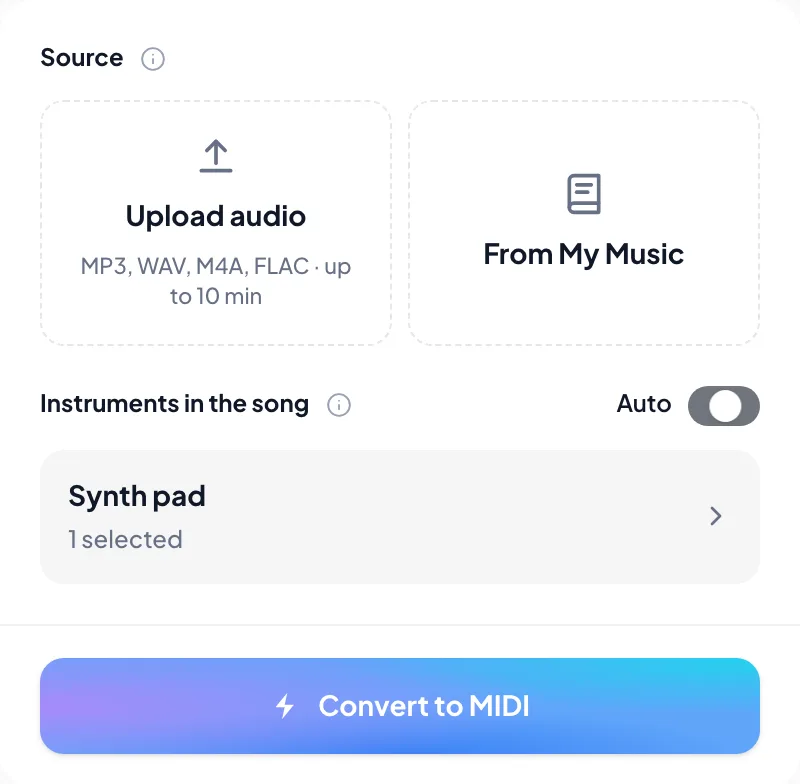
Turn a song into synth pad MIDI you can edit. Upload MP3, WAV, M4A or FLAC, leave synth pad selected, check the held harmony on the piano roll, then drop the .mid into your DAW.
Hear the pad, see the synth pad MIDI
Play the source beside the piano roll. Held chords are easier to trust when you hear the same beat before export.
Synth Pad
0:00 / 0:00
Reading the MIDI…
Synth pad MIDI for the held harmony you heard
Synth-pad hard mask
This landing opens Audio to MIDI with synth pad already chosen. MIDI stays on held harmony instead of chasing a mono lead.
Chord pads as editable notes
Download the unquantized .mid for any pad patch. Dense pads land as editable chord blocks — revoice them for a solid bed.
When the pad is buried
Isolate the pad stem with Stem Splitter first if leads dominate, then upload that stem here.
Not lead and not synth strings
Mono leads and synth-string beds have their own MIDI landings.
How to turn a song into synth pad MIDI
From the pad take you have to a .mid you can revoice.
- 1
Upload up to 10 minutes of audio
MP3, WAV, M4A or FLAC — pad stem or mix where held harmony is clear. Or pick from My Music.
- 2
Keep synth pad selected
This page already chooses synth pad. Add another part only if it should share the MIDI.
- 3
Check held chords on the piano roll
Scrub chord changes against the recording before export.
- 4
Download .mid and revoice in the DAW
Take the transcription MIDI into Ableton, Logic, or FL Studio.
Synth pad MIDI you can export
When the roll looks right, take the .mid into your DAW.
- 01
MIDI (.mid)
Preferred DAW import — History surfaces the unquantized transcription MIDI first. Drop it into Ableton, Logic, FL Studio, or similar.
- 02
Revoice held beds on your pad stack
Park the .mid on your pad stack, then revoice held blocks for a solid bed.
Clearer pad audio, cleaner synth pad MIDI
If the pad is buried under the lead, isolate it first — then convert that stem.
Start from a pad-forward take
A solo pad stem beats a washed-out full mix.
Isolate when the mix is busy
Use Stem Splitter, upload the stem here, or leave Auto on if the pad is already obvious.
Revoice the held bed
Revoice held blocks on your pad stack for a solid harmonic bed.
Producers who needed pad MIDI, not another preset pack
“Chorus pad became MIDI I could revoice under a new progression.”
“Hard mask kept the lead out of the pad clip. Harmony stayed readable.”
“Dropped the MIDI into Ableton, then I cleaned the blocks. Good bed.”
More instruments as MIDI
Same family first — each page opens Audio to MIDI with that part already selected.

Voice
Convert a song or MP3 to vocal MIDI online. Capture a sung melody as topline note MIDI — not lyrics. Keep voice selected, then rewrite the melody in your DAW.

Synth lead
Convert a song or MP3 to synth lead MIDI online. Capture a mono lead line as a .mid — keep synth lead selected, then rewrite the hook in your DAW.
Synth strings
Convert a song or MP3 to synth strings MIDI online. Capture a synth-string bed as a .mid — keep synth strings selected, then revoice in your DAW.
Frequently asked questions
Can I get synth pad MIDI from an MP3?
If I only select synth pad, does the whole band still appear?
Can I edit this pad MIDI in my DAW?
Synth strings instead?
Related tools
Keep going — these tools pair well with what you just read.
Audio to Sheet MusicAudio to MusicXML ConverterMusic TranscriptionSheet Music ScannerPDF to MIDIPDF to MusicXMLStem SplitterAI MasteringDenoiseDereverbAcapella ExtractorClean Inverted VocalsAI Audio EnhancerMP3 EnhancerAI Music EnhancerAudio Super ResolutionAI Voice EnhancerAI Audio RestorationAI Song Voice ChangerBPM & Key FinderMusic Copyright CheckerMusic GeneratorLyria Music GeneratorElevenLabs Music GeneratorMiniMax Music GeneratorWorld Cup Music GeneratorAI Lyrics GeneratorRap Lyrics GeneratorAI Beat MakerAI Song ExtenderAI Remix GeneratorPhoto to Music GeneratorAI Music AgentJingle MakerHum to SongText to SpeechAI Lo-fi GeneratorAI R&B GeneratorAI Rock Music GeneratorAI Hip-Hop GeneratorAI K-pop GeneratorAI Jazz GeneratorAI Phonk MakerAI Birthday Song GeneratorAI Love Song GeneratorAI Lullaby GeneratorAI Memorial Song GeneratorAI Wedding Song GeneratorAI Graduation Song GeneratorAI Company Anthem Generator

Convert your song to synth pad MIDI
Upload the take, keep synth pad selected, and download a .mid for your DAW.